Learn JavaScript with PU Robot
Introduction: Learn JavaScript with PU Robot
Welcome to a revolutionary way to master coding! Instead of staring at dry syntax and math problems, you are going to learn Static TypeScript (JavaScript) by becoming the lead engineer for PU Robot—your AI-powered humanoid performer.
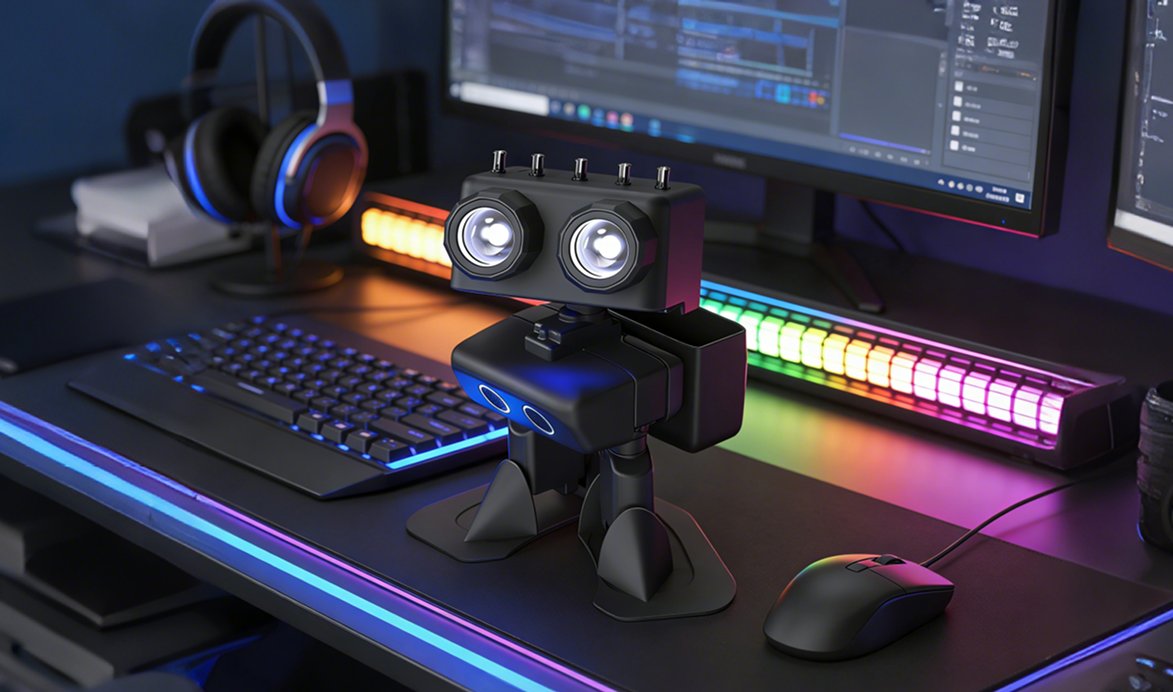
Our Philosophy: The “Top-down” Approach
Most coding courses start with boring definitions. We do the opposite. We start with action. You will implement a feature, see Robot PU move or speak, and then we will peel back the layers to understand the JavaScript logic underneath.
We move from simple sensory inputs to complex “brain” functions, building your skills brick by brick.
The Learning Path
Here is a glimpse of the journey you will take from a “Code Novice” to a “Robotics Master”, covering following concepts:
图片1
For more advanced students, we focus more on robotics topics. Here is a deeper learning path:
图片2
1. Sensing & Expression (The Basics)
- Sonar Distance Reading: Teach PU to “see” using ultrasonic waves. Learn about variables and hardware pins.
- Text-to-Speech: Give PU a voice with the pxt-billy extension. Explore strings and audio synthesis.
- Speech Content Generation: Build a “Sentence Factory” using arrays and randomizers to make PU’s speech unpredictable and “alive.”
2. Motion & Mechanics (The Body)
- Servo Control: Master the physics of movement. Learn how to map degrees to electrical pulses.
- Body Position Control: Create “Poses” by controlling multiple servos simultaneously using Object-Oriented Design.
3. Signal Analysis & Mapping (The Senses)
- Music Analysis: Teach PU to “hear” the beat and analyze sound frequencies.
- Sonar Distance Maps: Use mapping logic to create auditory and visual “Radar” systems that change as objects approach.
4. Advanced Stability & Dance (The Humanoid)
- Balancing with IMU: Use the internal Accelerometer and Gyroscope (IMU) to help PU keep his balance. This is where you learn about real-time sensor loops.
- Dancing with Balance: Combine rhythm analysis with IMU data to make PU moonwalk, split, and spin without falling over.
5. Intelligence & Navigation (The Brain)
- Navigation Maps & Path Finding: Use the sonar data to build a digital memory of a room and calculate the shortest path through it.
- Autopilot: Combine all systems so PU can explore a room autonomously.
- Emotion Actions: Program “Artificial Personalities” where PU reacts to his environment with joy, fear, or excitement.
Are you ready to give Robot PU his first command?
If you want to learn JavaScript in comprehensive way, checkout following JavaScript Knowledge Graph
图片3
Contents
📄️ 1:Quick Start of JavaScript on Micro:bit
Mastering JavaScript on the micro:bit
📄️ 2:Swtiching between JavaScript and Block Programming
Master the “Switch Trick”: Coding JavaScript Faster
📄️ 3:Robot PU Extension and Barebone Program
Here is a step-by-step tutorial to get you up and running with the Robot PU extension for BBC micro:bit using Microsoft MakeCode.
📄️ 4:Submarine Sonar Beacon
Make Robot PU “Ping” like a Submarine!
📄️ 5:Make PU Talk via pxt-billy
Lesson: Giving PU Robot a Voice
📄️ 6:Lieutenant PU, the Sonar Operator
Lesson: Robot PU the Submarine Sonar Operator
📄️ 7:Lesson:Robot PU Sensors (Observation)
Robot PU “senses” the world using a mix of:
📄️ 8:Motorizing Robot PU (Servos + I2C)
Lesson: Robot PU the Submarine Sonar Operator
📄️ 9:Robot PU and Music
Lessonbit (rhythm, tempo, pitch, scales, chords)
📄️ 10:Robot PU and Minions
Lesson: Robot PU Minion Chorus Quartet (4 tracks via radio channel)
📄️ 11:Robot PU MusicLib
Lesson: MusicLib Beat + Tempo Detection (Syncing Artistic Moves)
📄️ 12:Robot PU Maze Runner
Maze Solver Tutorial (Robot PU)
📄️ 13:Robot PU Signal Filters
---
📄️ 14:Robot PU State Machine
🤖 Robot PU Tutorial: Using a State Machine to Build a Dance Routine
📄️ 15:Robot PU Autopilot
Lesson: Autopilot Navigation with Sonar (Explore)
📄️ 16:Robot PU Event Loop
🔁 Lesson: Event Loop (Observation → Thinking → Action)
📄️ 17:Robot PU Event and Event Handler
Below is a brand‑new tutorial on creating custom events and event handlers for Robot PU, written in the same tone, pacing, and structure as the GitHub tutorial you referenced — but without copying it.
📄️ 18:Robot PU Actions
🤖 Lesson: Robot PU Actions (Asynchronous Motion)
📄️ 19:Robot PU Follows the Leader
Here’s a clean, practical example showing multiple Robot PU robots acting as followers, all controlled by one gamepad robot that broadcasts:
📄️ 20:Robot PU Smart Follower
When you combine leader‑following (global goal) with obstacle avoidance (local safety), you immediately run into a classic robotics problem:
📄️ 21:Robot PU Object-Oriented Programming
Absolutely — let’s turn your smart‑follower swarm robot into something clean, modular, and professional using:
📄️ 22:Robot PU Think
Lesson: Robot Thinking (Feedback Loops)
📄️ 23:Robot PU Balancing
🤖 Tutorial: Make Robot PU Balance on Tilts
📄️ 24:Robot PU Improved Balance
You’re asking the right question—once you have noise + unknown delay, plain PID starts to hit its limits.