Firmware Flashing
If you need to update the firmware of your PU Robot, please follow these steps:
- Get the Firmware
PU Robot Firmware Download:https://wiki-media-ef.oss-cn-hongkong.aliyuncs.com/file/pu-robot-0.6.0.hex
Remote Controller Firmware Download:https://wiki-media-ef.oss-cn-hongkong.aliyuncs.com/file/microbit-pu_Gamepad_control(0.5.3).hex
- Flash the firmware separately to the two micro:bit boards corresponding to the PU Robot and the remote controller.
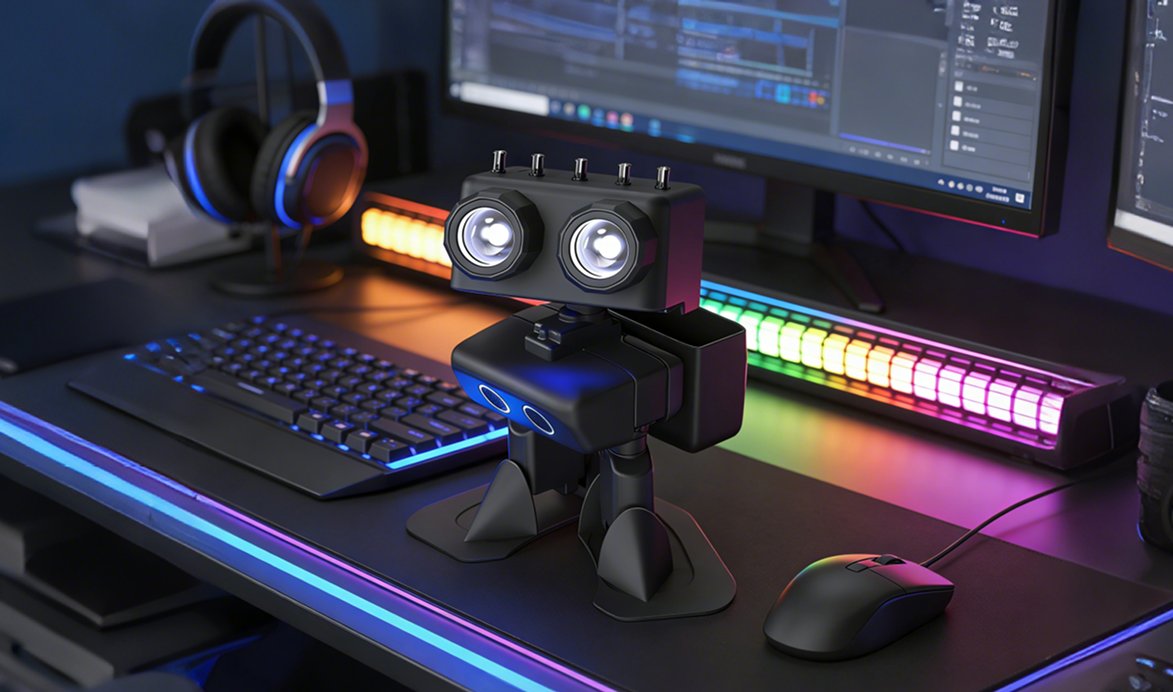
Note: Distinguish between the two micro:bit boards to prevent the PU Robot from failing to start due to incorrect firmware.
Removal and Installation of micro:bit
- Rotate the body of the PU Robot by 90°.
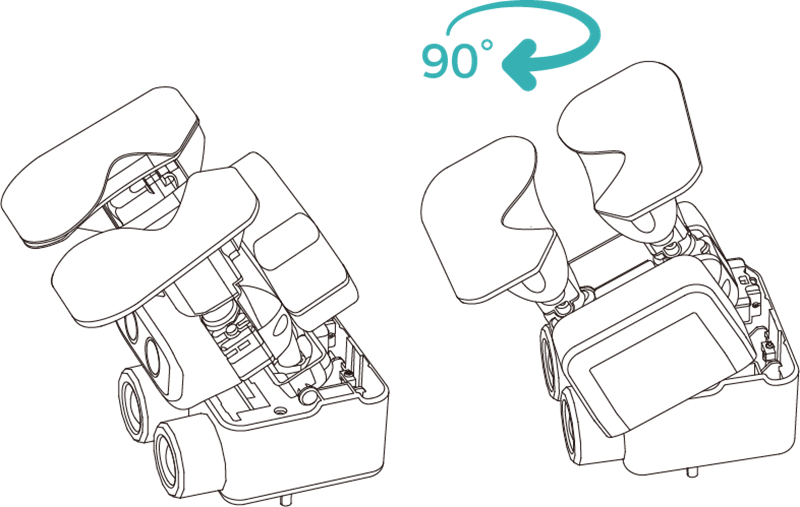
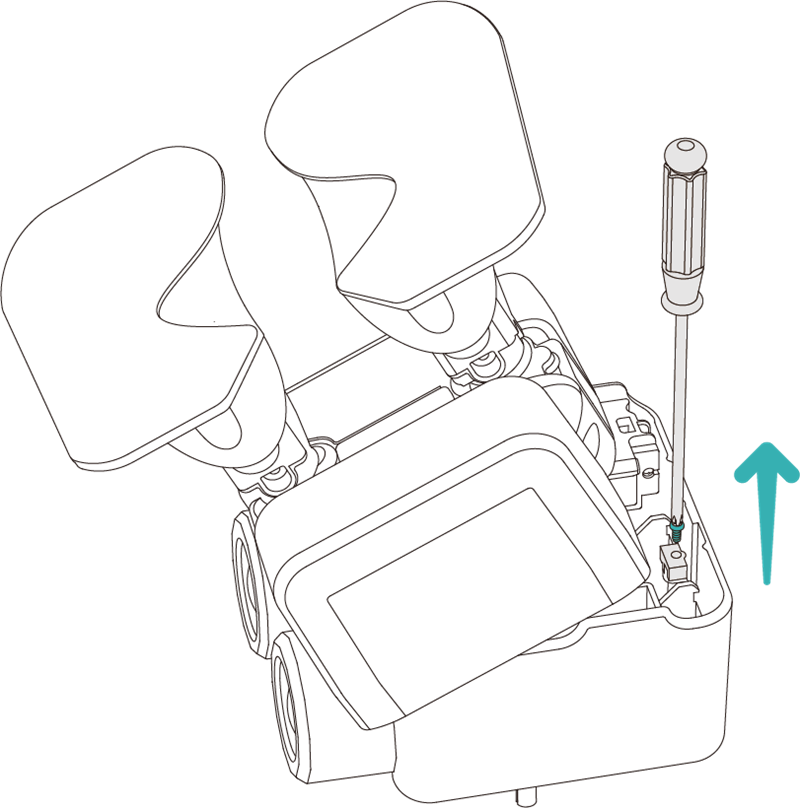
- Unscrew the fixing screws.
- Open the head cover and install the micro:bit.
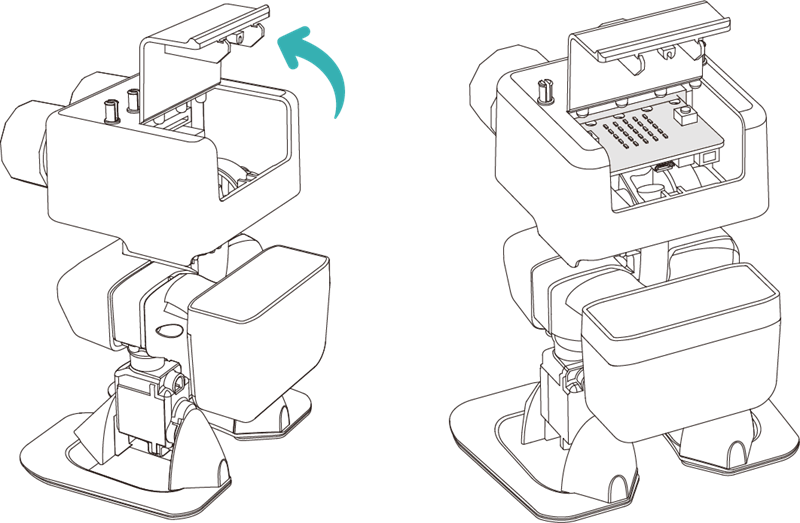
- Close the head cover and tighten the fixing screws back into place.
Warning: Do not forcibly twist the joints of the PU Robot while it is powered on, as this will damage the servo motors.
Install the micro:bit into the remote controller
- Unscrew the acrylic fixing screws on the back of the controller.
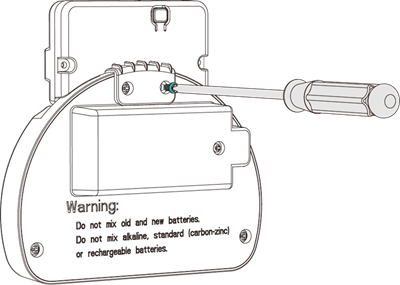
- Install the micro:bit.

- Tighten the fixing screws back into place.