Software Library Guide
Programming Platform
Go to "makecode.microbit.org" and click New Project.
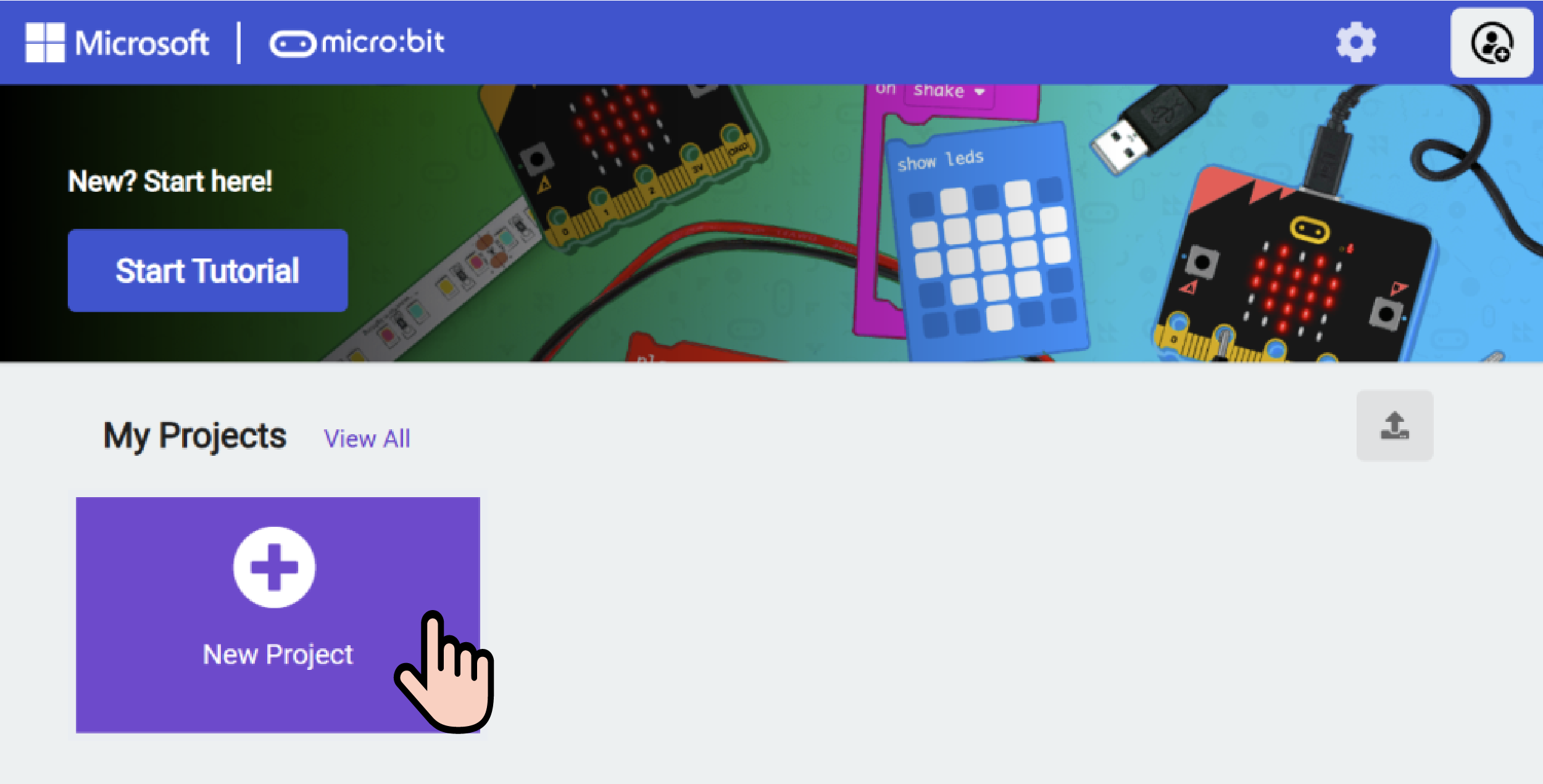
Create a New Project
Enter a project name in the pop-up window and click Create.

Add Software Library
Click Extensions in the code drawer.

Type pu robot in the pop-up interface and click the search icon. When the pu robot library appears, select it.

Block Descriptions
| Function | Command | Parameters | Details |
|---|---|---|---|
 | Set forward speed range (Param 1) / backward speed range (Param 2) | Param 1: Numeric (0~4) Param 2: Numeric (0~3) | Configures the maximum forward / backward speed of the robot |
 | Ultrasonic sensor reading (cm / inch) | Returns the distance measured by the ultrasonic sensor | |
 | Body roll angle | Returns the roll angle of the robot body | |
 | Body pitch angle | Returns the pitch angle of the robot body | |
 | Front distance array | Returns an array of front obstacle distances | |
 | Set ambient light (Param 1) color R: (Param 2) G: (Param 3) B: (Param 4) | Param 1: Option (1/2/3/4/all) Params 2~4: Numeric (0~255) | Sets the RGB color of the ambient lights |
 | Set left eye (Param 1) / right eye (Param 2) | Param 1: Option (On/Off) Param 2: Option (On/Off) | Turns the left and right eye LEDs on or off |
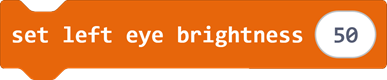 | Set left eye brightness (Param 1) | Param 1: Numeric (0~100) | Sets the brightness level of the left eye LED |
 | Set right eye brightness (Param 1) | Param 1: Numeric (0~100) | Sets the brightness level of the right eye LED |
 | Set (Param 1) servo to (Param 2) degrees | Param 1: Option (Left Foot / Left Leg / Right Foot / Right Leg / Head Yaw / Head Pitch) Param 2: Numeric (0~180, default 90) | Rotates the selected servo to a specified angle |
 | Smoothly set (Param 1) servo angle to (Param 2) with step (Param 3) | Param 1: Option (Left Foot / Left Leg / Right Foot / Right Leg / Head Yaw / Head Pitch) Param 2: Numeric (0~180, default 90) Param 3: Numeric | Smoothly rotates the selected servo to the target angle with the given step size |
 | Perform action (Param 1) | Param 1: Option (Greet / Rest / Auto Explore / Jump / Dance / Kick) | Triggers a predefined built-in action |
 | Set PU Robot to (Param 1) | Param 1: Option (Move Forward / Move Backward / Strafe Left / Strafe Right / Turn Left / Turn Right) | Sets the robot to a continuous movement mode |
 | Set (Param 1) for (Param 2) steps at speed (Param 3) | Param 1: Option (Move Forward / Move Backward / Strafe Left / Strafe Right / Turn Left / Turn Right) Param 2: Numeric Param 3: Numeric | Moves the robot in the selected direction for a set number of steps at a specified speed |
 | Speak (Param 1) | Param 1: String | Makes the robot play a given voice message |
 | Sing (Param 1) | Param 1: String | Makes the robot play a given melody or song |
 | Stop action | None | Stops all ongoing movements and actions of the robot |