micro:bit PU Robot Kit(EF08449)
Overview
The PU Robot is an intelligent educational robot designed specifically for STEAM education. It adopts a modular structure and is compatible with building block construction. It supports standard interfaces such as GPIO and IIC for sensor expansion, and is equipped with LED headlights and an ultrasonic sensor. The robot comes pre-installed with a variety of interesting action programs such as dancing and leg kicking. It supports remote control for movement and preset action performances, and can also realize head tilting rotation. It is ready to play right out of the box.
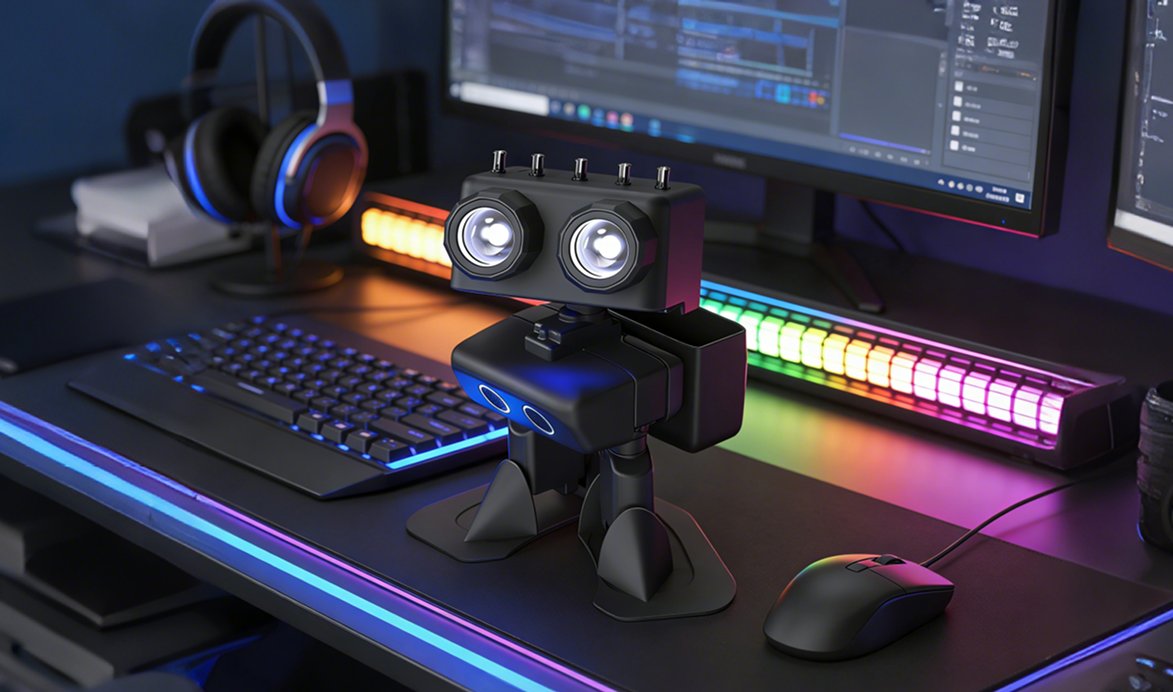
Table of Contents
🗃️ JavaScript with PU Robot
6 items
📄️ Product Introduction
Overview
📄️ Product List
📄️ Specifications
Complete Kit Specifications
📄️ Quick Start
Unboxing Guide
📄️ Firmware Flashing
If you need to update the firmware of your PU Robot, please follow these steps:
📄️ Software Library Guide
Programming Platform
📄️ How to Download Programs
How to Remove the micro:bit from the PU Robot
📄️ Case 1:PU Robot Basic Action Imitation Show
Case Introduction
📄️ Case 2:Robot Walking Challenge
Case Introduction
📄️ Case 3:Make the Robot "Obey Commands"
Case Introduction
📄️ Case 4:Action Sequence and Delay Optimization
Case Introduction
📄️ Case 5:Loop Module Programming - Automating Repetitive Actions
Case Introduction
📄️ Case 6:Combined Action Programming – Dancing Robot
Case Introduction
📄️ Case 7:Basic Variable Application – Flexible Control of Action Count and Rhythm
Case Introduction
📄️ Case 9:Beat Following Programming – Robot Dancing with Music
Case Introduction
📄️ Case 10:Comprehensive Lighting Programming – Cool Lights for the Robot
Case Introduction
📄️ Case 11:Emotional Robot – Expressing "Moods" with Lights
Case Introduction
📄️ Case 12:Shy Little PU – Sensing Distance with Ultrasound
Case Introduction
📄️ Case 13:Don’t Hit the Wall – Ultrasonic Precision Parking Challenge
Case Introduction
📄️ Case 14:Graduation Project – My Intelligent Robot
Case Introduction
📄️ pu-robot-kit-case-08
Let students convert the logic into MakeCode blocks step by step according to the flowchart, understanding the design idea of "flowchart → program".