Case 14: Voice-Controlled Light
Case Introduction
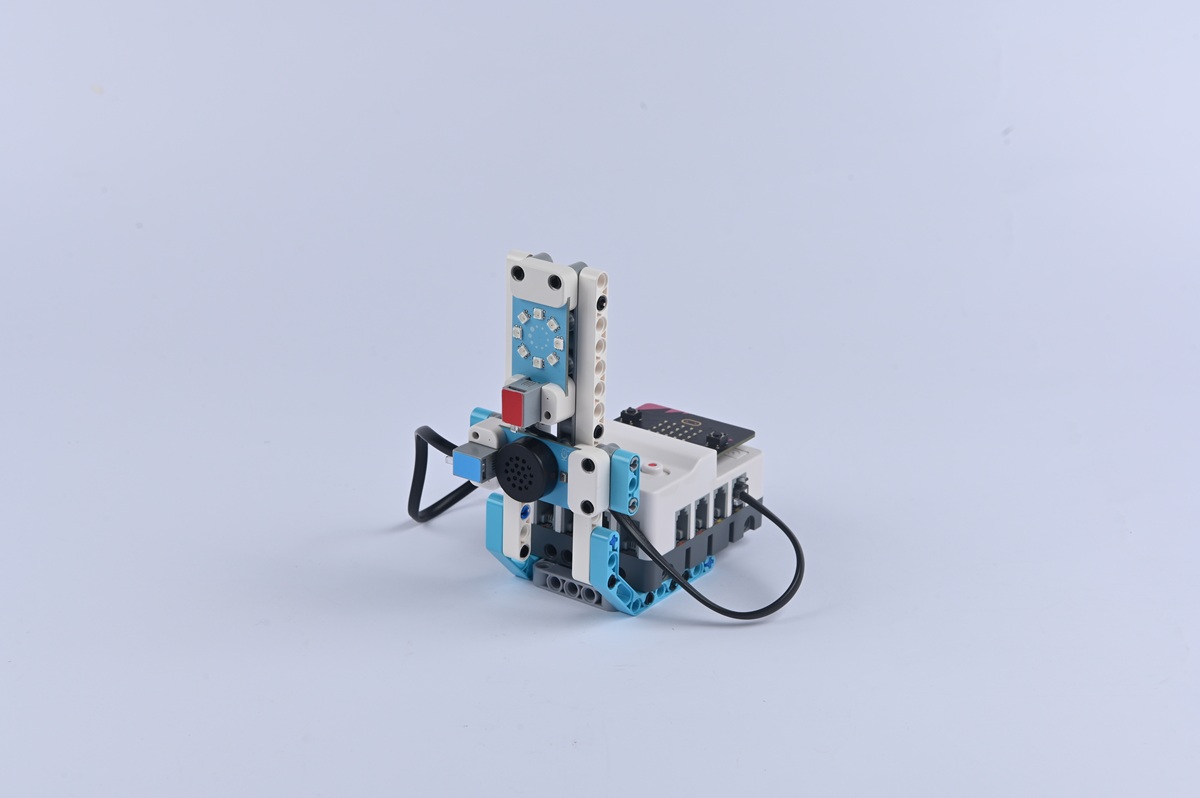
Build a voice-controlled light and control its on/off status via voice commands.
Teaching Preparation
| Name | Illustration |
|---|---|
| Nezha Pro AI Mechanical Power Kit |  |
Teaching Objectives
- Complete the assembly of the voice-controlled light, master the assembly and connection methods of the light module, lamp holder structure, and voice recognition sensor, and realize the control of the light's on/off, brightness adjustment, and color switching (if using a color light) through voice commands.
- Understand the "command parsing" function of the voice recognition sensor, recognize the correlation between voice commands and light status, and learn to program to set light parameters (e.g., brightness value, color code) corresponding to different commands.
- During the process of debugging light brightness and voice recognition sensitivity, cultivate hands-on ability, programming logic, and problem-solving ability, and learn to solve problems such as light flickering and false response to voice commands.
- Stimulate interest in smart home technology, experience the convenience of "voice-controlled lighting", and establish the cognition that "technology makes life more comfortable".
Story Introduction
Upon entering the core equipment room, it was pitch-black inside. "The lighting here is controlled by the 'Xingguang (Starlight) System'," Aji’s voice echoed in the darkness. "Saying 'turn on the light' makes it bright, and saying 'brighten' increases its brightness. Unfortunately, it’s not working now." The children groped in the dark and said, "Turn on the light!" The tube light above flickered once. "It’s trying its best to recognize the command," Aji encouraged. "Just like how you learn a foreign language, it needs time to adapt to pronunciation."
Learning Exploration
- If the light module supports color switching, how to set different colors through voice commands (e.g., "light turn red", "light turn blue")? Which modules (e.g., light color control module) need to be called during programming?
- Try setting "scene commands" (e.g., "bedtime mode" = dim light, "reading mode" = bright light). How to associate multiple light parameters (brightness, color) with one voice command during programming?
- Will ambient noise (e.g., TV sound, talking) affect the accuracy of the voice-controlled light? How to reduce false recognition by optimizing commands (e.g., using a unique command like "little light turn on" instead of "turn on")?
- Compare the voice-controlled light with lights controlled by smart speakers (e.g., lights controlled via "Xiaoai Speaker"). What is the difference in their technical principles? (Hint: Whether it relies on internet connection)