Case 12: Voice-Controlled Fan
Case Introduction
Build a voice-controlled fan, and control the fan's speed, oscillation, on/off, and other functions via voice commands.
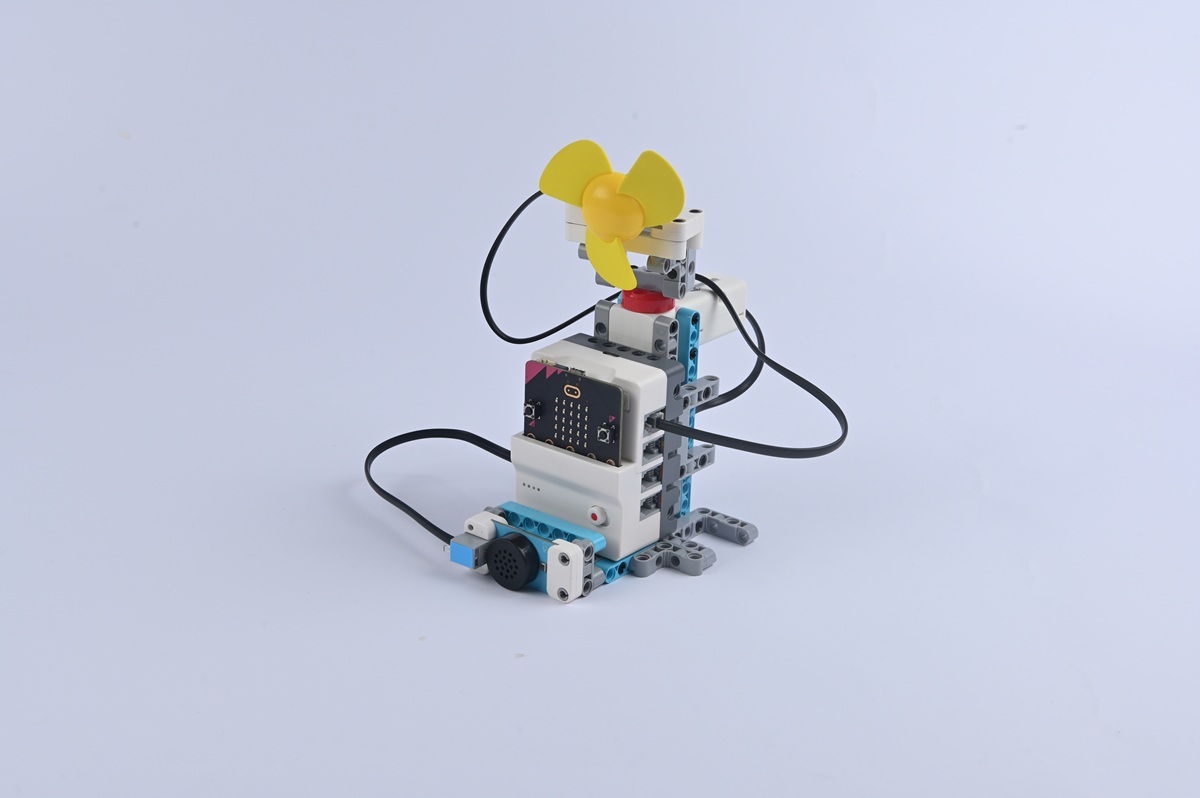
Teaching Preparation
| Name | Illustration |
|---|---|
| Nezha Pro AI Mechanical Power Kit |  |
Teaching Objectives
- Complete the assembly of the voice-controlled fan, master the assembly and connection methods of the fan module, oscillation mechanism, and voice recognition sensor, and realize the control of the fan's on/off, speed adjustment, and oscillation through voice commands.
- Understand the "command reception and parsing" function of the voice recognition sensor, recognize the correlation between voice commands and fan actions, and learn to program to set fan states corresponding to different voice commands.
- During the process of debugging voice recognition sensitivity and fan speed parameters, cultivate hands-on ability, programming logic, and problem-solving ability, and learn to optimize the accuracy of voice recognition (e.g., reducing false recognition).
- Stimulate interest in smart home appliance technology, experience the convenience of "voice interaction", and establish the cognition that "technology makes life smarter".
Story Introduction
It was noon when everyone returned with the energy crystals. The sun scorched the metal ground, and sweat dripped from everyone's foreheads. "Hurry up and start the 'Fengyu (Wind Talk) Fan'!" Aji, the guide robot, pointed to the cooling device by the road. "It works by recognizing voice commands—say 'turn on the fan' and it spins; say 'increase fan speed' and it speeds up. But now it doesn't respond no matter how we shout." The children shouted "Turn on!" at the fan's microphone, but the blades didn't move at all. After checking, Aji found that the wiring of the voice module was loose: "It's like having cotton stuffed in one's ears and being unable to hear clearly. We need to make it 'hear' the commands again. Fix it quickly, otherwise we'll get heatstroke before reaching the equipment room!"
Learning Exploration
- In what environment (e.g., quiet, noiseless) can the voice recognition sensor accurately recognize commands? In noisy environments, how to improve recognition rate by optimizing commands (e.g., shortening commands, increasing volume)?
- Try setting multiple sets of voice commands (e.g., "turn on the fan", "fan speed 1", "fan oscillate"). How to ensure the sensor "distinguishes" between different commands during programming (e.g., preventing confusion between "turn on" and "oscillate")?
- If the fan can only recognize some commands (e.g., recognizing "turn on" but not "turn off"), what might be the causes? (e.g., command programming errors, loose sensor wiring)
- Compare the user experience of the voice-controlled fan with ordinary button fans and remote-controlled fans. In which scenarios (e.g., when hands are busy) is voice control more advantageous?