Case 11: Gesture-Controlled Excavator
Case Introduction
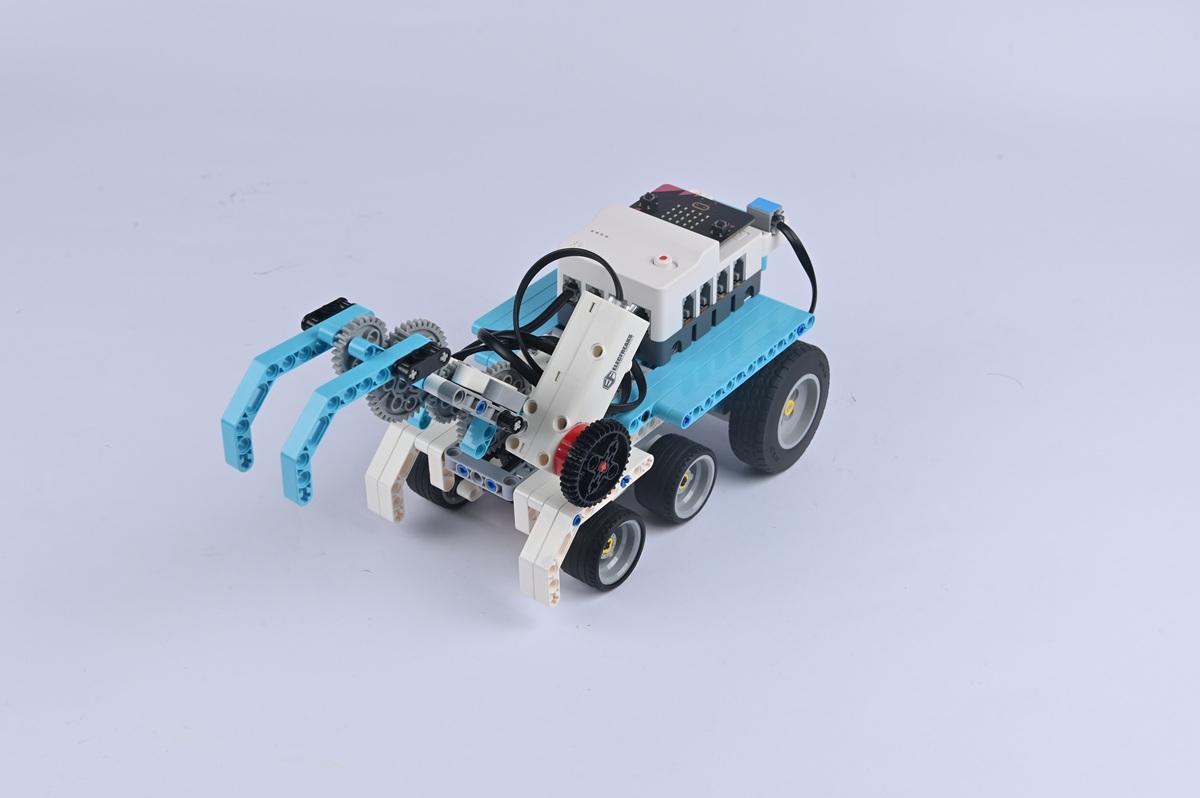
Build a gesture-controlled excavator and control the excavator's movement and actions through gestures.
Teaching Preparation
| Name | Illustration |
|---|---|
| Nezha Pro AI Mechanical Power Kit | 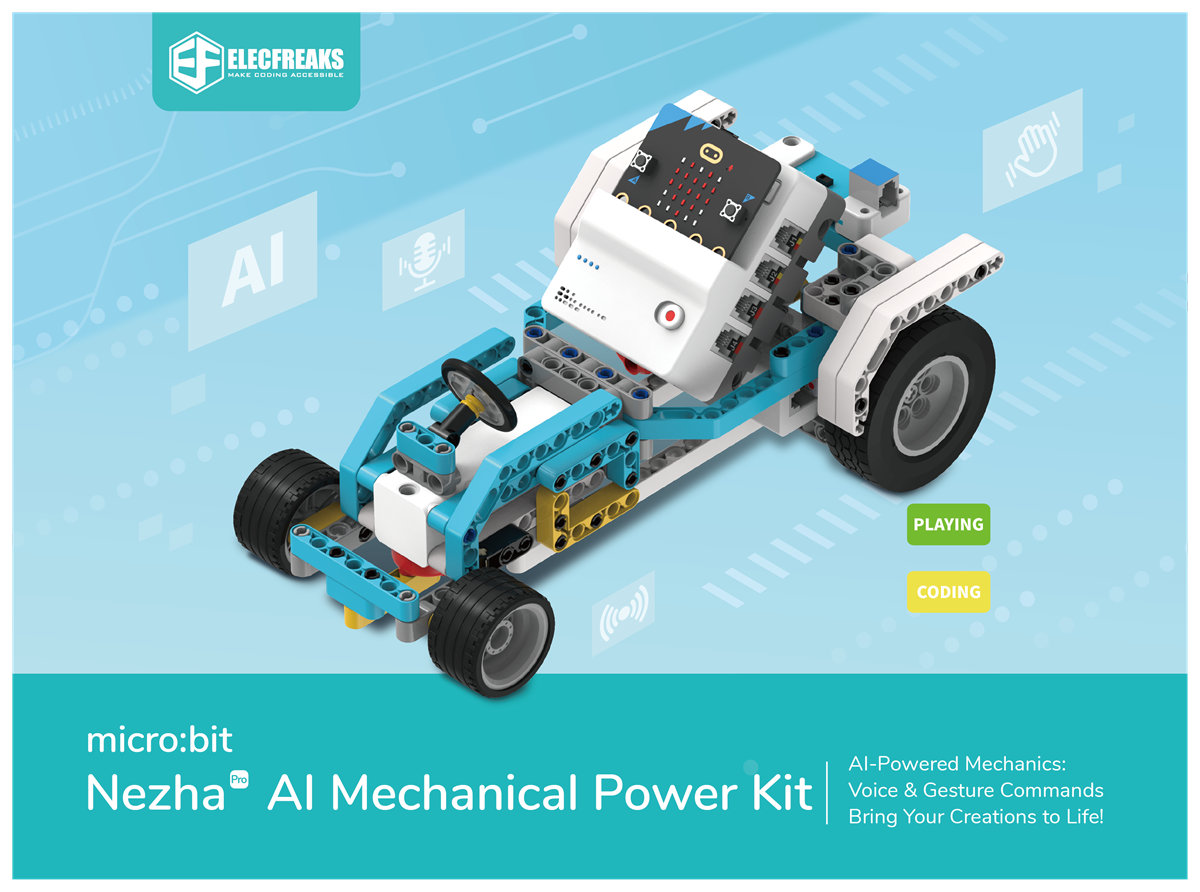 |
Teaching Objectives
- Complete the assembly of the gesture-controlled excavator, master the assembly and connection methods of the excavator chassis, excavator arm (including transmission components), and gesture recognition sensor, and realize the control of the excavator's movement, excavator arm lifting, and bucket opening/closing through gestures.
- Understand the principle of "multi-action collaboration" of the excavator (e.g., movement + excavator arm action), recognize the correspondence between gesture commands and excavation actions, and learn to program to coordinate the actions of different components.
- During the process of debugging the excavator arm's movement range and bucket opening/closing angle, cultivate hands-on ability, logical thinking, and spatial imagination, and learn to solve problems such as stuck excavation actions and the bucket's inability to scoop up "simulated soil" (e.g., small stones).
- Stimulate interest in engineering robots, perceive the technical charm of "intelligent excavation", and establish the cognition that "technology supports engineering construction".
Story Introduction
While organizing the warehouse, everyone found that the stock of energy crystals was almost exhausted. "The crystals are hidden in the mine to the east," Aji brought up the map. "But the excavator 'Zuandishu (Ground-Drilling Rat)' is on strike—it needs gesture commands to direct the excavation direction." At the mine entrance, the children saw that Zuandishu's drill bit was stuck in the rock. "When you wave your hand to the left, it excavates to the left; when you wave downward, it digs deeper," Aji demonstrated. "It’s just like a conductor directing a symphony—each gesture has a special meaning."
Learning Exploration
- Which components (e.g., motor, servo) control the excavator arm and bucket of the excavator respectively? Try using gesture commands (e.g., waving forward = excavator arm descending, waving backward = excavator arm ascending, making a fist = bucket closing) to control excavation actions. How to ensure smooth actions?
- Will the excavator experience insufficient power when controlling the excavator arm while moving? How to optimize this through programming (e.g., prioritizing movement power before controlling the excavator arm)?
- If the bucket cannot close tightly (causing "simulated soil" to leak out), what might be the causes? (e.g., loose connection of bucket components, insufficient servo rotation angle)
- Compare the structures of real excavators and the model—how do real excavators' arms achieve "high-force excavation"? (Hint: Refer to the hydraulic system) Which function of real excavators do the model's transmission components simulate?