Case 9: Gesture-Controlled Bulldozer
Case Introduction
Build a gesture-controlled bulldozer, and control the bulldozer's forward direction as well as the bucket's lifting and lowering through gestures.
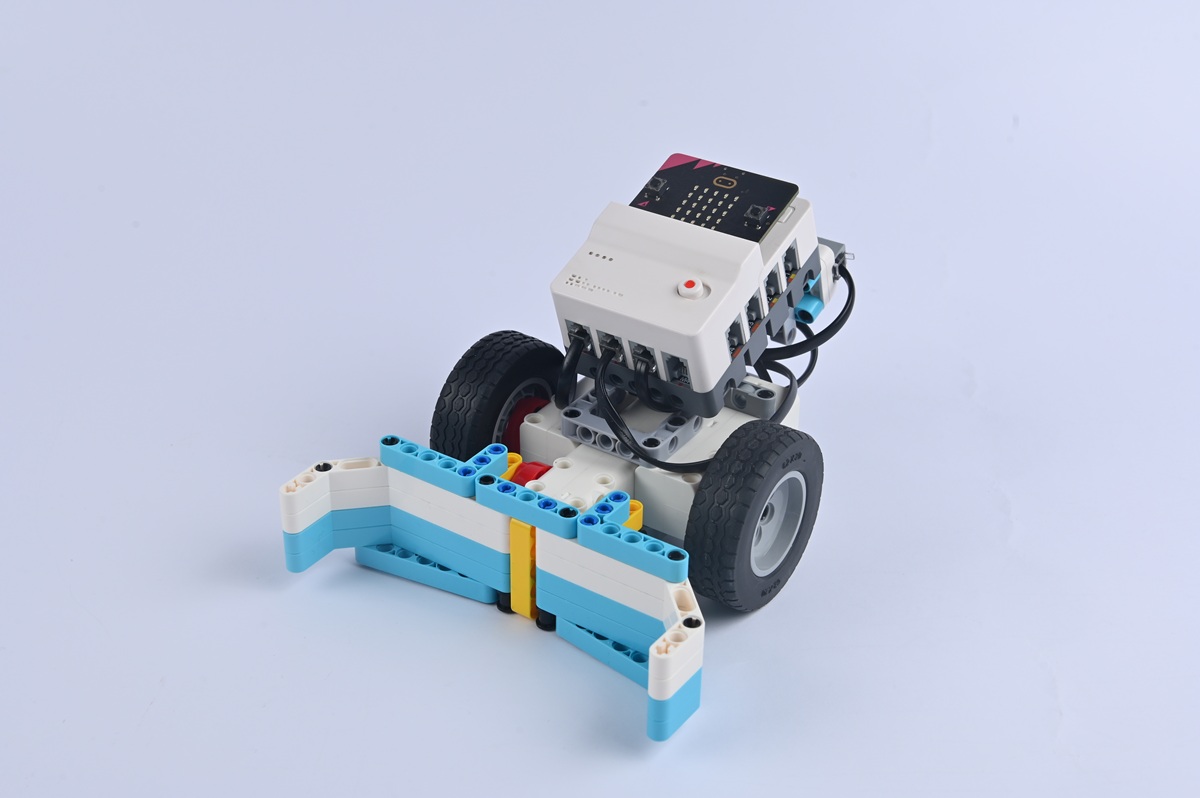
Teaching Preparation
| Name | Illustration |
|---|---|
| Nezha Pro AI Mechanical Power Kit | 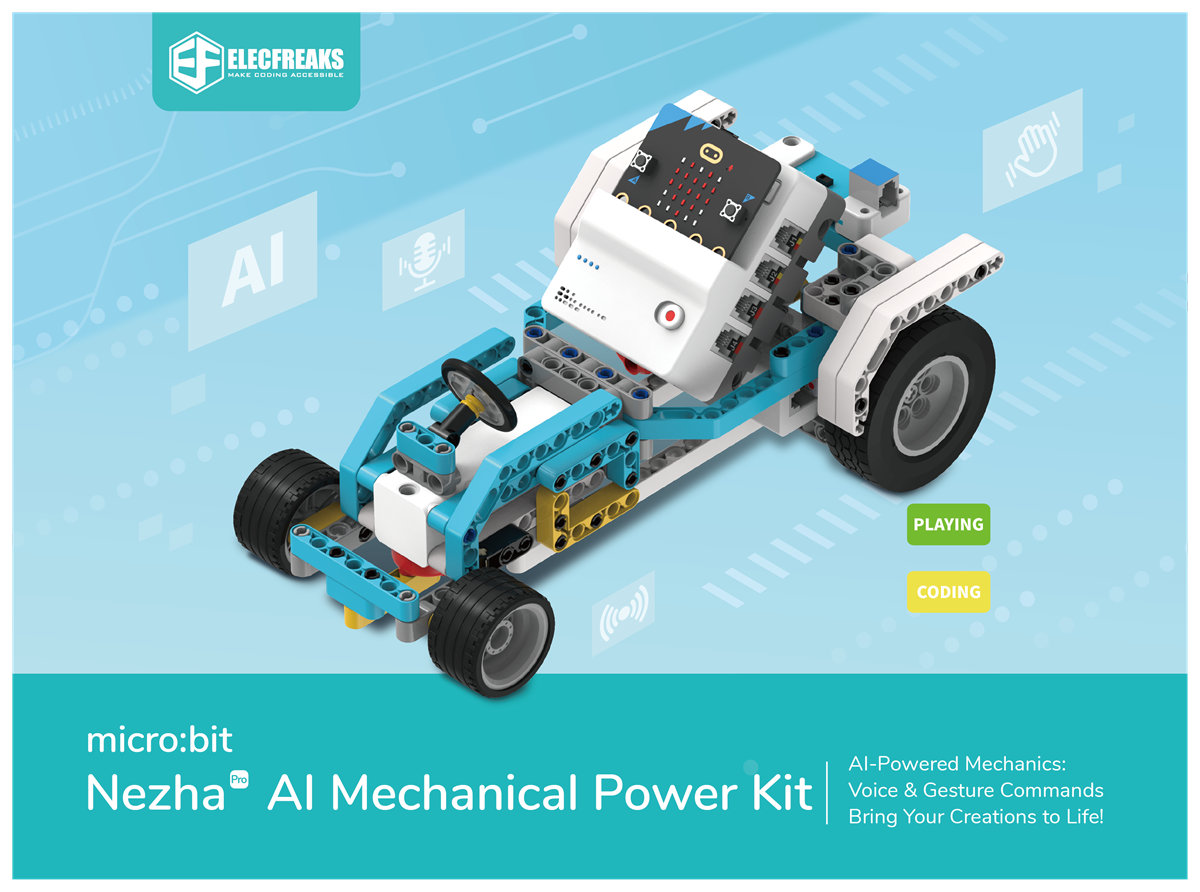 |
Teaching Objectives
- Complete the assembly of the gesture-controlled bulldozer, master the assembly and connection methods of the bulldozer chassis, bulldozer blade (including transmission components), and gesture recognition sensor, and realize the control of the bulldozer's forward/backward movement and blade lifting/lowering through gestures.
- Understand the collaboration principle between the gesture recognition sensor and motors (controlling the chassis and blade), and learn to program to associate specific gestures with different actions of the bulldozer.
- During the process of debugging the blade's lifting range and the correspondence between gestures and actions, cultivate hands-on ability, spatial thinking, and problem-solving ability, and learn to optimize the operational smoothness of the bulldozer.
- Stimulate interest in construction machinery and equipment, perceive the application potential of "intelligent control" in industrial scenarios, and establish the cognition that "small models simulate large-scale projects".
Story Introduction
Early the next morning, Xuan Yi (the helicopter) reported: A lot of gravel had piled up outside the fence, blocking Tiaotiao's patrol route. "It's time for 'Tie Chan (Iron Shovel)' to step in!" The engineering team robot pointed at the bulldozer stuck in the gravel pile. "It can move forward and backward according to gestures, but now it's as still as a stone." The children found that the gesture sensor of the blade was covered with dust. "It's just like humans getting sand in their eyes and not being able to see clearly," Aji said with a smile. "After cleaning it, try waving your arm forward—that's the command to make it move forward."
Learning Exploration
- Which component (e.g., motor, servo) does the bulldozer blade rely on for lifting and lowering? How to control the movement range of this component through gesture commands (e.g., waving up = lifting the blade, waving down = lowering the blade)?
- If the bulldozer blade fails to lift or lower normally while the bulldozer is moving forward, what might be the causes? (e.g., jammed blade transmission components, insufficient motor power)
- Compare the operation methods of real bulldozers and the model—how do operators of real bulldozers control the blade? Which advantage of real operations does the model's gesture control simulate (e.g., remote control)?