Case 8: Gesture-Controlled Desk Lamp
Case Introduction
Build a gesture-controlled desk lamp, and control the lamp's activation, deactivation, and light switching through gestures.
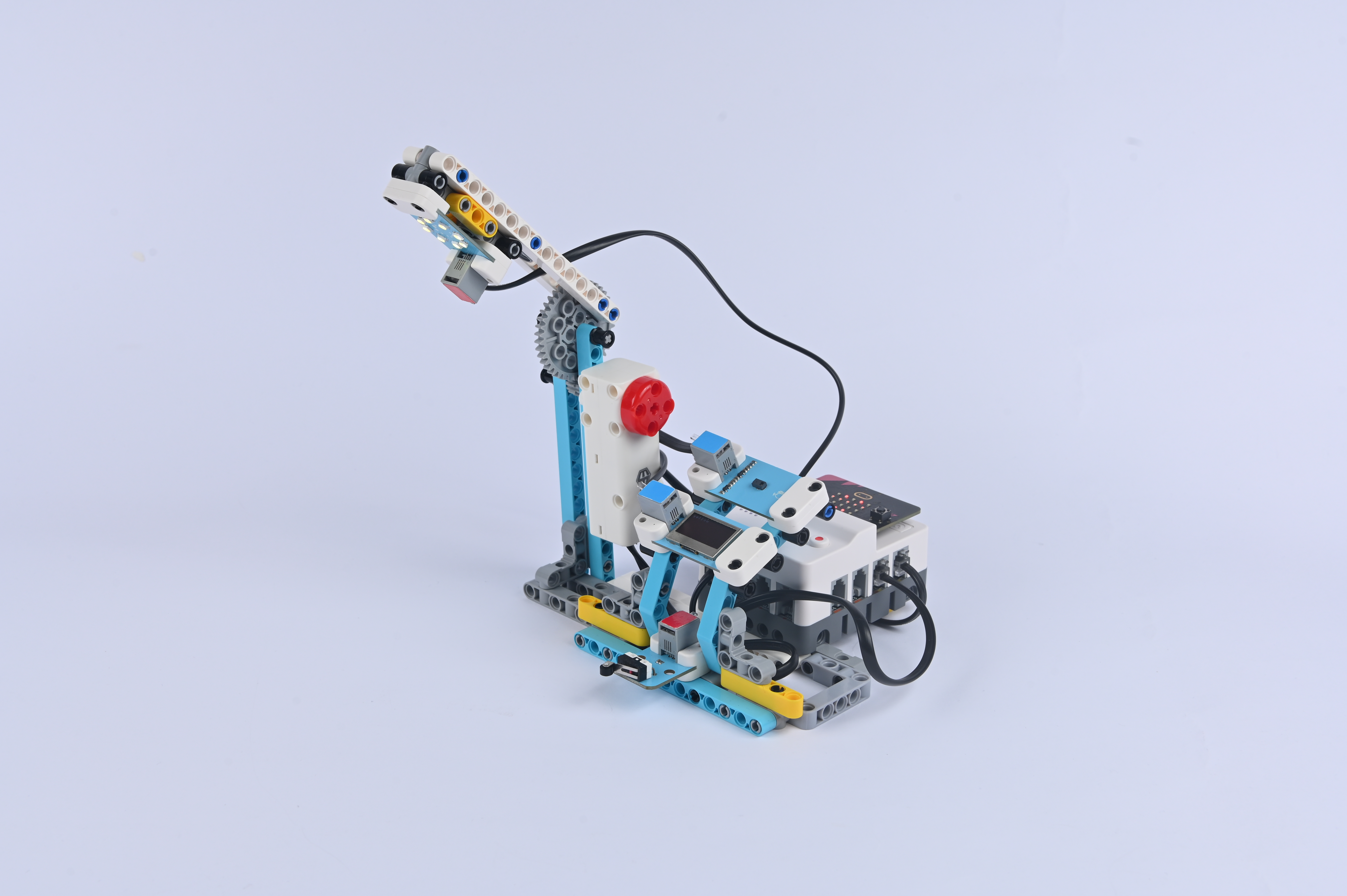
Teaching Preparation
| Name | Illustration |
|---|---|
| Nezha Pro AI Mechanical Power Kit |  |
Teaching Objectives
- Complete the assembly of the gesture-controlled desk lamp, master the assembly and connection methods of the lamp bracket, light module, and gesture recognition sensor, and realize the control of the lamp's on/off and light adjustment through gestures.
- Understand the collaboration principle between the gesture recognition sensor and the light module, and learn to program to associate specific gestures (such as waving, pausing) with light states (on, off, light color).
- During the process of debugging sensor sensitivity and light brightness parameters, cultivate hands-on ability and programming logic, and learn to solve problems such as gesture recognition delay and uneven light brightness.
- Stimulate interest in smart home technology, experience the convenience of "contactless control", and establish the cognition that "technology improves life".
Story Introduction
In the evening, the command center suddenly lost power. A "click" was heard in the darkness, and Aji turned on the emergency light: "Don't panic, try the 'Light Shadow' desk lamp. It can adjust brightness through gestures, but unfortunately, it only flickers now." The children studied the lamp's infrared sensor in the dim light: "When a hand swipes in front of the sensor, it's like sending a password to it." Aji's eyes glowed green in the dark, "Just like a magician waving a wand to create light."
Learning Exploration
- Try designing different gestures corresponding to light functions (e.g., waving up = turning on the light, waving down = turning off the light, waving left and right = adjusting brightness). How to set the "gradient" effect of brightness (e.g., gradually changing from dark to bright) during programming?
- Does ambient light affect the accuracy of the gesture recognition sensor? In strong or weak light environments, how to adjust sensor parameters (e.g., sensitivity) to improve recognition rate?
- If the desk lamp has "light flickering" or "no response to gestures", what might be the causes? (e.g., loose wiring of the light module, interference between the sensor and the light module)
- Compare the user experience of gesture-controlled desk lamps with ordinary button desk lamps and voice-controlled desk lamps. In which scenarios (e.g., when holding things with both hands) is gesture control more advantageous?