Case 7: Gesture-Controlled Racing Car
Case Introduction
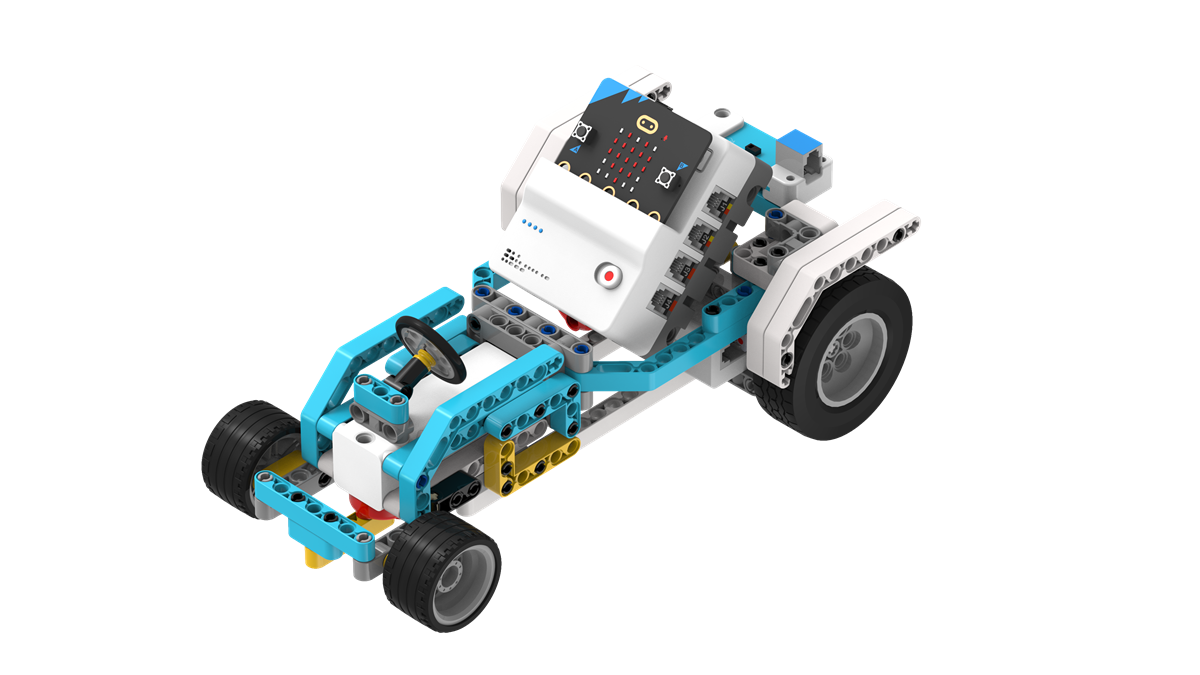
Build a gesture-controlled racing car and control the car's movement through gestures.
Teaching Preparation
| Name | Illustration |
|---|---|
| Nezha Pro AI Mechanical Power Kit | 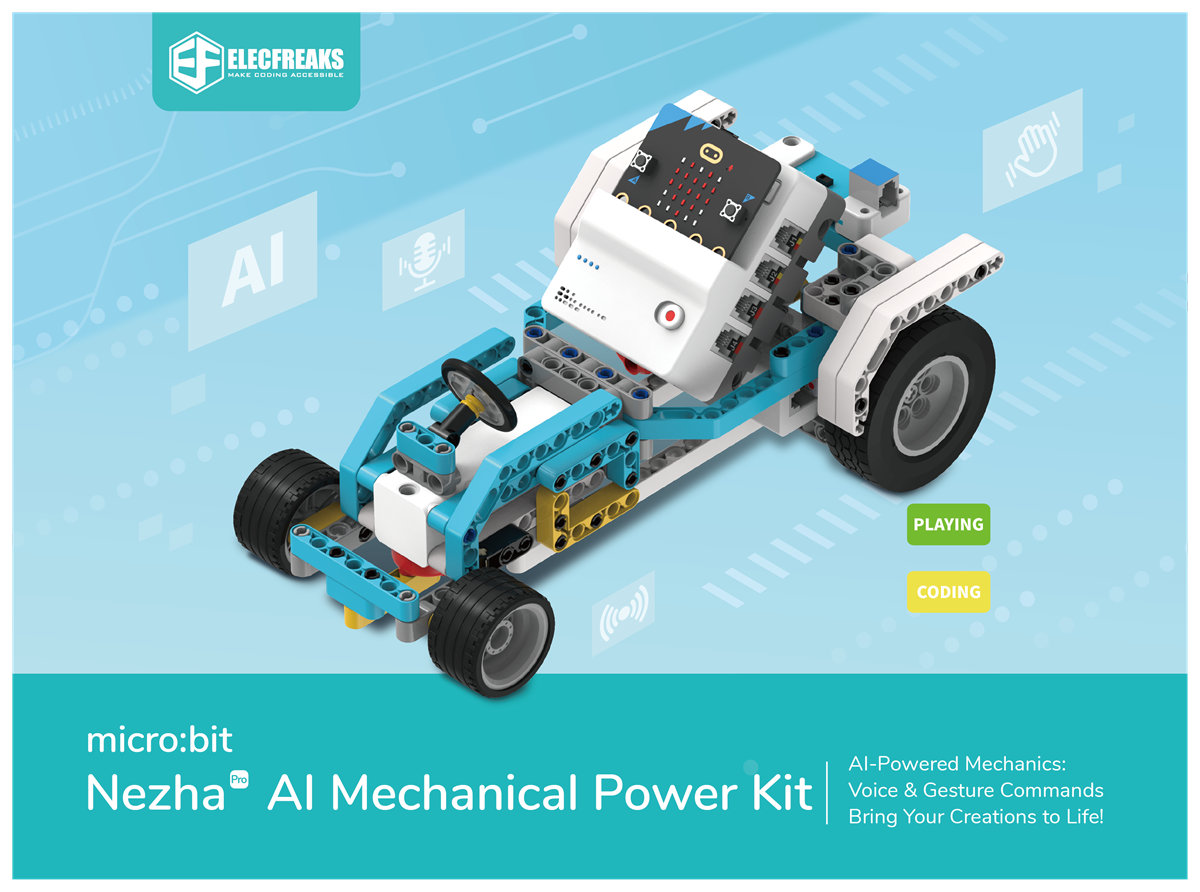 |
Teaching Objectives
- Complete the assembly of the gesture-controlled racing car, master the assembly and connection methods of the racing car chassis, motors, and gesture recognition sensor, and realize the control of the racing car's forward movement, turning, and stopping through gestures.
- Understand the working principle of the gesture recognition sensor (e.g., capturing the trajectory of hand movements), and learn to program to associate specific gestures (such as waving forward, waving to the right) with the racing car's actions.
- Stimulate interest in intelligent interaction technology, experience the convenience of "gesture control", and establish the cognition of "diversified human-computer interaction".
Story Introduction
Several thick logs sawn down while reinforcing the fence accidentally blocked the path to the command center. Everyone was worrying about how to move them when the traffic robot ran over pushing a streamlined car: "Try 'Flash Racing Car'! It can go around along the path outside the fence to send a message, but now it’s just spinning in circles on the spot." The children saw the gesture sensor of the racing car flashing red. Aji picked up a twig and waved it in front of the car: "It moves by recognizing gestures—waving forward is acceleration, and swinging to the right is turning, just like a magic wand guiding it. Look, the sensor lens is blocked by wood chips; no wonder it can’t recognize commands." The gear beasts roared in the distance, and Aji urged: "Hurry up and get it moving—the command center is still waiting for us to report the fence reinforcement progress!"
Learning Exploration
- What distance range does the gesture recognition sensor need to be in to accurately recognize gestures? What problems (such as failure to recognize, false recognition) will occur if the distance is too far or too close?
- Try setting different gesture commands (e.g., wave forward = move forward, wave backward = move backward, wave left = turn left). How to ensure "one-to-one correspondence" between gestures and the racing car's actions during programming?
- If the racing car has "false actions" (e.g., moving without any gesture being made), what might be the causes? (e.g., excessive ambient light, waving gestures too fast)
- Compare gesture control and remote control for racing cars. What are the advantages and disadvantages of gesture control? (e.g., no need for a handheld device, high susceptibility to environmental interference)