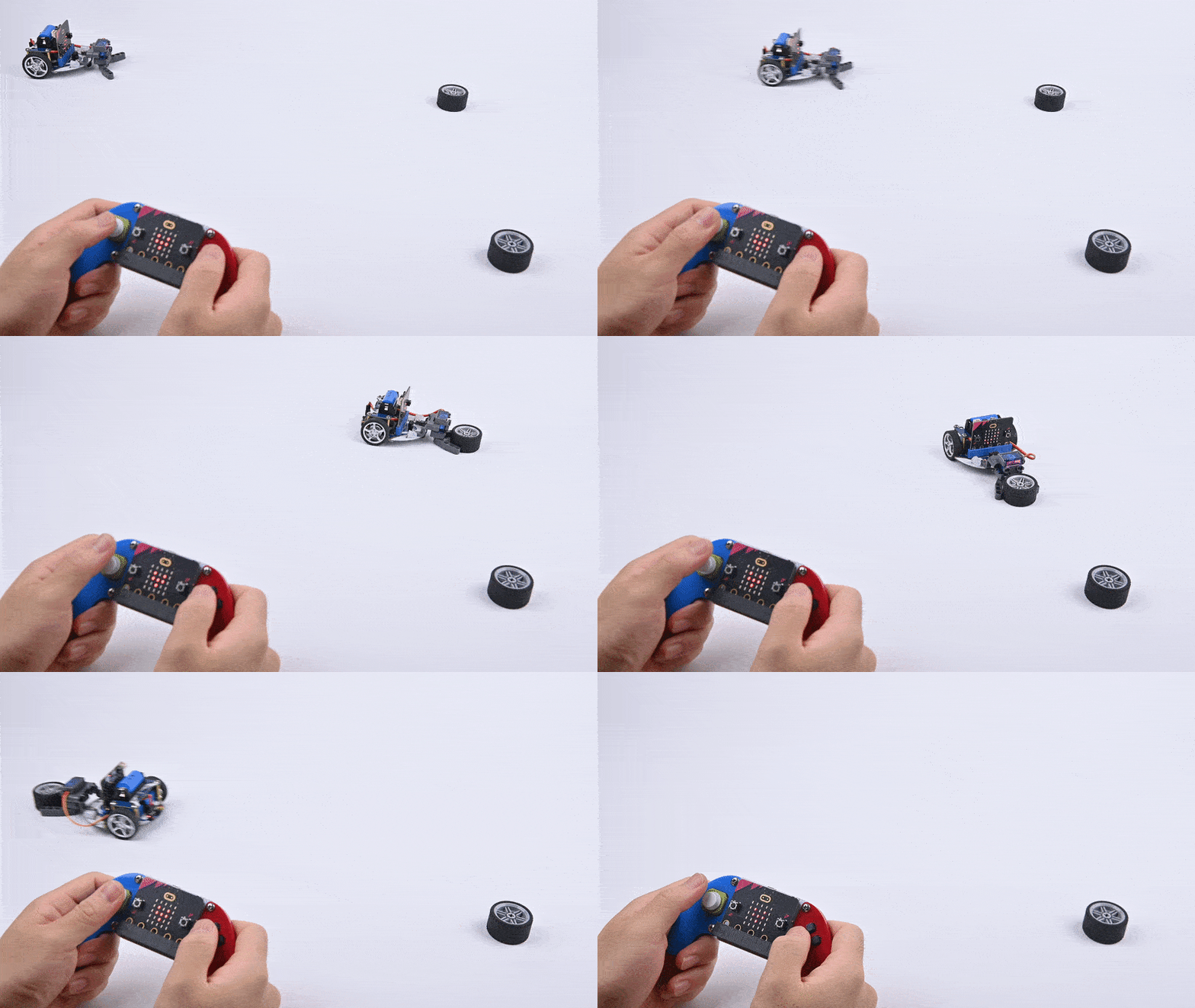
Cutebot-Item Grabbing Car
Purpose
Use a cutebot smart car with mechanical claws to create a car with the ability to grab items.

Materials
1 × Cutebot smart car
1 × ELECFREAKS Mechanical Catch
1 x Joystick:bit V2
Assembly
The installation steps of mechanical claw:

Installation complete
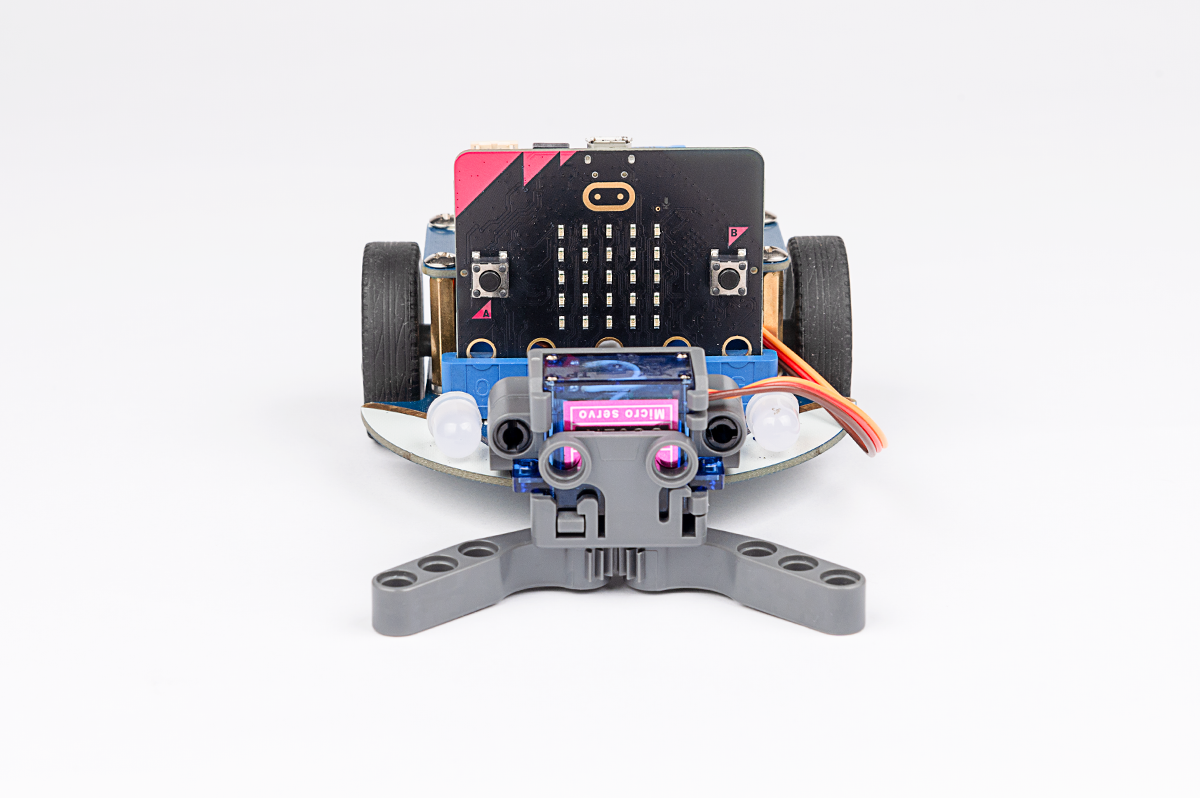

Connection methods:
Connect the mechanical claw to the S1 interface of the Cutebot car.

Software
Program
Add extensions
Click “Advanced” in the drawer of MakeCode to see more choices.

For programming, we need to add a package. Click “Extensions” at the bottom of the drawer and then search Cutebot in the dialogue box to download it.
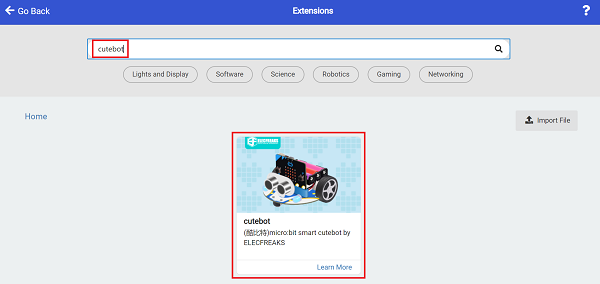
For programming, we need to add a package. Click “Extensions” at the bottom of the drawer and then search Joystick:bit V2 in the dialogue box to download it.

Note: If you get a warning indicating some packages will be removed because of incompatibility issues, you can follow the prompts or create a new project in the menu.
Program
Cutebot

Link: https://makecode.microbit.org/_37vPJbT0g1Pj
You can also download the program directly from the following webpage.
Remote control

Link: https://makecode.microbit.org/_AwA806fbx98F
You can also download the program directly from the following webpage.
Result
If the moving direction of the car is controlled by the joystick, press the C/D button of the remote control to control the opening and grasping of the mechanical claw.