Case 09: Autonomous Obstacle Avoidance
Purpose
The Cutebot avoids the obstacles automatically to move forward.
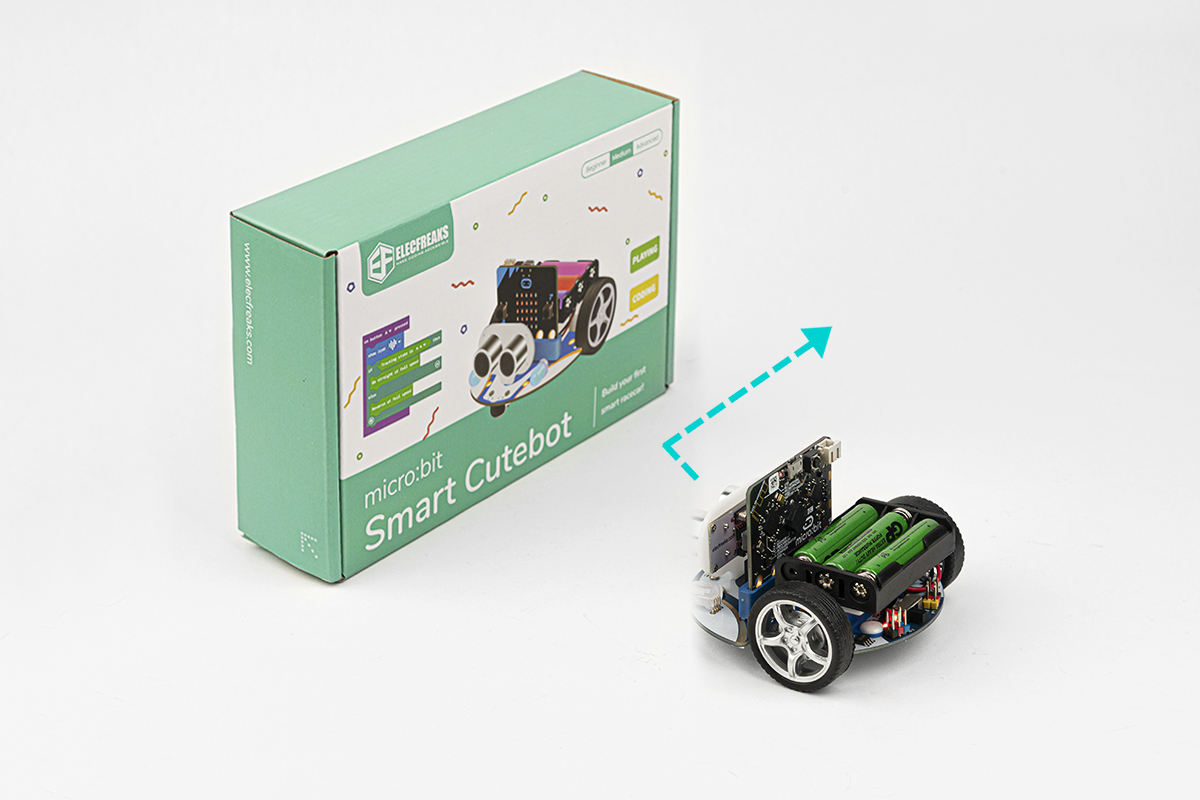
Materials
1 x Cutebot Kit
1 x Ultrasonic Sensor
Software Platform
Programming
Step 1
Click the "Advanced" to see more choices in the MakeCode drawer.
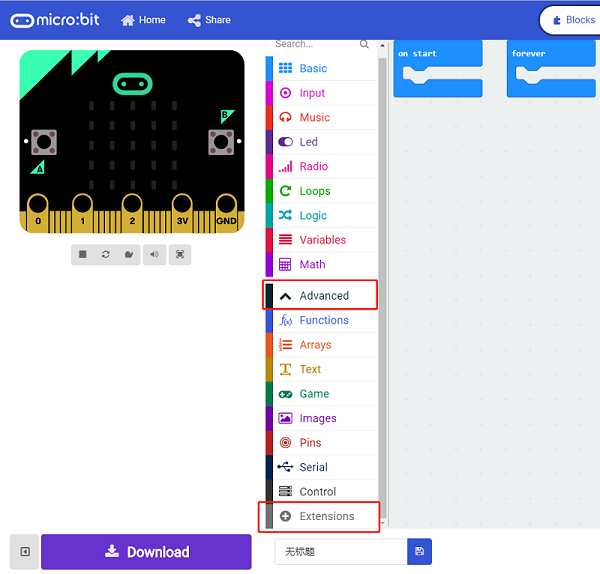
A codebase is required for Cutebot programming, click “Add Package” at the bottom of the drawer, search Cutebot in the dialogue box and download it.
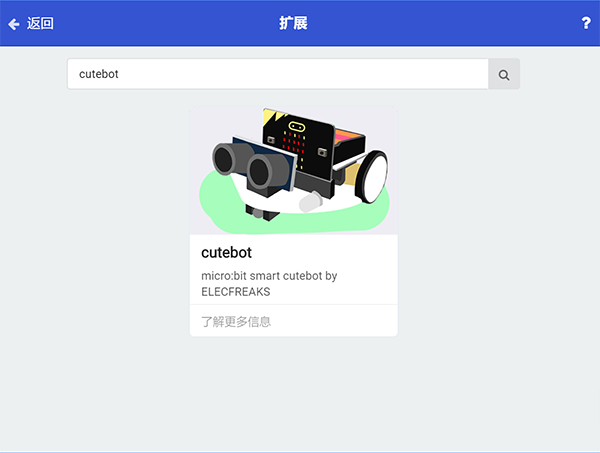
Note: If you met a tip indicating incompatibility of the codebase, you can continue with the tips or build a new project there.
Step 2
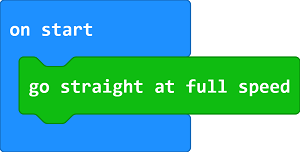
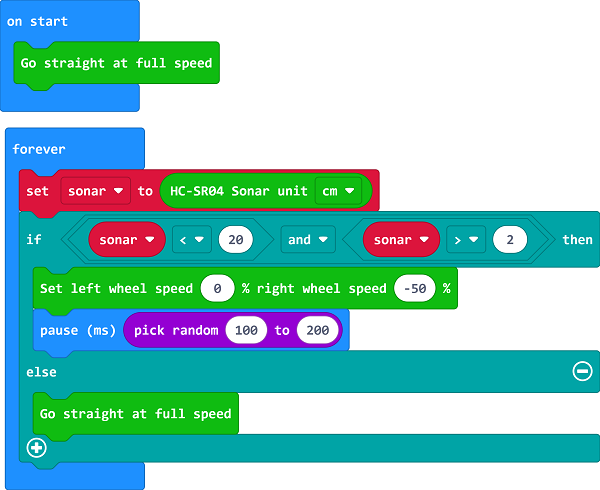
Drag "go straight at full speed" brick into the On start brick.
Step 3
Set a Sonar variable to save the detected Cm value in the Forever brick.
If the detected value is between 2 and 20 which means there is obstacle being detected in the front 20cm far, set the left wheel speed to 0 and right to -50, make a right turn at a random time to complete an obstacle avoidance.
If not, move forward at its full speed.
Programming
Links: https://makecode.microbit.org/_UVx9vuXopCY6
You can also download it directly below:
Result
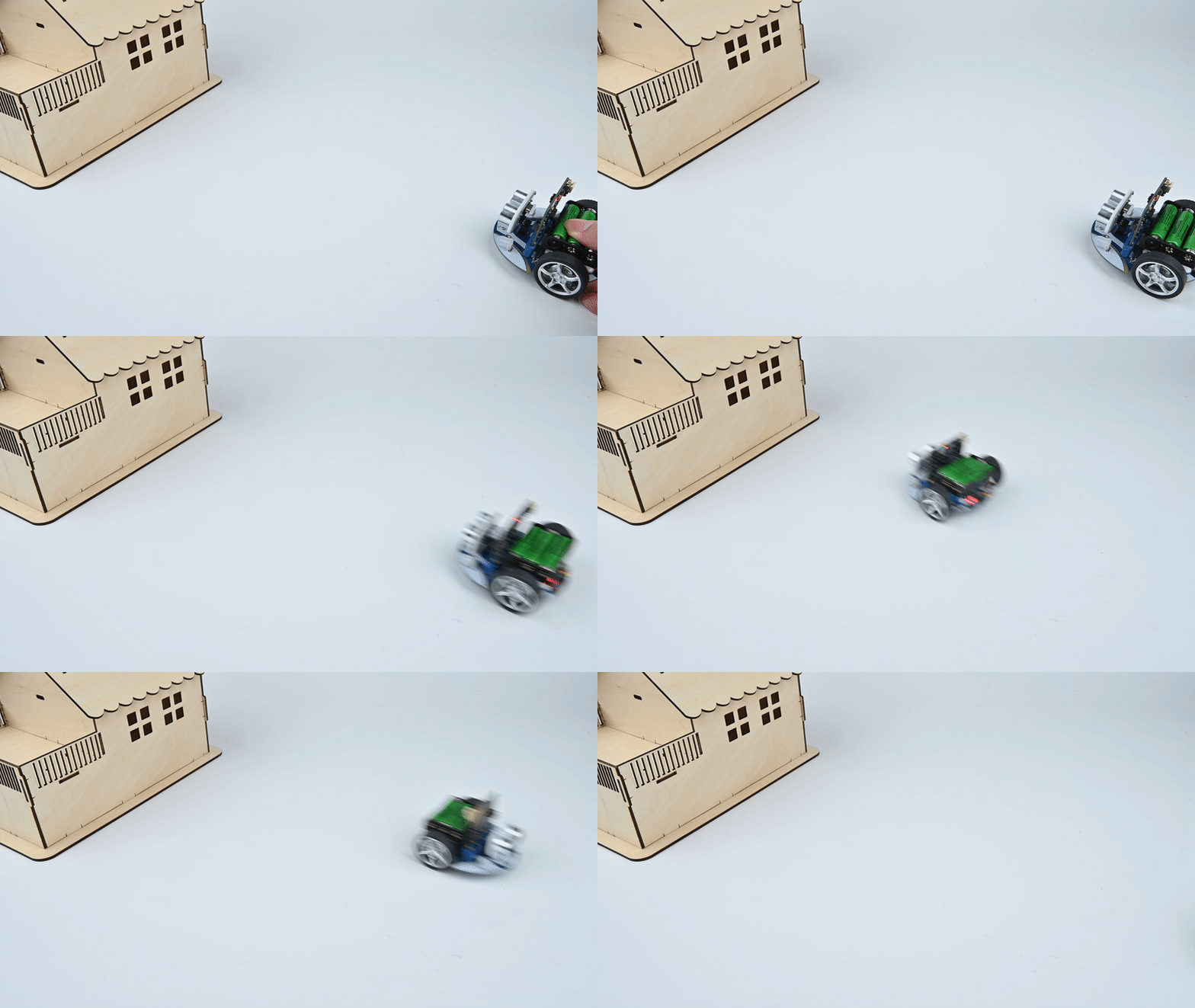
The Cutebot moves forward at its full speed and will make a right turn to keep going if any obstacle being detected.
Exploration
Why should the detected value be over 2cm ?
FAQ
Q: After connecting the Sonar:bit, the Cutebot doesn't work. A: Please have a check on the connections of the Sonar:bit, make sure that you connect to the SR04 connection rather than the IIC.