Case 01: Move Forward or Reverse at the Full Speed
Purpose
Learn the basic functions of Cutebot move forward or reverse.
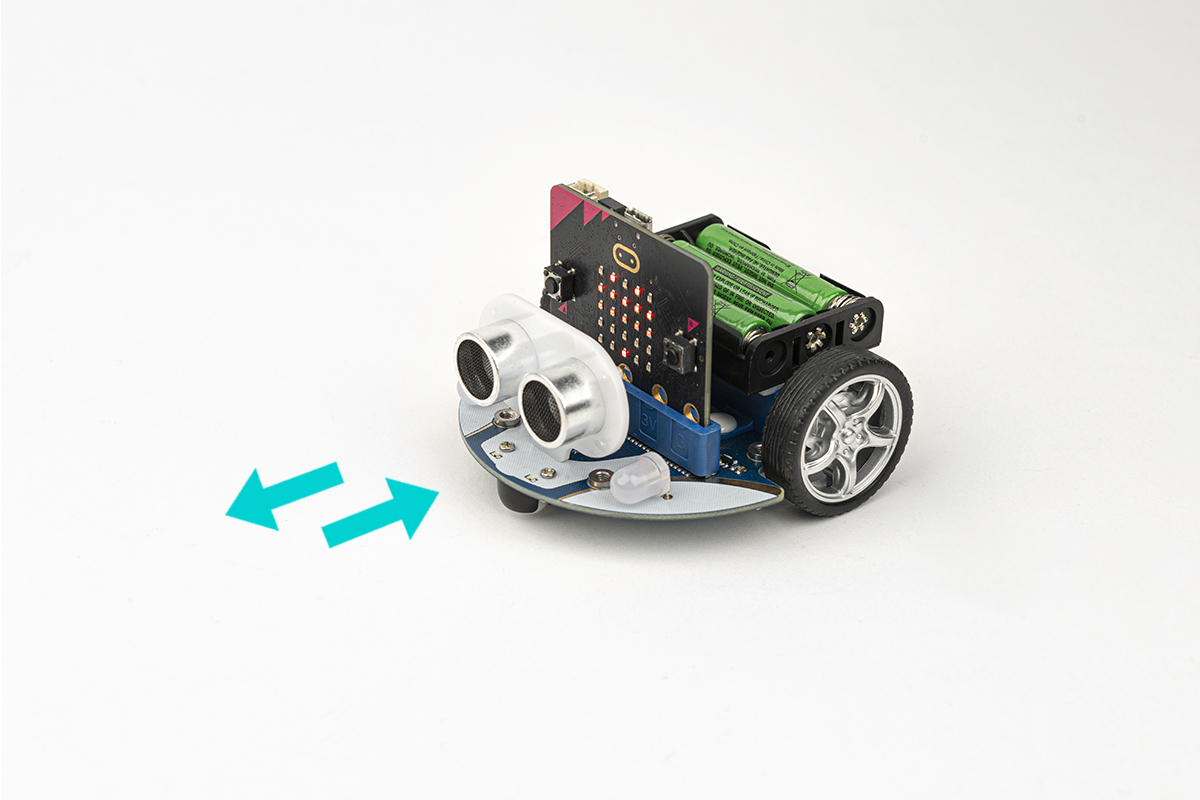
Materials
1 x Cutebot
Software Platform
Programming
Step 1
Click the "Advanced" to see more choices in the MakeCode drawer.
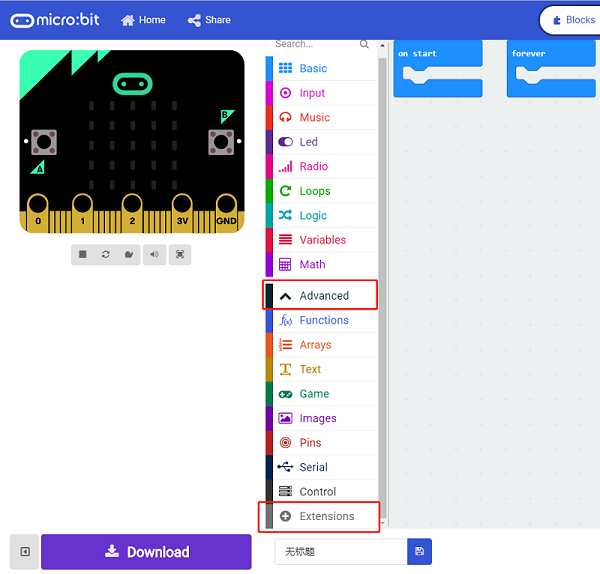
A codebase is required for Cutebot programming, click “Add Package” at the bottom of the drawer, search Cutebot in the dialogue box and download it.
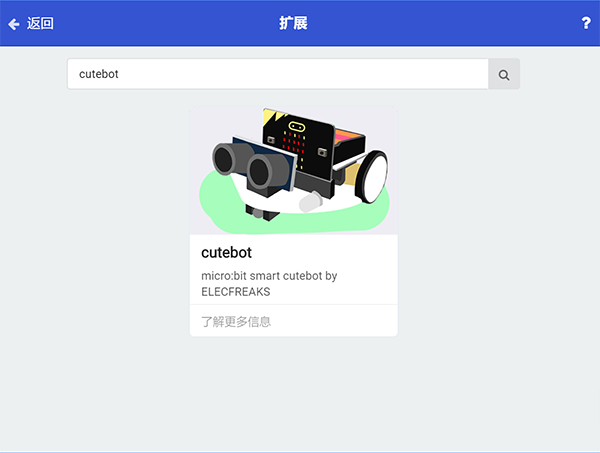
Note: If you met a tip indicating incompatibility of the codebase, you can continue with the tips or build a new project there.
Step 2
Choose "show icon" in the On startbricks.
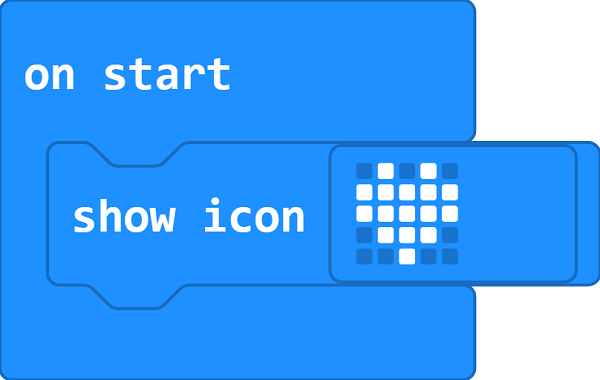
Step 3
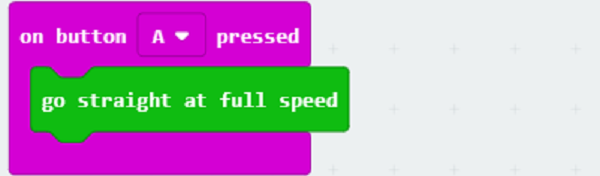
Drag go straight at full speed brick into on button A pressed brick.
Step 4
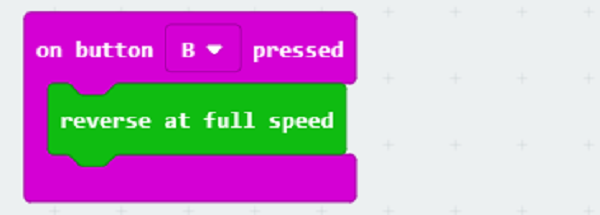
Drag `reverse at full speed brick into on button B pressed brick.
Programming
Links: https://makecode.microbit.org/_1ha3HA0dD6z5
You can also download it directly below:
Result
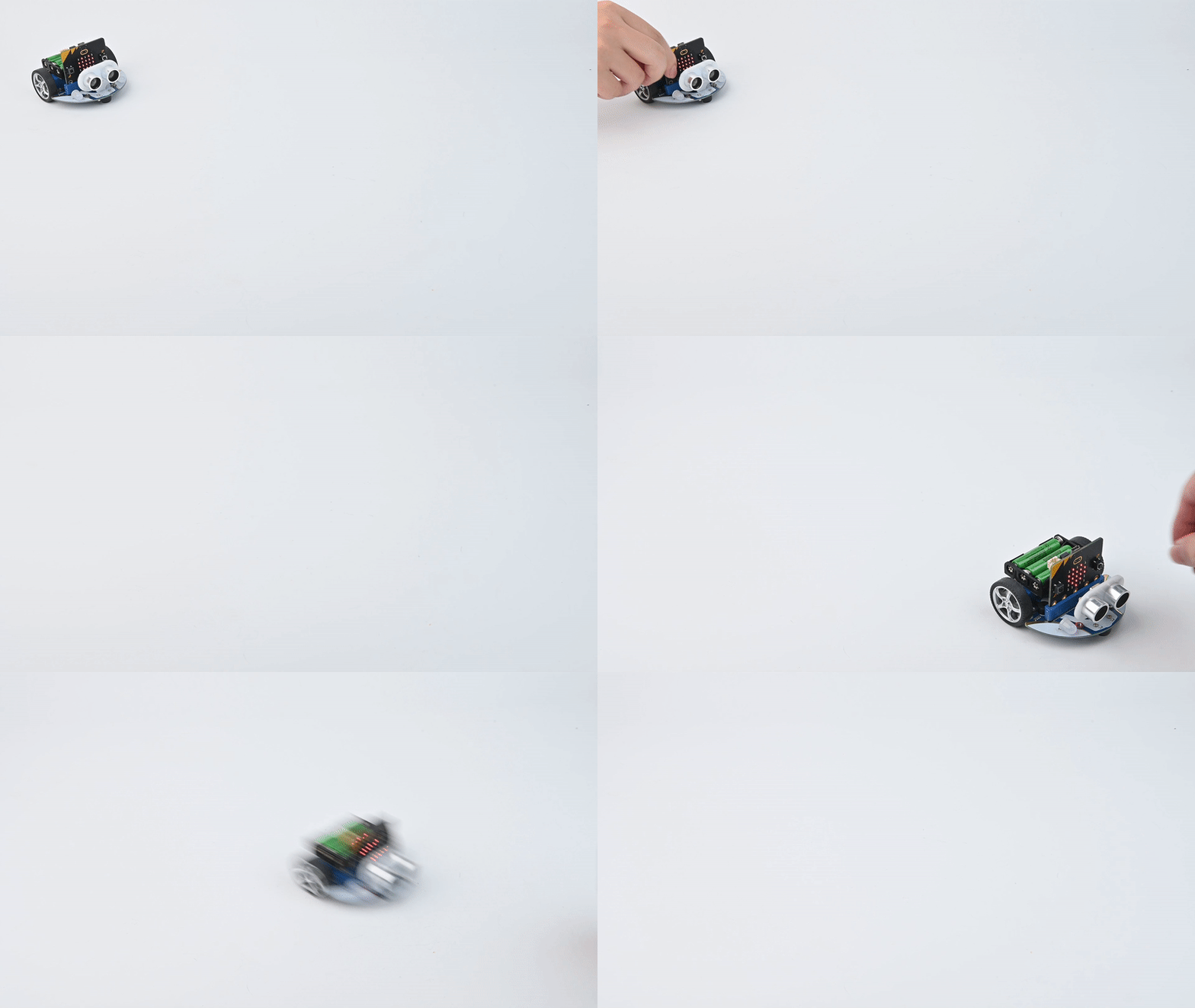
After button A being pressed, the car moves forward at its full speed.
After button B being presseD, the car reverses at its full speed。
Exploration
How to program the car to stop moving after pressing button A ?