Add Package for Cutebot
Purpose
- A new package is required if you want to use the expansion bricks for Cutebot.
- Steps for adding package are list below.
Step 1
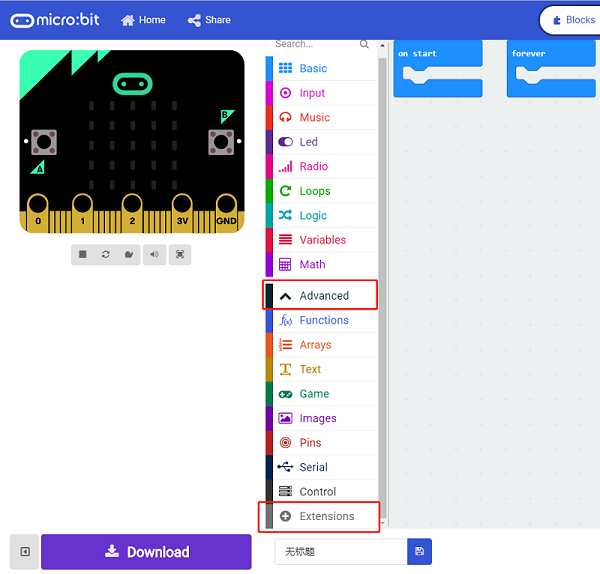
- Click "Extensions" in the "Advanced" drawer to see the adding bricks menu.
Step 2
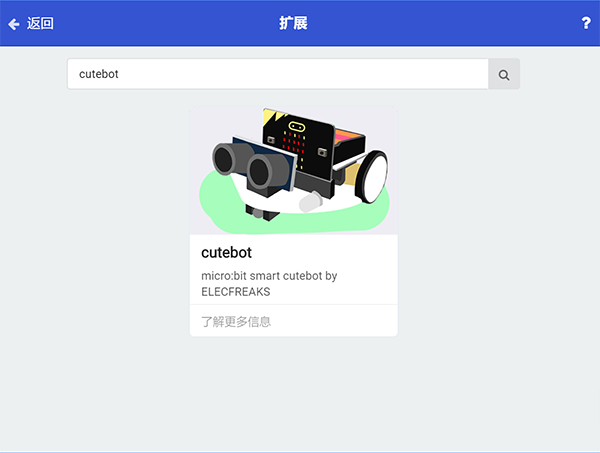
- Search "cutebot" in the box and click it to add the package.
Step 3
- Completed
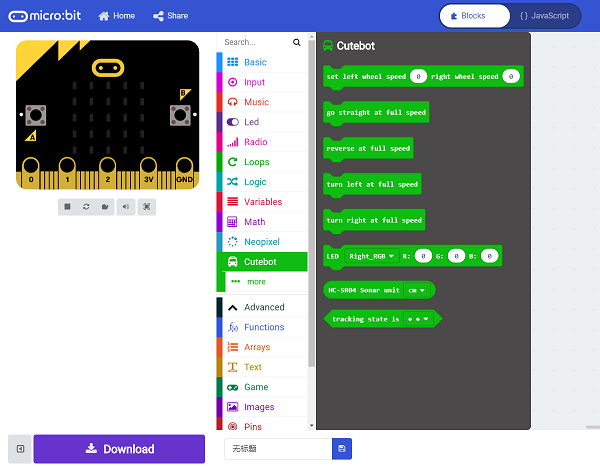
Bricks Introduction
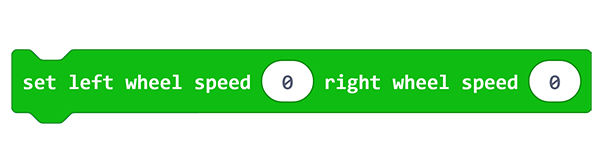
- This brick helps to adjust the speed of both wheels.
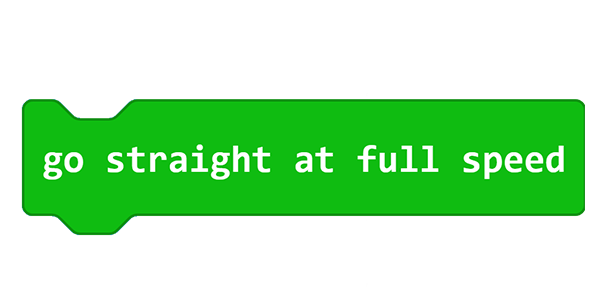
- This brick helps the car to move at its full speed.
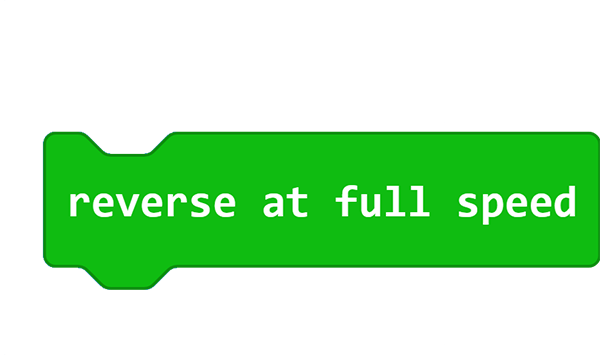
- This brick helps the car to reverse at its full speed.
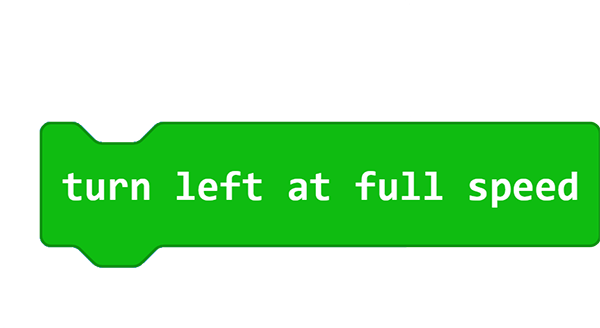
- This brick helps the car to turn left at its full speed.
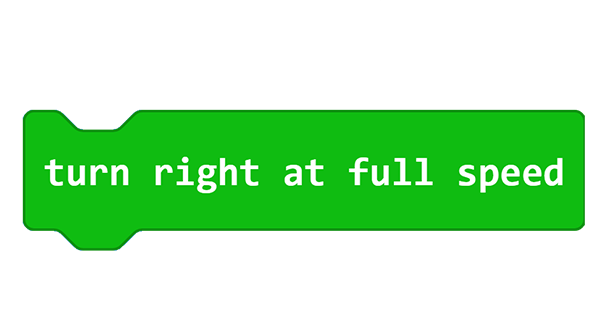
- This brick helps the car to turn right at its full speed.
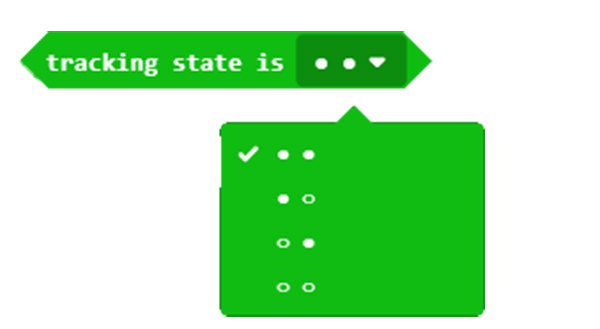
- This brick helps to detect the line-tracking status for the line-tracking modules.
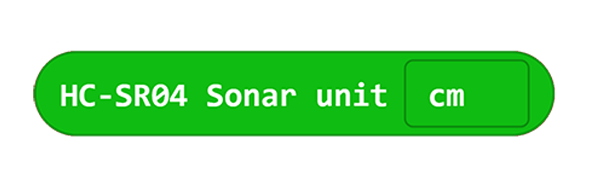
- This brick helps to detect the distance for the ultrasonic sensor.
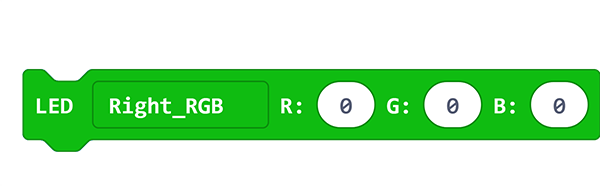
- This brick helps to control the color of the RGB lights on both sides.
FAQ
Note: If you met a tip indicating incompatibility of the codebase, you can continue with the tips or build a new project there.