
Case 20: Manual Counter

Case Introduction

Make a manual counter based on Nezha Pro Sport Kit. By pressing button C or button D, the corresponding value can be counted independently and displayed in real time on the OLED display. This counter can be used for counting the number of times in sports training, such as counting effective stabs in fencing training and counting the number of hits in shooting training. It combines simple button operation with digital display to create a convenient manual counting tool.

Teaching Preparation

NameGraphic
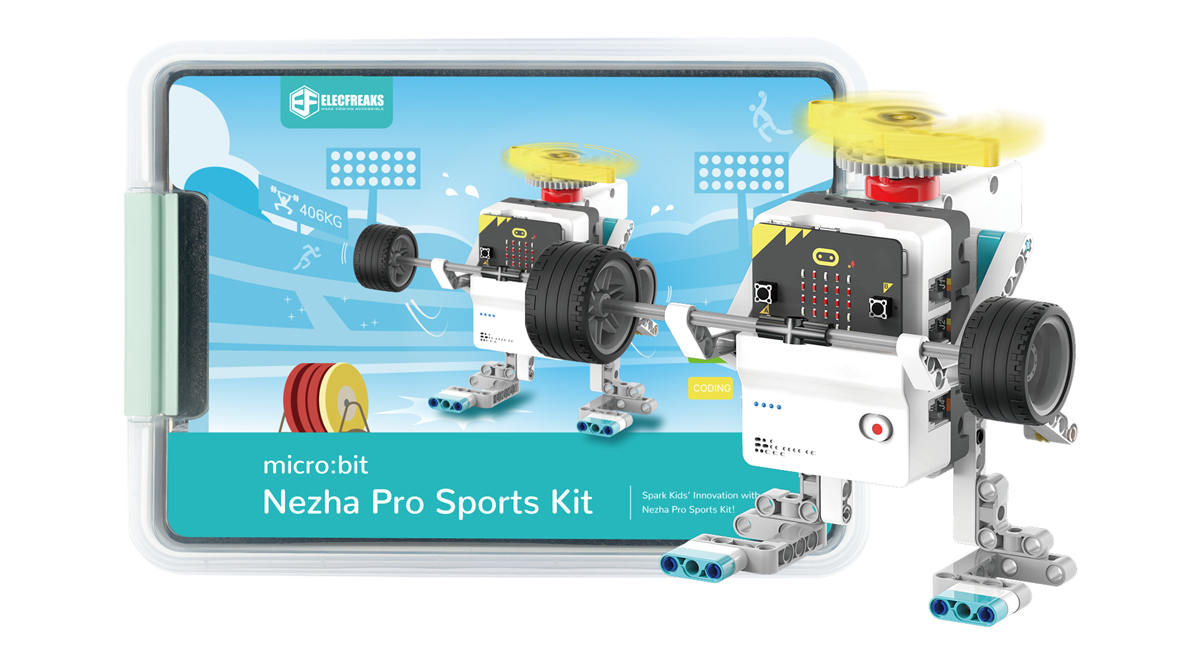
Nezha Pro Sport Kit

Teaching Objectives

Understand the trigger mechanism of key events and the logic of variable increment.

Master the programming method of dynamically updating different values on the OLED display.

Develop the ability to apply basic programming skills to actual sports scenarios.

Course Introduction

Students, if you want to record the number of effective stabs during fencing training, or want to count the number of hits during shooting training, it is too difficult to count with your brain! Today we use the Nezha Pro sports suit to make a super practical manual counter! Pressing buttons C and D will automatically increase the number, and you can see it clearly on the screen. Come and build your own sports assistant to make counting easy and accurate!

Learning and Exploration

Explore the programming response method of key trigger events, and how to realize the increment and display of independent counting variables corresponding to different buttons.

Construction Steps

Hardware connection

Connect the button module to the J1 interface of the Nezha Pro expansion board, and connect the OLED display to the IIC interface of the Nezha Pro expansion board.

Code Programming

Go to "makecode.microbit.org" and click New Project.

Enter a project name in the pop-up window and click Create.

Click Extension in the code drawer.

In the pop-up interface, enter nezha pro and click the search icon. Click it when the nezha pro software library is displayed. Load the PlanetX software library in the same way.

Sample Program

Program link: https://makecode.microbit.org/_6amKXJLV5U14

You can also download the program directly from the following website.

## Download the program

Use a USB cable to connect PC and micro:bit V2.

After the connection is successful, a drive named MICROBIT will be recognized on the computer.

Click in the lower left corner and select Connect Device.

Click

Click。 l

In the pop-up window, select BBC micro:bit CMSIS-DAP, and then select Connect. At this point, our micro:bit has been successfully connected.

Click Download the program

Case demonstration

Press button C, and the "C count" value on the display will increase by 1; press button D, and the "D count" value will increase. After pressing the button multiple times, you can clearly see the two independent count values dynamically updated on the screen.

Summary and sharing

Extended knowledge

Key event programming principle

The essence of a key is to change the level by changing the on-off state of the circuit. In programming, the pin needs to be set to input mode to monitor the level signal. When the key is pressed, the pin level changes from high level to low level (or vice versa), triggering the preset event function to realize the self-increment operation of the counting variable. At the same time, in order to avoid false triggering caused by key jitter, software delay debounce or state machine debounce is often used.

Variables and data storage

In the manual counter program, each count corresponds to an independent variable. Variables are "containers" for storing data in programming, and the value can be changed according to needs. In addition to basic integer variables, there are also various data types such as floating point and character types. In more complex programs, data structures such as arrays and lists can realize the orderly storage and processing of large amounts of data.

Application of mathematics in counting

Counting is essentially an addition operation in mathematics, and the value accumulation is realized by triggering the "+1" operation each time a key is pressed. In practical applications, it can be expanded to operations such as subtraction counting (such as countdown) and multiplication counting (batch statistics). Combining mathematical principles with programming logic can create more functional counters, such as compound counters with multiple statistics and difference calculations.