Case 13:Stopwatch

Case Introduction

Design a stopwatch based on Nezha Pro Sport Kit and achieve accurate timing through programming.

Teaching Preparation

NameGraphic
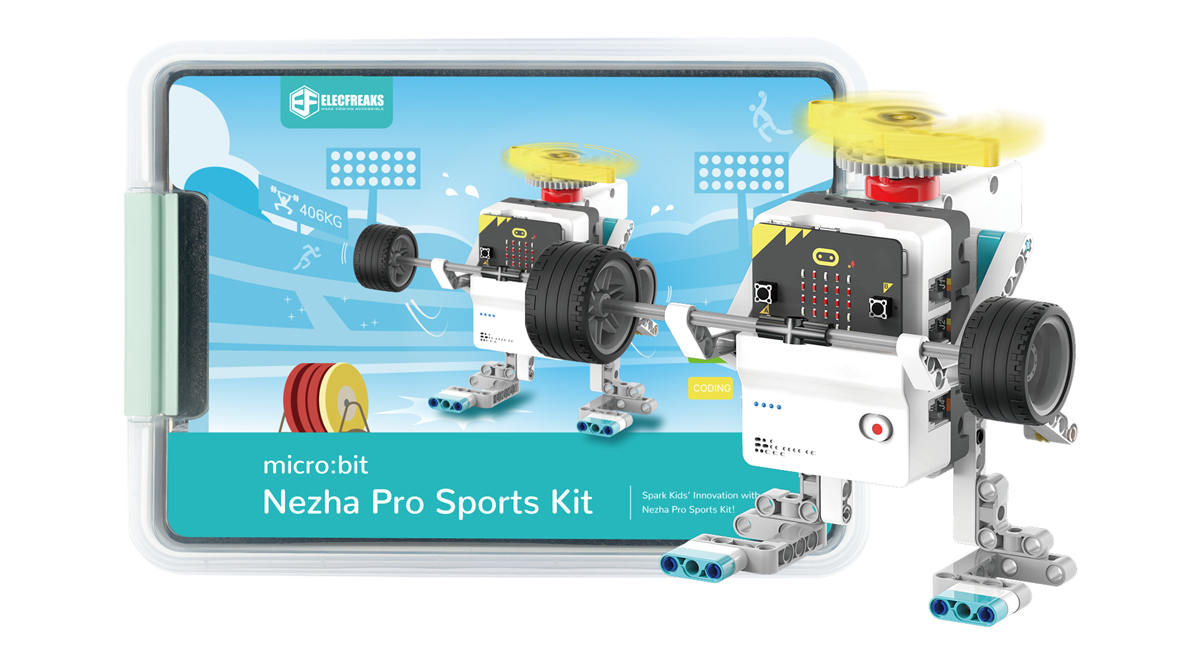
Nezha Pro Sport Kit

Teaching Objectives

Make a stopwatch and learn how to use the system time blocks on MakeCode.

Understand the application scenarios of the stopwatch.

Course Introduction

Students, how does the stopwatch in the hands of the referee accurately time the time at the sports meeting? Today we are going to use the Nezha Pro Sport Kit to build a stopwatch of our own! Let's unlock the technological magic of time management together!

Learning Exploration

Explore the algorithm implementation of digital timing and the logic of button event triggering.

Building Steps

Hardware connection

Connect the OLED display to the IIC interface of the Nezha Pro expansion board.

Code programming

Go to "makecode.microbit.org" and click New Project.

Enter a project name in the pop-up window and click Create.

Click Extension in the code drawer.

In the pop-up interface, enter nezha pro and click the search icon. Click it when the nezha pro software library is displayed. Load the PlanetX software library in the same way.

Sample Program

Program link: https://makecode.microbit.org/_JhfEpg61bc6C

You can also download the program directly from the following website.

## Download the program

Use a USB cable to connect PC and micro:bit V2.

After the connection is successful, a drive named MICROBIT will be recognized on the computer.

Click in the lower left corner and select Connect Device.

Click

Click

In the pop-up window, select BBC micro:bit CMSIS-DAP, and then select Connect. At this point, our micro:bit has been successfully connected.

Click Download the program

Case demonstration

Press button A to start timing. After starting timing, you can pause or continue timing by pressing button A. Press button B to stop timing and clear timing data.

Summary and sharing

Extended knowledge

Principle of digital timing

Digital timing is based on clock pulse signals, and the time measurement is realized by accumulating pulses through counters. Common timing chips such as DS1302 generate stable pulse signals through crystal oscillators, which are converted into timing units such as seconds, minutes, and hours through frequency division circuits. In programming implementation, timer interrupts or loop counting methods are required to ensure timing accuracy.

Button interaction logic

Button triggering includes two parts: level detection and debounce processing:

Level detection: Determine the button status by reading the high and low levels of the GPIO pins

Debounce processing: Use software delay or hardware filtering to eliminate false triggers caused by mechanical button jitter

Sports timing application scenarios

Track and field events: 100-meter race segment timing analysis

Physical training: Interval training countdown setting

Rehabilitation therapy: Sports rehabilitation duration monitoring