Case 16: Color Classifier

Case Introduction

Design a color sorter based on Nezha Pro Sport Kit, use color sensors to accurately identify the colors of red and blue balls, and use the steering gear to control the baffle to achieve automatic sorting. The device can simulate the equipment sorting scene in sports training, combining color recognition technology with mechanical transmission to make ball sorting smart and efficient.

Teaching Preparation

NameGraphic
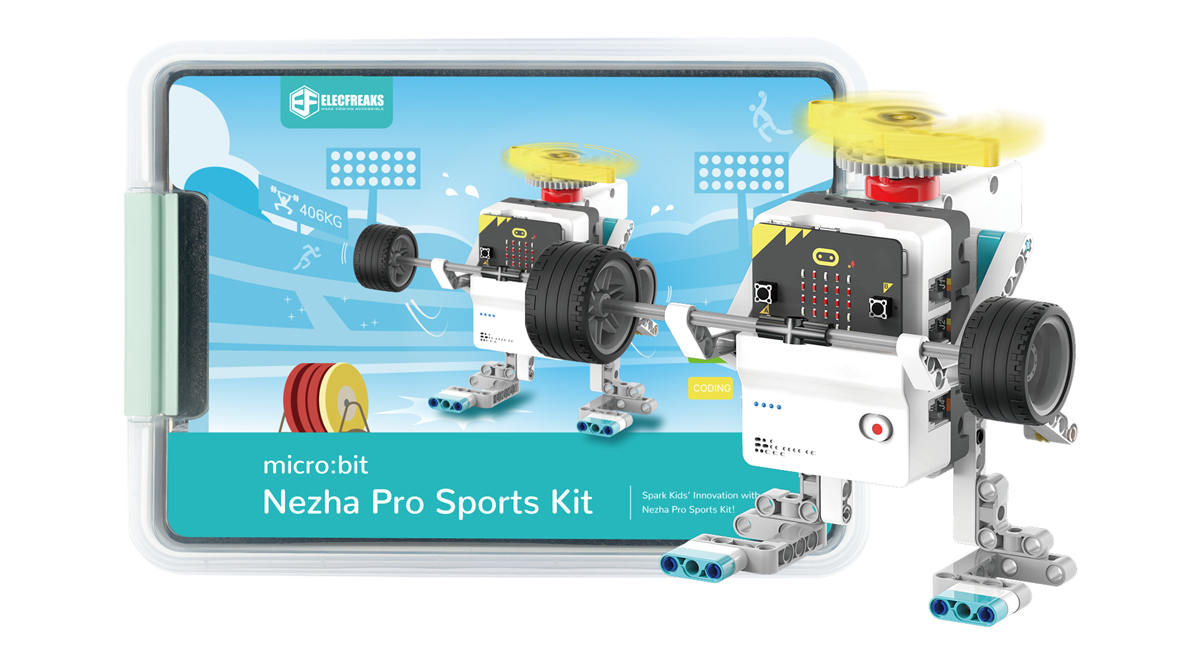
Nezha Pro Sport Kit

Teaching Objectives

Understand the principle of color recognition based on HUE value and the method of reading sensor data.

Master the programming logic of servo angle control and conditional judgment.

Cultivate innovative thinking to apply sensor technology to actual sports scenes.

Course Introduction

Students, there are training balls of different colors scattered on the sports field. It is too troublesome to sort them one by one! Today we are going to use Nezha Pro Sport Kit to make a magical color sorter! It can recognize the color of the ball at a glance, and can also command the baffle to automatically sort the balls into different areas. Come and become a little tech expert and make ball sorting as fun as magic!

Learning Exploration

Explore how the color sensor recognizes the HUE value and makes color judgment, and the programming implementation of the servo to perform classification actions according to the color signal.

Building Steps

Hardware connection

Connect the OLED display and color recognition sensor to the IIC interface of the Nezha Pro expansion board, and connect the two smart servos to the M1 and M2 interfaces of the Nezha Pro expansion board respectively.

Code Programming

Go to "makecode.microbit.org" and click New Project.

Enter a project name in the pop-up window and click Create.

Click Extension in the code drawer.

In the pop-up interface, enter nezha pro and click the search icon. Click it when the nezha pro software library is displayed. Load the PlanetX software library in the same way.

Sample Program

Program link: https://makecode.microbit.org/_RTJHpJcRkF4P

You can also download the program directly from the following website.

Download Program

Connect PC and micro:bit V2 with USB cable.

After the connection is successful, a drive named MICROBIT will be recognized on the computer.

Click in the lower left corner and select Connect Device.

Click

Click

In the pop-up window, select BBC micro:bit CMSIS-DAP, and then select Connect. At this point, our micro:bit has been successfully connected.

Click Download the program

Case demonstration

Place the robot in the upper left corner of the start area, close to the edge, and press the A button on the micro:bit to start the robot from the start area and complete all tasks

  • Summary and sharing

    Extended knowledge

    Working principle of color sensor

    Color sensor uses HUE (hue) value to detect color. HUE, as the basic attribute of color, determines the category of color, such as red, blue, etc. The sensor captures the spectral information in the light and converts it into the corresponding HUE value. When the light reflected by the object enters the sensor, the internal photoelectric element converts the light signal into an electrical signal, and then analyzes the electrical signal into a HUE value through an algorithm, and compares it with the pre-set color HUE threshold to determine the color of the object. By setting different HUE value ranges, multiple colors such as red and blue can be accurately identified.

    Servo control technology

    A servo is an angle-controllable servo motor that controls the rotation angle through a PWM (pulse width modulation) signal:

    • Signal cycle: The standard servo signal cycle is 20ms
    • Pulse width: 0.5ms - 2.5ms pulse width corresponds to a rotation range of 0° - 180°
    • Control method: Programmatically change the pulse width to achieve precise angle control

    Automated application in sports scenes

    Color classifiers can be extended to more sports scenes:

    • Equipment sorting: Automatically sorting training equipment of different colors
    • Physical training: Distinguish dumbbells or resistance bands of different weights by color
    • Fun sports: Design color recognition game to enhance the fun of training