
Case 9: Line-patrolling soccer-kicking robot

Case introduction

Design a line-skipping robot.

Teaching Preparation

NameGraphics
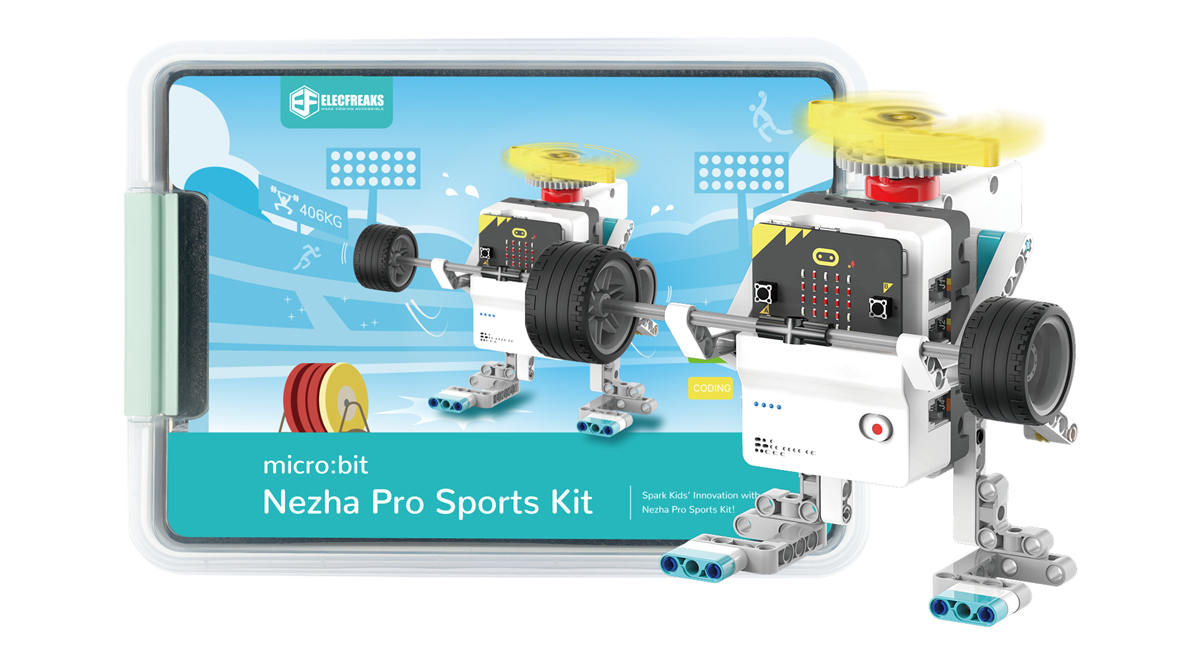
Nezha Pro Sport Kit

Teaching Objectives

Understand the basic use of four-way line patrol sensors

Course Introduction

Welcome children to join our wonderful STEAM journey! Today, we will explore how to make a line patrol and kicking robot. In this project, we will learn how to adjust the robot's movement direction through four-way line patrol sensors. No complex programming knowledge is required, just assembly and adjustment, you can create a swimming robot. Let's start this exciting STEAM learning journey together and stimulate your creativity and problem-solving ability!

Learning Exploration

Basic use of four-way line patrol sensors

Building steps

Hardware connection

Connect the two smart motors to the M1 and M2 interfaces of the Nezha Pro expansion board respectively, and connect the four-way line patrol sensor to the IIC interface of the Nezha Pro expansion board.

Hardware connection diagram

Code programming

Go to "makecode.microbit.org" and click New Project.

Enter a project name in the pop-up window and click Create.

Click Extension in the code drawer.

In the pop-up interface, enter nezha pro and click the search icon. Click it when the nezha pro software library is displayed. Load the PlanetX software library in the same way.

Sample program

Program link: https://makecode.microbit.org/_Jxyg1qifi1F3

You can also download the program directly from the following website.

## Download the program

Use a USB cable to connect PC and micro:bit V2.

After the connection is successful, a drive named MICROBIT will be recognized on the computer.

Click in the lower left corner and select Connect Device.

Click

Click

In the pop-up window, select BBC micro:bit CMSIS-DAP, and then select Connect. At this point, our micro:bit has been successfully connected.

Click Download the program

Case demonstration

Press the A button on the micro:bit to start the line-kicking robot from the starting area, adjust its posture and route through the black line on the map, and kick the ball to complete the shooting action.

Summary and sharing

Extended knowledge