
Case 15: Counting Basketball Stand-2

Case Introduction

Use Nezha Pro Sport Kit to make an intelligent basketball counter. The collision sensor accurately detects the moment when the basketball falls into the basket, counts the number of goals in real time and displays it on the LED screen. No manual counting is required, allowing basketball training or small games to achieve automatic data recording, helping learners understand the application principles of sensors in sports scenes, and master the information conversion logic of "physical collision → electronic signal → data processing".

Teaching Preparation

NameGraphic
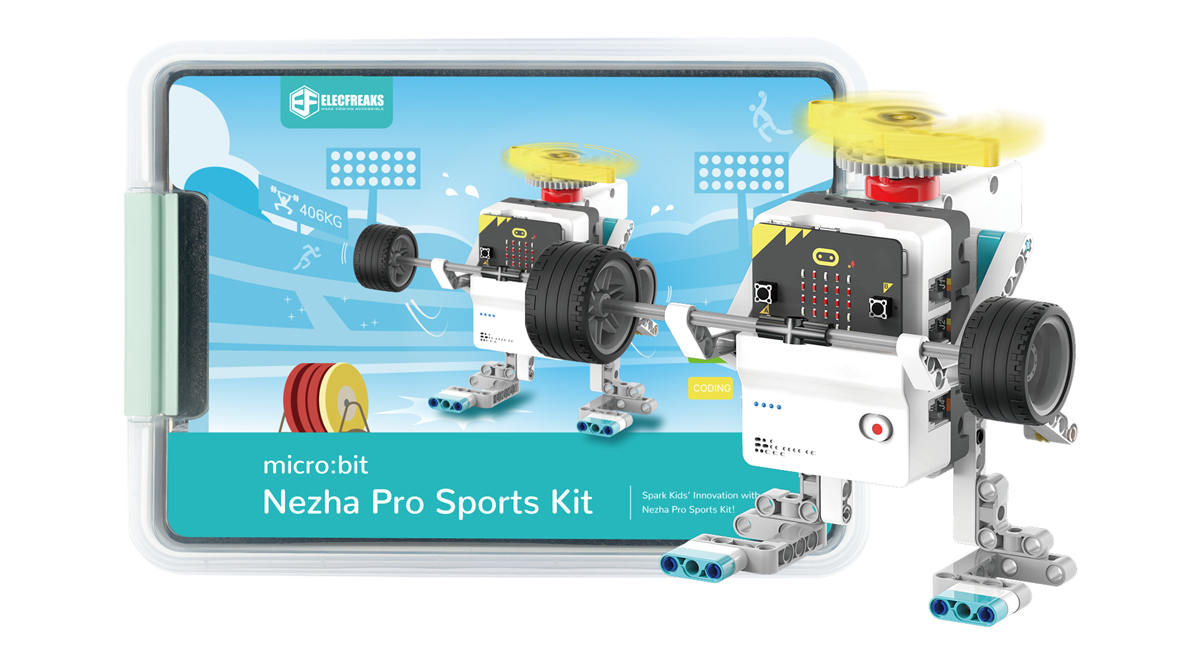
Nezha Pro Sport Kit

Teaching objectives

Sensor principle: Understand the working mechanism of collision sensor (micro switch), and master the physical transformation process of "contact-trigger-signal".

Programming logic: Learn to identify sensor signals through conditional judgment statements (such as if), and realize the accumulation and display of counters.

Engineering design: Master the combination method of sensor and mechanical structure (such as the influence of sensor installation position on detection accuracy).

Sports application: Experience how technology assists sports training, and understand the actual value of "data-based sports" (such as statistical shooting accuracy).

Course introduction

How does the referee judge the goal in a basketball game? If you practice by yourself, how can you quickly know how many goals you have scored?

Can the basket "count" the number of goals by itself? Scene introduction: "Today we are going to equip the basket with an 'intelligent brain'! When the basketball passes through the basket, the collision sensor will immediately 'see' the goal like a referee, and the main control board will immediately record the number and display it on the screen. Whether you are practicing shooting or competing with classmates, this counter allows you to focus on sports and let technology handle the data!"

Learning and Exploration

Explore how the collision sensor identifies "goal collision", analyze the impact of the sensor installation angle on the detection accuracy, and study how to achieve "anti-duplicate counting" through programming (such as two goals must be separated by more than 1 second).

Building steps

Hardware connection

Connect the collision sensor to the J1 interface of the Nezha Pro expansion board, and connect the OLED display to the IIC interface of the Nezha Pro expansion board.

Code Programming

Go to "makecode.microbit.org" and click New Project.

Enter a project name in the pop-up window and click Create.

Click Extension in the code drawer.

In the pop-up interface, enter nezha pro and click the search icon. Click it when the nezha pro software library is displayed. Load the PlanetX software library in the same way.

Sample Program

Program link: https://makecode.microbit.org/_H3d7gHP279HD

You can also download the program directly from the following webpage.

Download Program

Connect PC and micro:bit V2 with USB cable.

After the connection is successful, a drive named MICROBIT will be recognized on the computer.

Click in the lower left corner and select Connect Device.

Click

Click

In the pop-up window, select BBC micro:bit CMSIS-DAP, and then select Connect. At this point, our micro:bit has been successfully connected.

Click Download the program

Case demonstration

After shooting, the basketball touches the micro switch inside the basket, the sensor triggers the signal, the main control board receives the signal and counts + 1, and the LED screen updates the number in real time (such as from "0" to "1").

Summary and sharing

In actual testing, we can find that if the universal wheel is not added for weighting, the weight of the ball cannot trigger the collision sensor. After the universal wheel is added for weighting, the ball can trigger the collision sensor after entering the basket, but the triggering is still not sensitive.

Optimization direction

Replace the ball used for shooting with a heavier ball

Structural optimization, extend the seesaw structure, and make the collision sensor easier to trigger

Extended knowledge

Collision sensor working principle

Micro switch structure: contains metal reed inside, the contact is closed (conducting the circuit) when pressed, and the contact is disconnected (disconnecting the circuit) when released. In this case, when the basketball touches the switch, the main control board detects that the pin level changes from high (5V) to low (0V), and it is determined to be a valid goal.

Debounce processing: In actual collisions, the switch may be triggered multiple times due to vibration. When programming, a delay of 20-50ms needs to be added to filter repeated signals in a short period of time.

The value of sports data

Training optimization: Calculate the hit rate by counting the number of goals (e.g. 30 goals out of 50 shots, hit rate 60%), and improve the shooting posture in a targeted manner.

Gamified sports: Set a "1-minute time limit challenge", the counter displays the results in real time, and increases the fun of sports (a buzzer can be connected to play a prompt sound when a goal is scored).

Sensor type expansion

Non-contact solution: Replace with infrared dual-tube sensors (installed on both sides of the basket), judge the goal by detecting beam obstruction, and avoid mechanical wear (suitable for high-frequency use scenarios).

Pressure sensor upgrade: Lay a pressure sensing sheet on the bottom of the basket to identify the goal through pressure changes (can distinguish between hollow balls and goals that hit the basket).