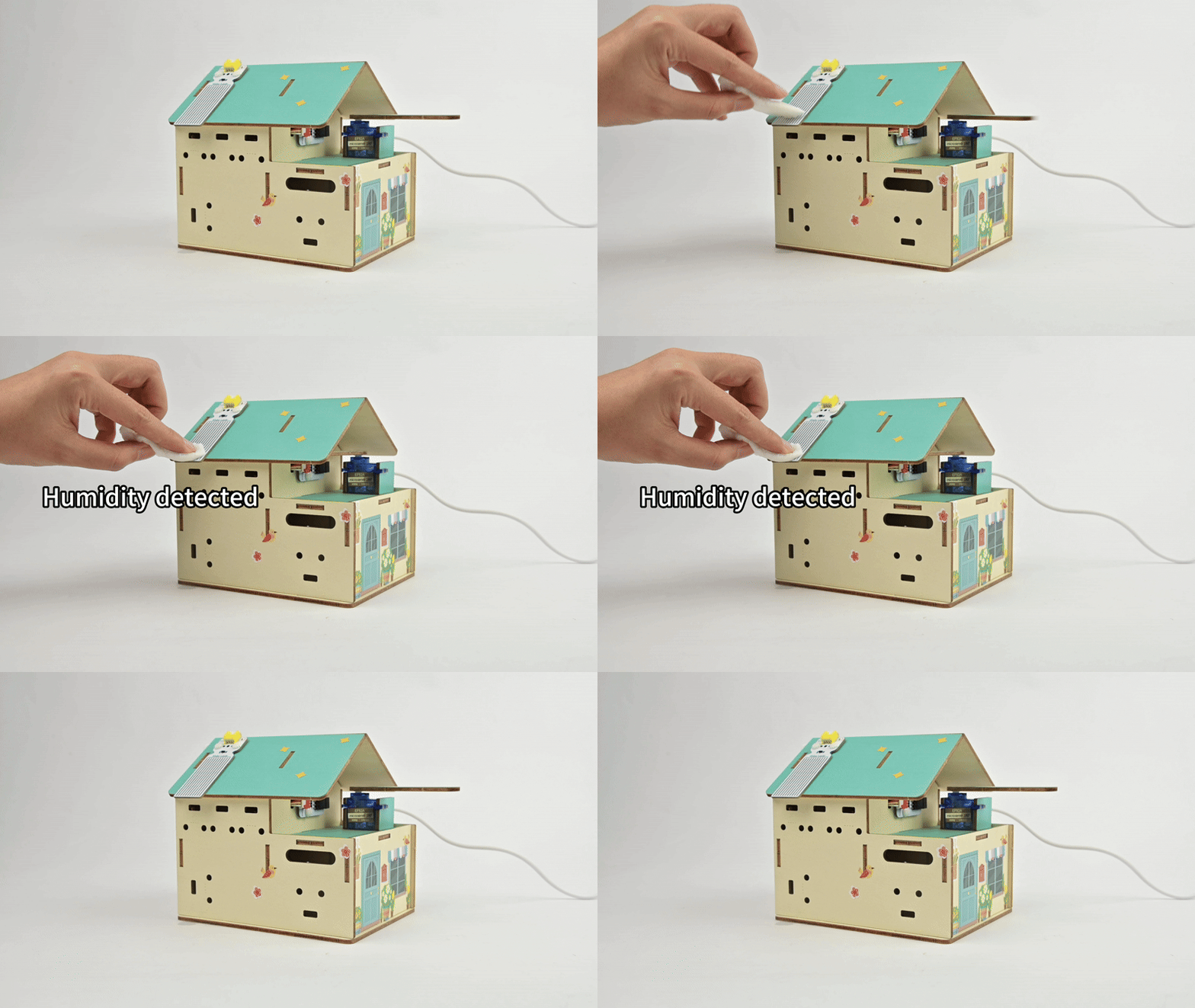
Smart Clothes Drying Rack
Introduction
In this project, we will learn how to make a smart clothes drying rack. Using a micro:bit board, water level sensor, and servo motor connected via a Petal Base Expansion Board, this project achieves the intelligent function of automatically retracting the drying rod in rainy weather and extending it in sunny weather. By making a drying rack that can "sense the weather," you can experience the application of the Internet of Things in daily life.
Teaching Objectives
- Understand the role of the water level sensor and learn to detect rainwater.
- Master the control method of the servo motor to achieve automatic extension and retraction of the drying rod.
- Use graphical programming to implement the logic of "rain triggering the drying rod action."
Teaching Preparations
Before starting the teaching, please ensure you have prepared the following necessary materials:
| Image | Name | Quantity | Remarks |
|---|---|---|---|
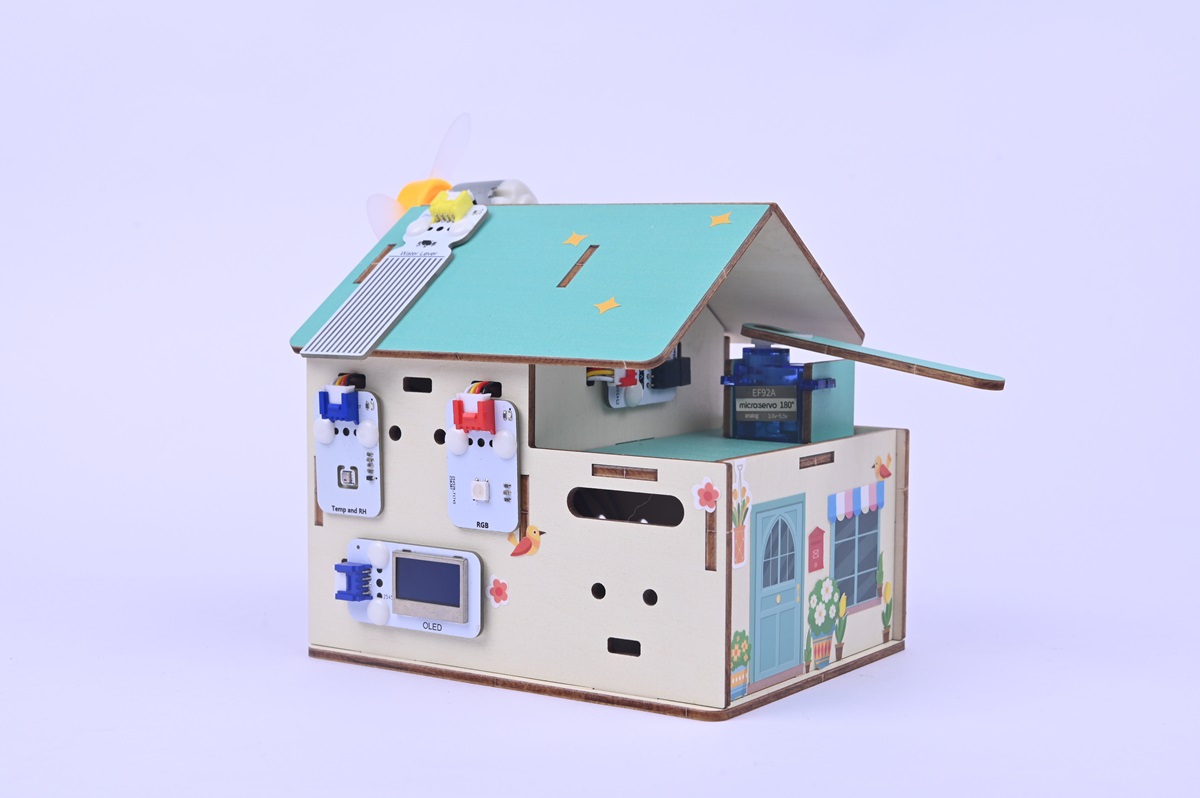
| Smart Home Explorer Kit | 1 | ||
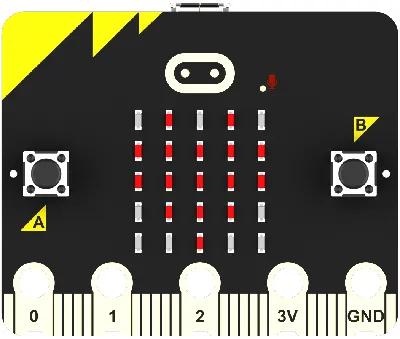 | micro:bit | 1 | Prepare separately |
 | PC | 1 | Prepare separately |
These materials will provide you with a complete experience to ensure you can smoothly proceed with subsequent operations and learning. If you have prepared the above, we can continue to the next step.
Course Introduction
What if it suddenly rains while drying clothes? Traditional drying racks need to be retracted manually, and clothes are easily wetted. Today, we will make an automatic drying rack: when the water level sensor detects rain, the servo motor will automatically rotate to retract the drying rod; after the rain stops, the drying rack can automatically extend. No more worrying about forgetting to collect clothes!
Project Production
Hardware Connection
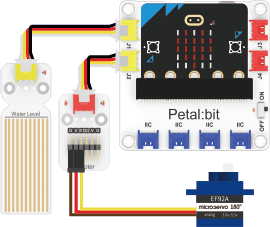
- Connect the water level sensor to the J1 interface of the Petal Base Expansion Board.
- Connect the Adapter to the J2 interface of the Petal Base Expansion Board.
- Connect the servo motor to the S1 interface of the Adapter.
Programming Platform
We usually use the graphical programming platform makecode to program the micro:bit.
Programming platform entry: https://makecode.microbit.org/
Create a New Project
Open https://makecode.microbit.org/.
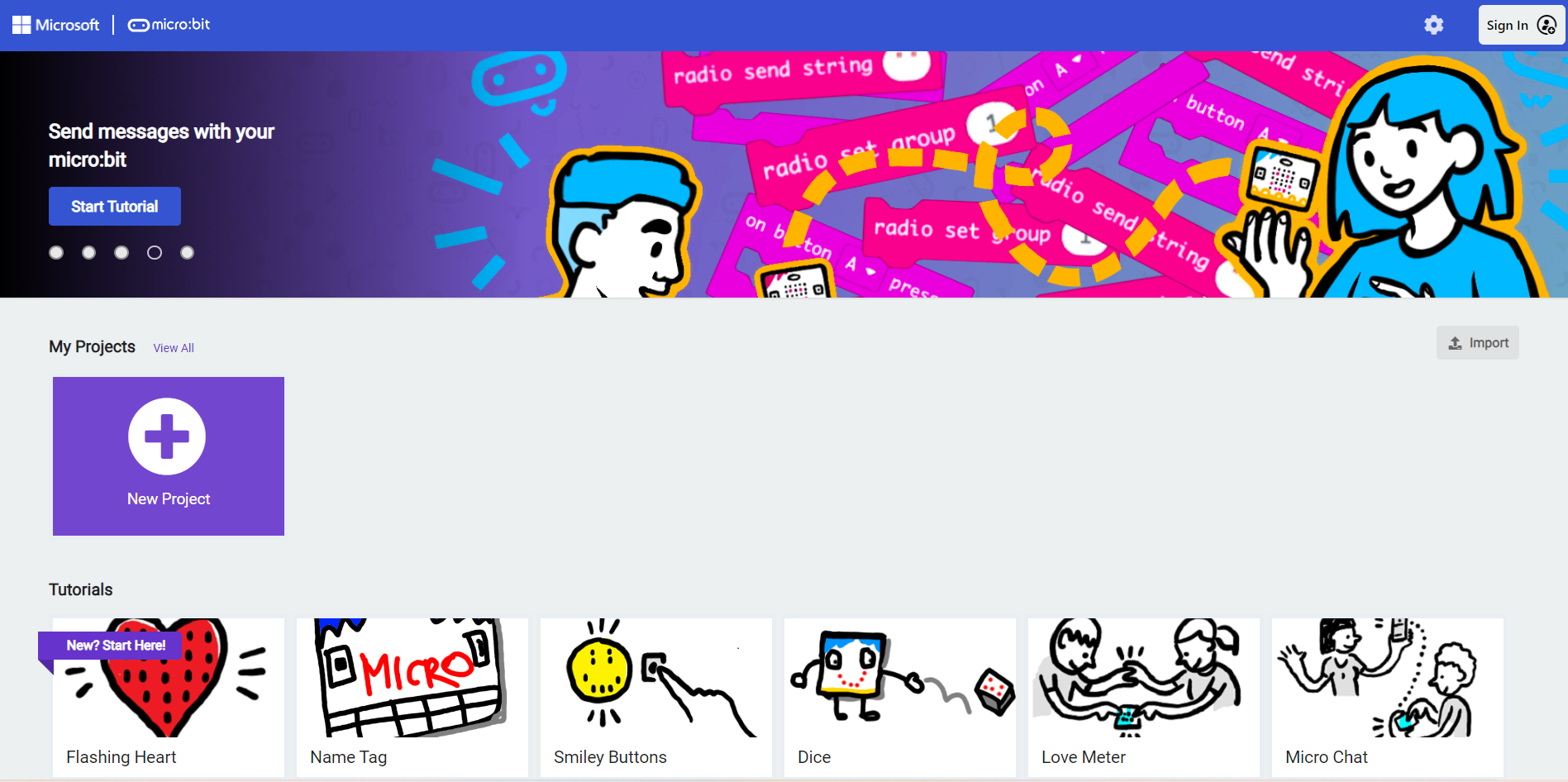
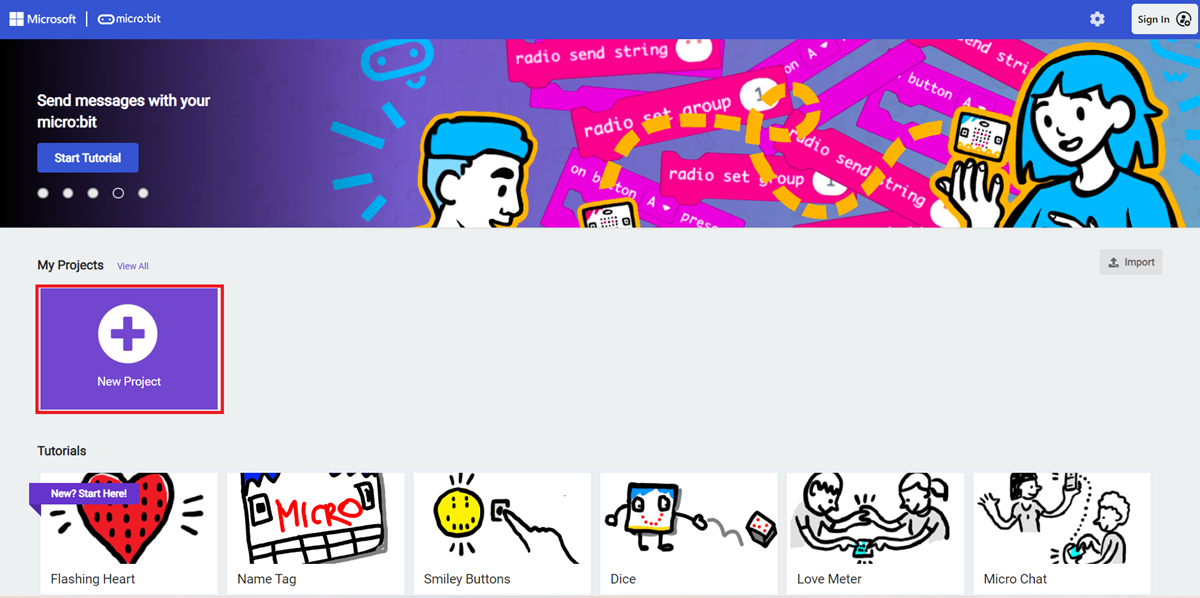
Create a new project
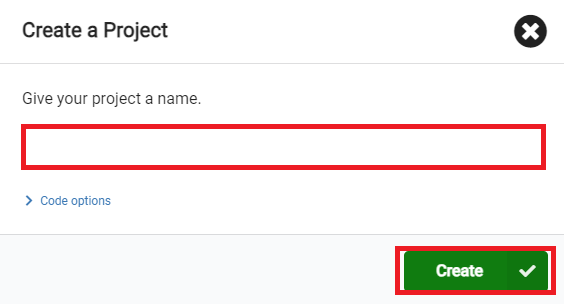
Enter the project name and click Create.
Add Software Libraries
In the makecode programming interface, click Extensions in the Toolbox.

In the pop-up page, search for petal and click to select the petal software library.

Write the Program
Example program: https://makecode.microbit.org/_F2fUgTeYu0xy
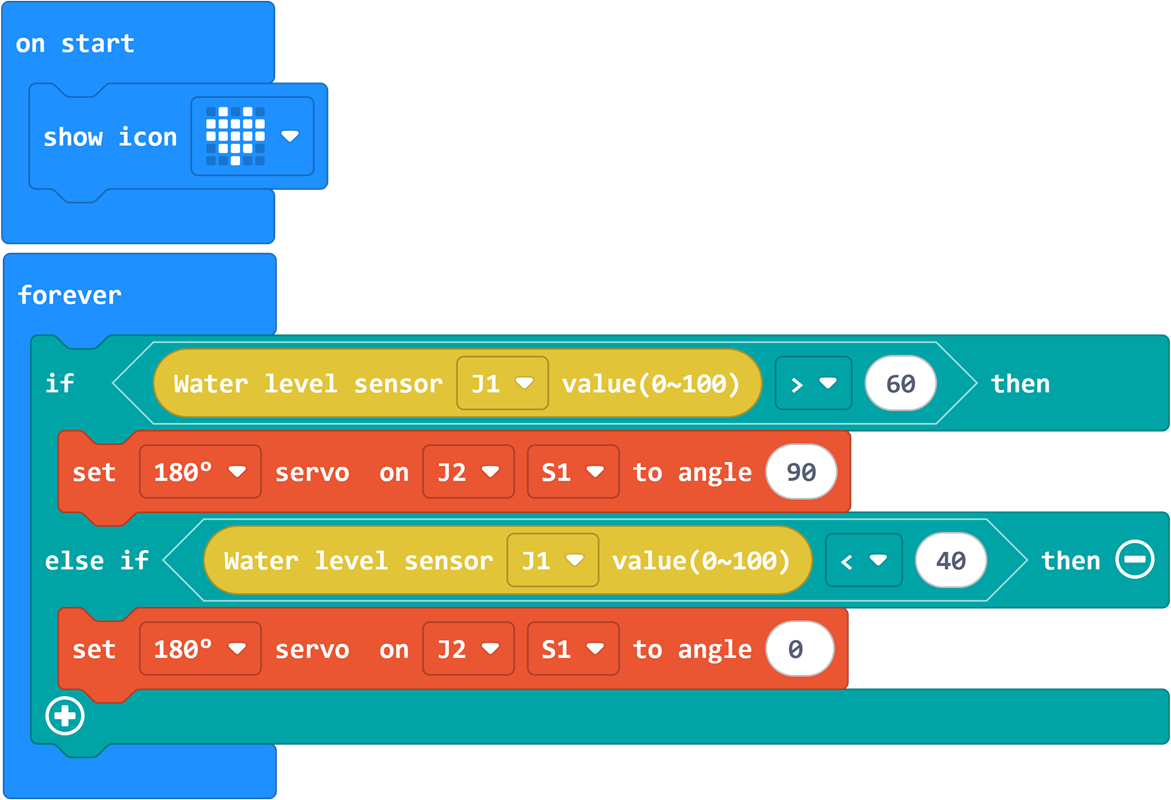
You can also directly download the program through the following web page.
How to Download the Program to micro:bit?
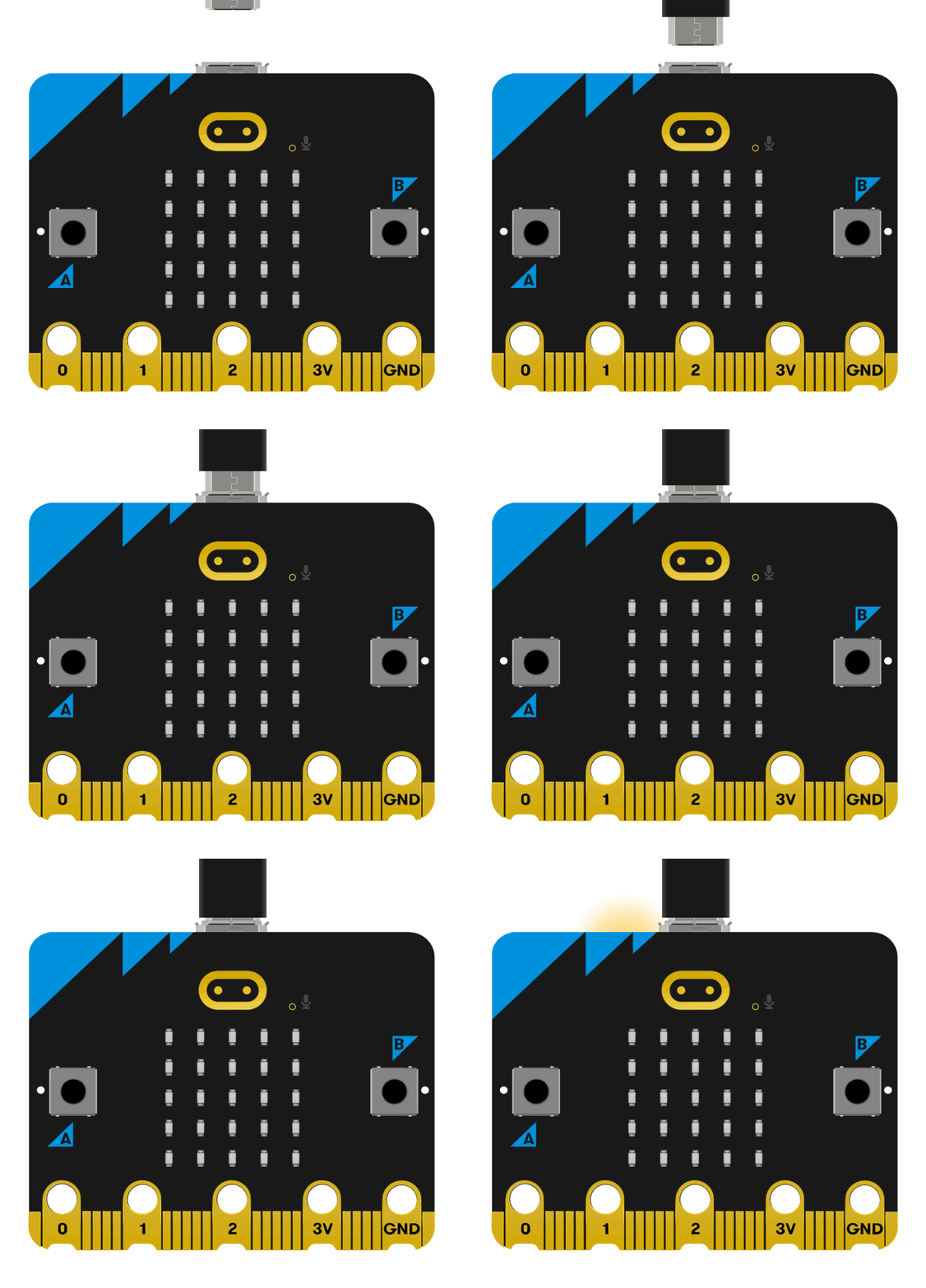
Connect the PC to the micro:bit V2 using a USB cable.
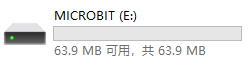
- After a successful connection, a drive named
MICROBITwill be recognized on the computer.
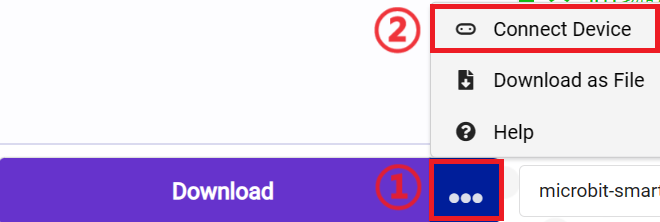
Click the icon in the lower left corner ,and chose
Connect Device。
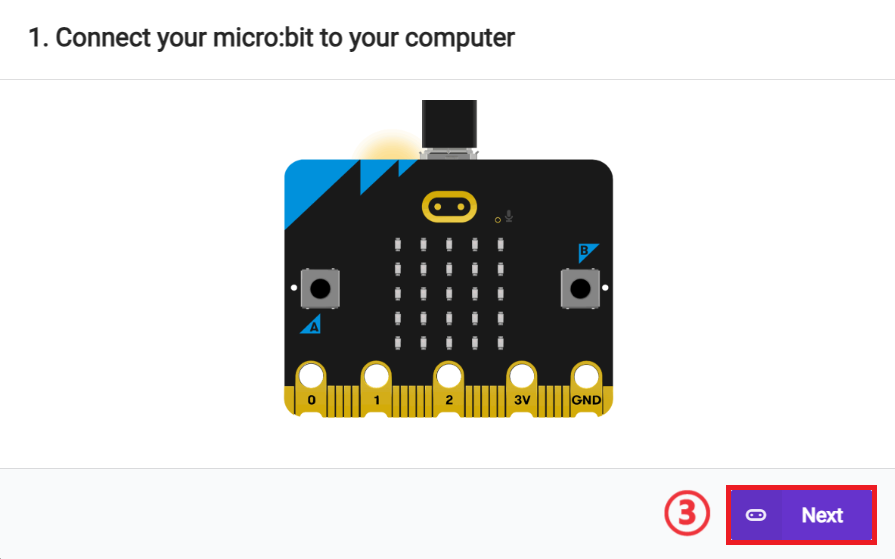
 click
click 。
。
click 。
。
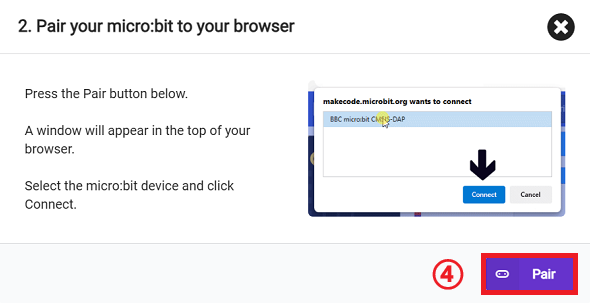
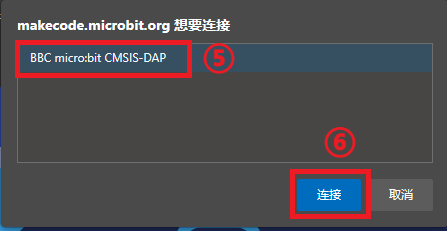
In the pop-up window, select BBC micro:bit CMSIS-DAP, then select Connect. The micro:bit is now successfully connected.
Click to download the program.

Results
After being turned on, the smart clothes drying rack will automatically open or close depending on whether it is raining.