Corridor Light
Introduction
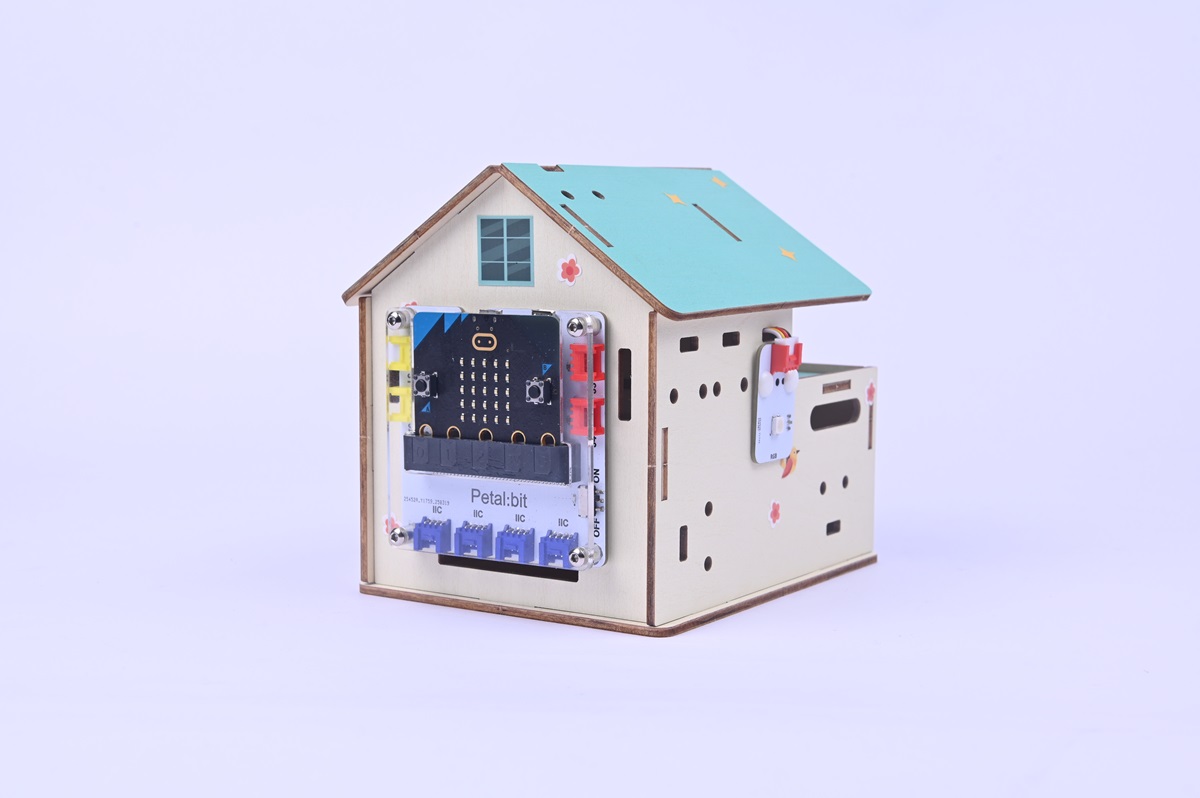
This project uses a micro:bit board, leveraging its onboard noise detection module and light sensor, combined with an external RGB LED light, to achieve intelligent response to both ambient light and sound. When it detects insufficient light and noise exceeding a threshold, the RGB light automatically turns on; when the environment returns to quiet or light is sufficient, the light automatically turns off. It is suitable for smart home, creative interactive installations, and other scenarios.
Teaching Objectives
- Master the real-time data collection method for micro:bit onboard sensors (light, noise).
- Learn multi-condition judgment (logical AND/OR).
- Understand the intelligent control logic of environmental data linked lighting.
Teaching Preparations
Before starting the teaching, please ensure you have prepared the following necessary materials:
| Image | Name | Quantity | Remarks |
|---|---|---|---|
| Smart Home Explorer Kit | 1 | ||
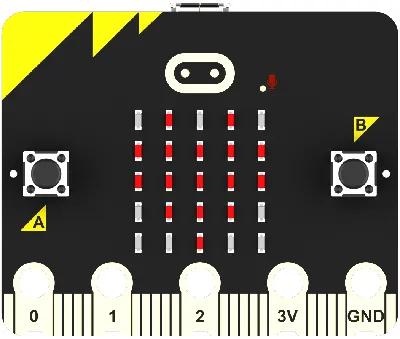 | micro:bit | 1 | Prepare separately |
 | PC | 1 | Prepare separately |
These materials will provide you with a complete experience to ensure you can smoothly proceed with subsequent operations and learning. If you have prepared the above, we can continue to the next step.
Course Introduction
How do smart lights in public places achieve automatic induction? This project will simulate the intelligent switching logic of corridor lights through the micro:bit's dual detection of light and noise—the light only turns on automatically when the light is dim and there is sound (such as footsteps), which is both energy-saving and meets practical needs.
Interactive Thinking: Why do corridor lights need to detect both light and sound? What defects might a single sensor have?
Project Production
Hardware Connection
Connect the rainbow light to the J1 interface of the Petal Base Expansion Board.

Programming Platform
We usually use the graphical programming platform makecode to program the micro:bit.
Programming platform entry: https://makecode.microbit.org/
Create a New Project
Open (https://makecode.microbit.org/.https://makecode.microbit.org/)
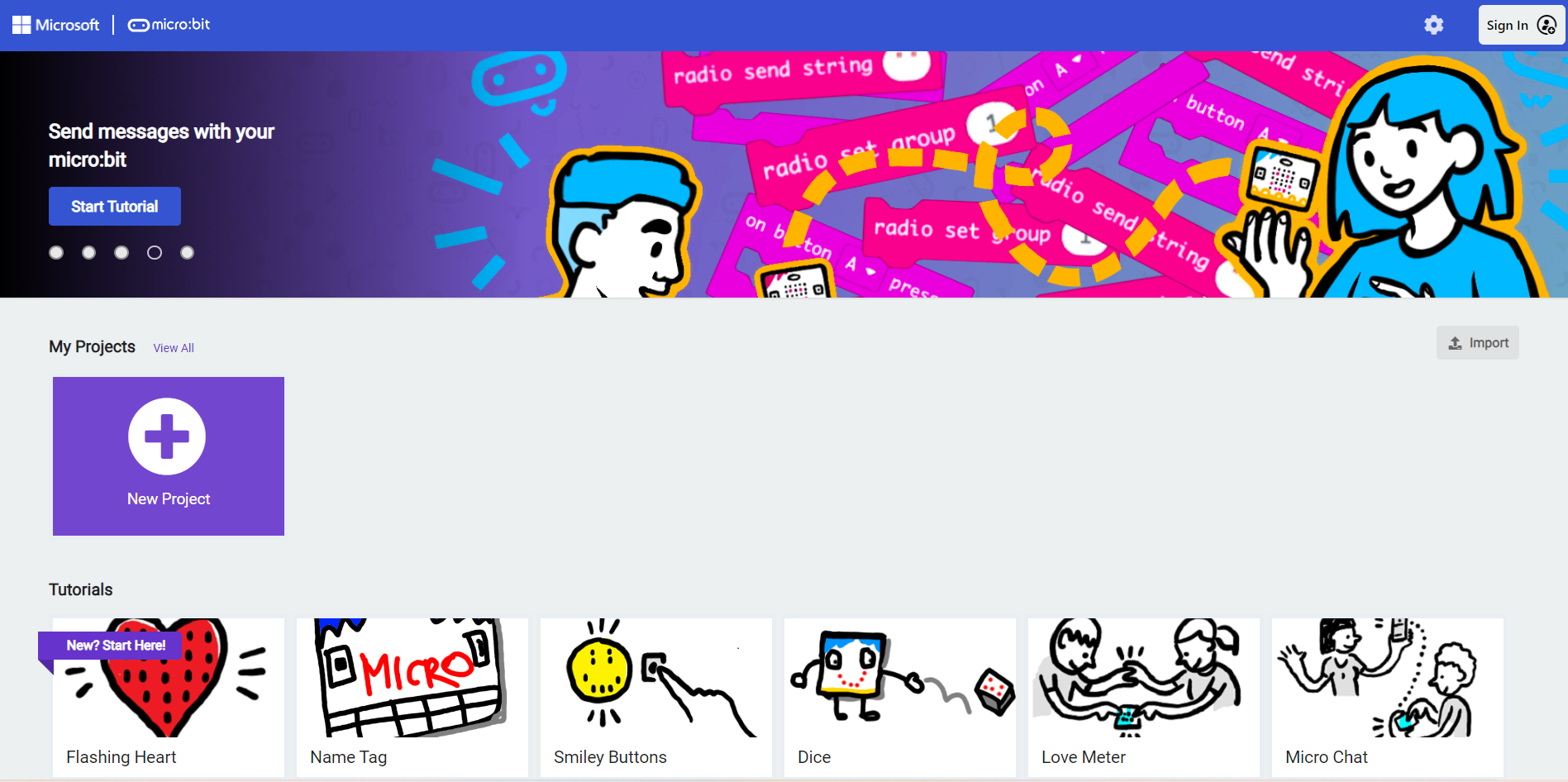
Create a new project.
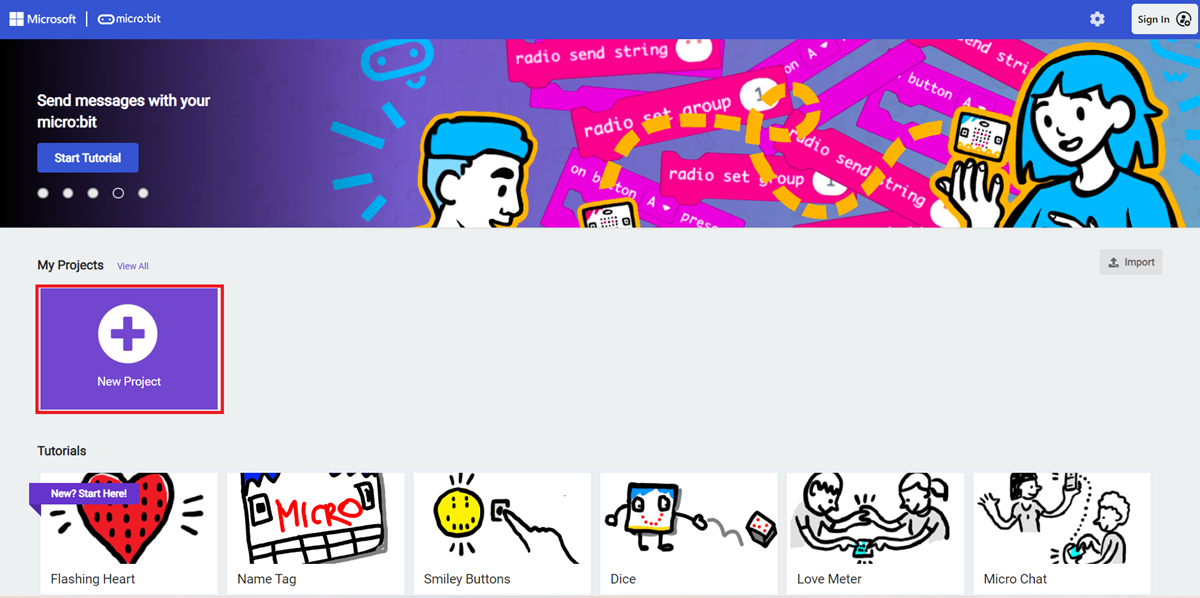
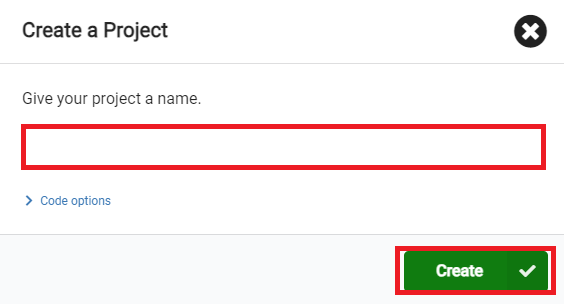
Enter the project name and click Create.
Add Software Libraries
In the makecode programming interface, click Extensions in the Toolbox.

In the pop-up page, search for petal and click to select the petal software library.

Write the Program
Example program: https://makecode.microbit.org/_g0eLuTR1KJjD
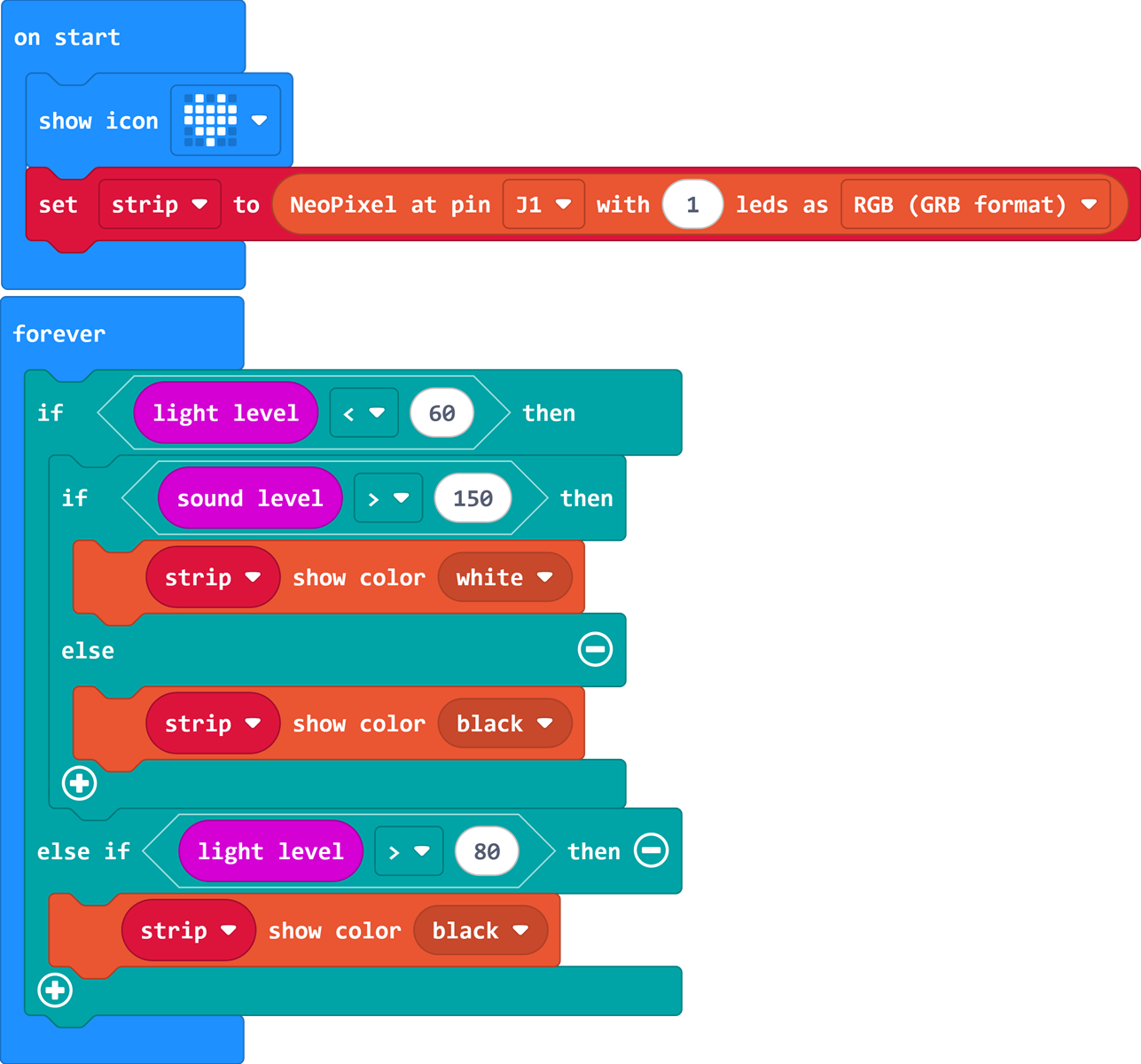
You can also directly download the program through the following web page.
How to Download the Program to micro:bit?
Connect the PC to the micro:bit V2 using a USB cable.
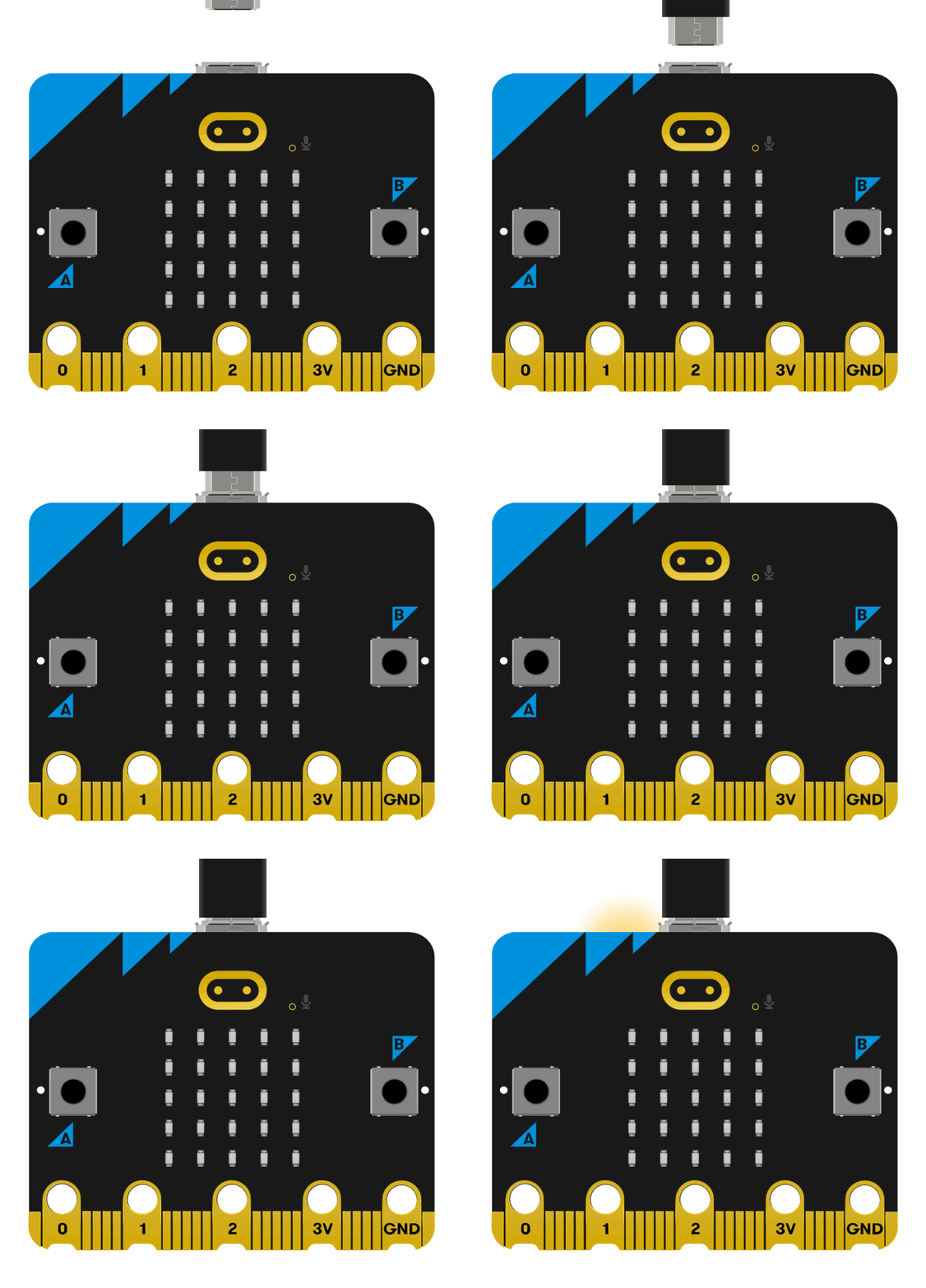
After a successful connection, a drive named MICROBIT will be recognized on the computer.

Click the icon in the lower left corner ,and select
Connect Device。
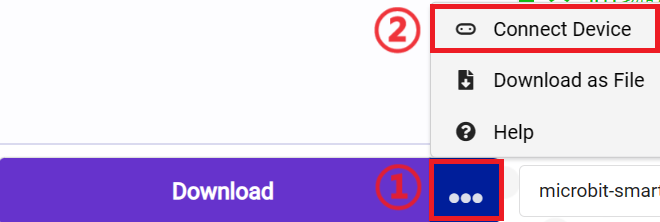
Click 。
。
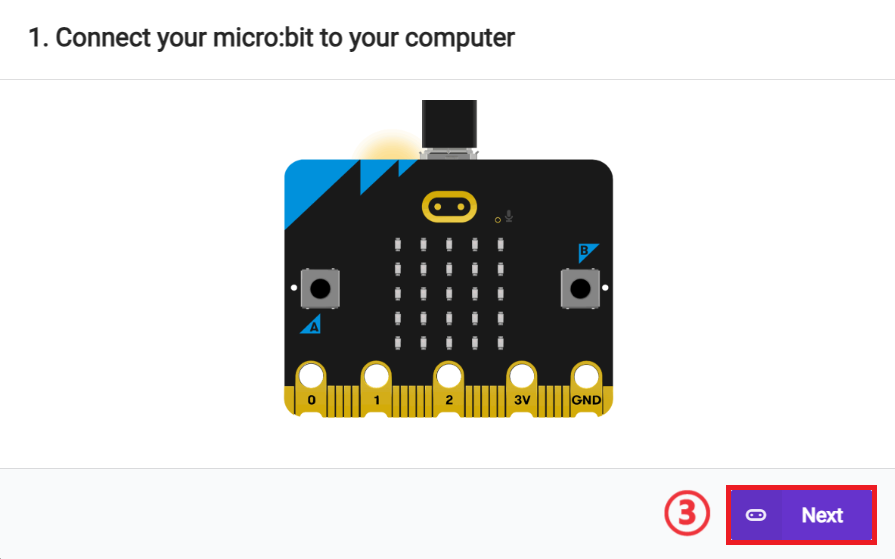
Click 。
。
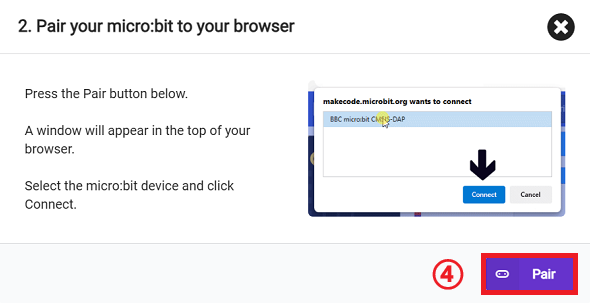
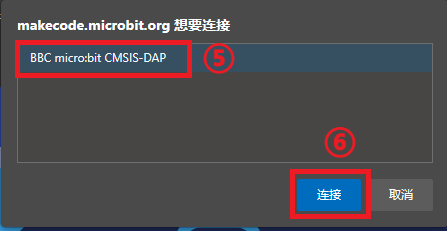
In the pop-up window, select BBC micro:bit CMSIS-DAP, then select Connect. The micro:bit is now successfully connected.
Click to download the program.

Results
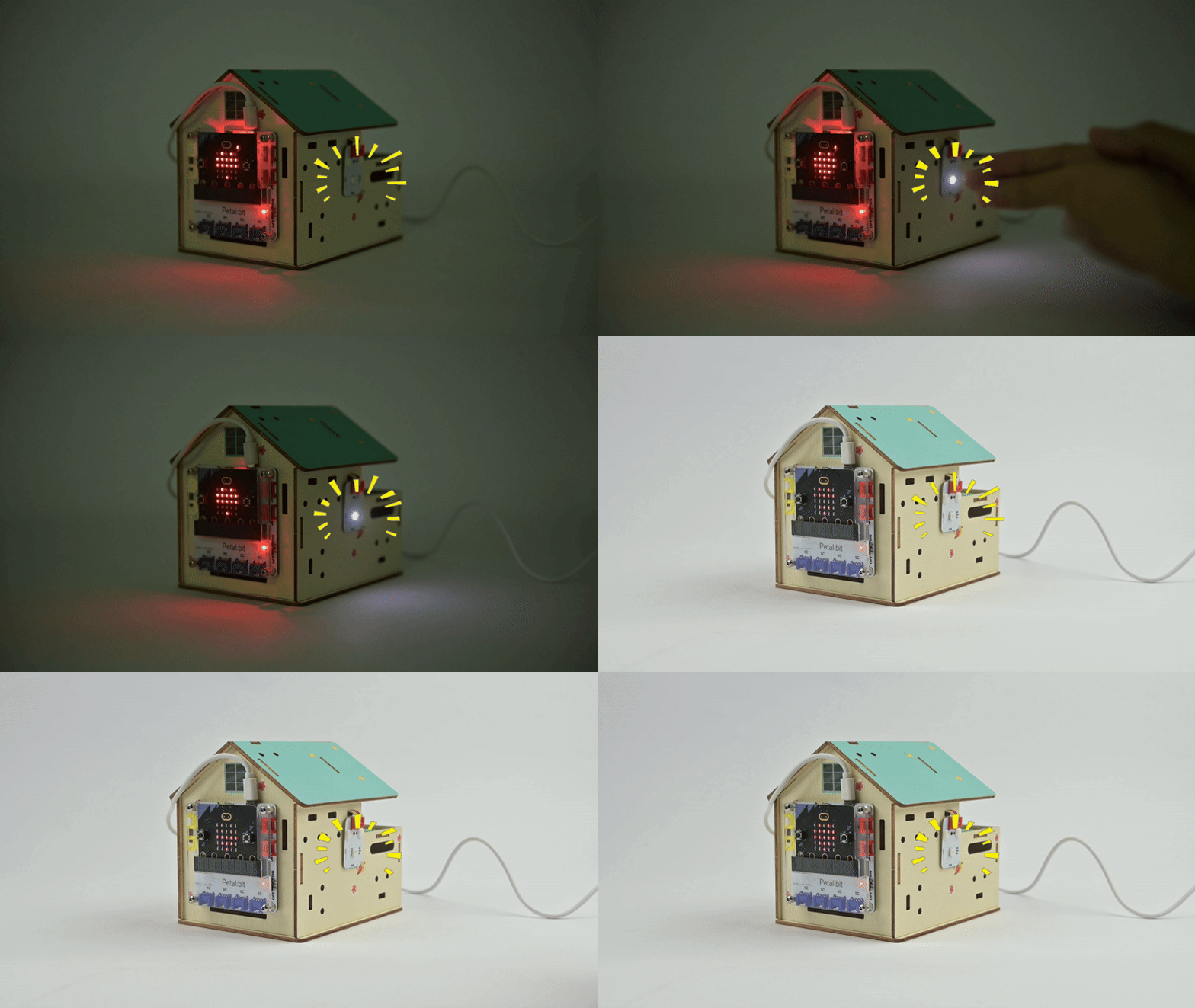
After powering on, the corridor light automatically turns the LED light on or off based on light intensity and ambient sound.
Extended Knowledge
Application Scenario Extensions of Corridor Lights
1. Residential Corridors
- Basic function: Automatically turns on at night when light is dim and there is sound (e.g., footsteps), and turns off when quiet/dawn.
- Optimization: Add a 10-30 second delay to turn off the light to avoid frequent triggering.
2. Hospitals/Nursing Homes
- Core needs: Mute mode (replace noise detection with human infrared) to avoid disturbing patients.
- Upgrade: Corridor lights flash to guide the direction in case of emergency calls.
3. Industrial Factories
- Special needs: Dust and vibration resistance, warning for dangerous areas.
- Solution: Replace light sensors with infrared tubes, and turn on red warning lights when equipment is running.
4. Campuses/Office Buildings
- High-frequency scenarios: Large human flow, requiring dynamic brightness adjustment.
- Optimization: The louder the noise, the brighter the light; switch to green evacuation guidance light during fires.