Magnetic Sensor
Introduction
Features
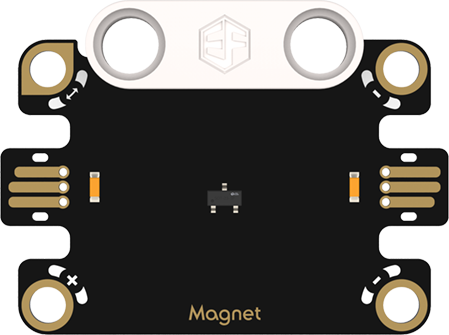
Jacdac Magnetic Sensor: Uses the Hall effect to detect changes in magnetic fields and converts magnetic field strength into electrical signals. Commonly used for motor speed detection, inferring rotational speed by sensing magnetic field changes of the rotor; in applications such as electronic compasses, it can accurately determine the direction of navigation and positioning devices.
Specifications
| Item | Parameter |
|---|---|
| Name | Magnetic Sensor |
| SKU | EF16013 |
| Connection Type | Analog Output |
| Operating Voltage | 4.15V |
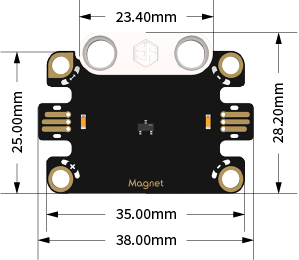
| Product Dimensions | 38.00mm × 28.20mm (Length × Width) |
Appearance and Dimensions
Product Links
暂无
Quick Start
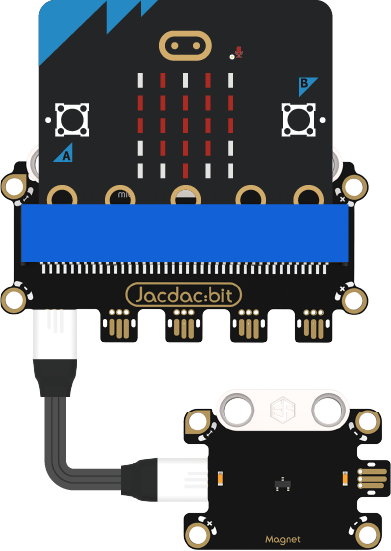
Hardware Connection Diagram
Usage Tutorial
Programming Software
MakeCode Programming
Step 1: How to Add Jacdac Extension
- Go to Microsoft MakeCode and click "New Project".

- Enter the project name in the pop-up window and click "Create".

- Click "Extensions" in the code drawer.

- Enter "Jacdac" in the pop-up interface and click the search icon. Select the Jacdac software library as shown.

Step 2 :
- Connect the micro:bit to the computer using a data cable. Note: If the micro:bit is running a Jacdac program for the first time, please pre-install a blank Jacdac program on the micro:bit first; otherwise, skip this step.
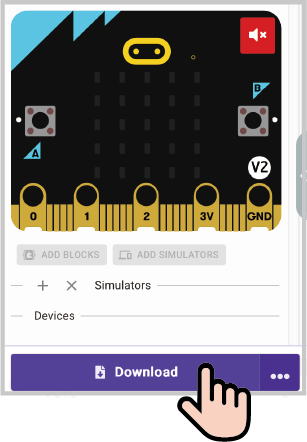
- Connect the sensor. MakeCode will automatically recognize it and simulate its status. The sensor will provide real-time feedback in the simulation area.
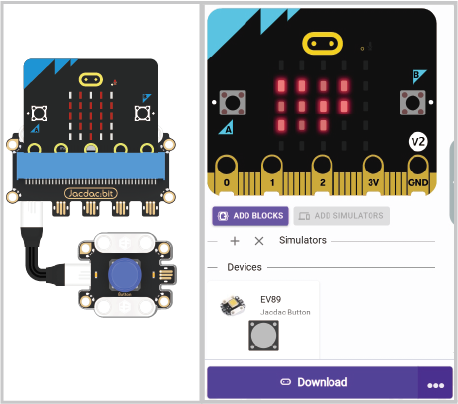
- Click "ADD BLOCKS" for the sensor extension module. Note: When connecting a new sensor, repeat the operation of clicking "ADD BLOCKS" for the sensor extension module.

Program Example as Shown
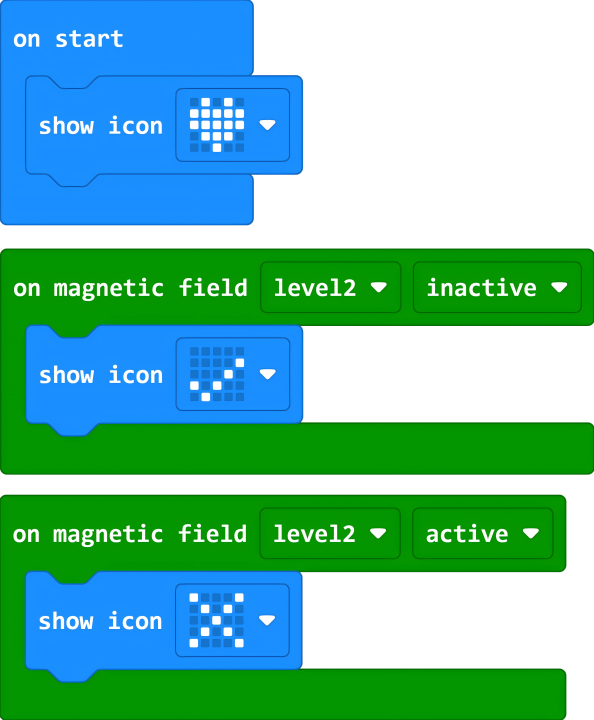
Reference Program Link
https://makecode.microbit.org/_51DU2LPKPHpx
You can also download it via the embedded link:
Results
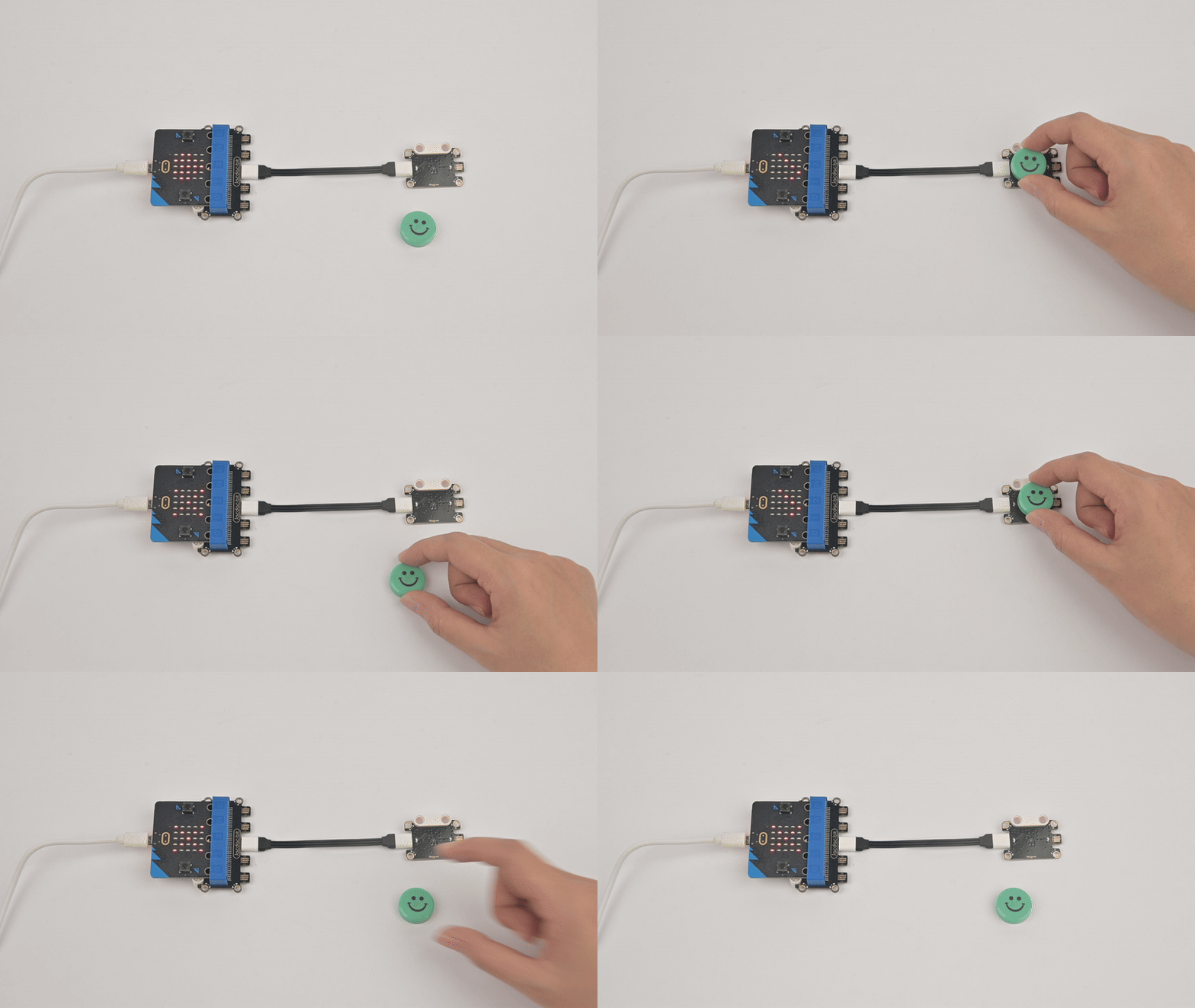
When the magnetic sensor detects a magnet, the micro:bit displays "√"; otherwise, it displays "×"