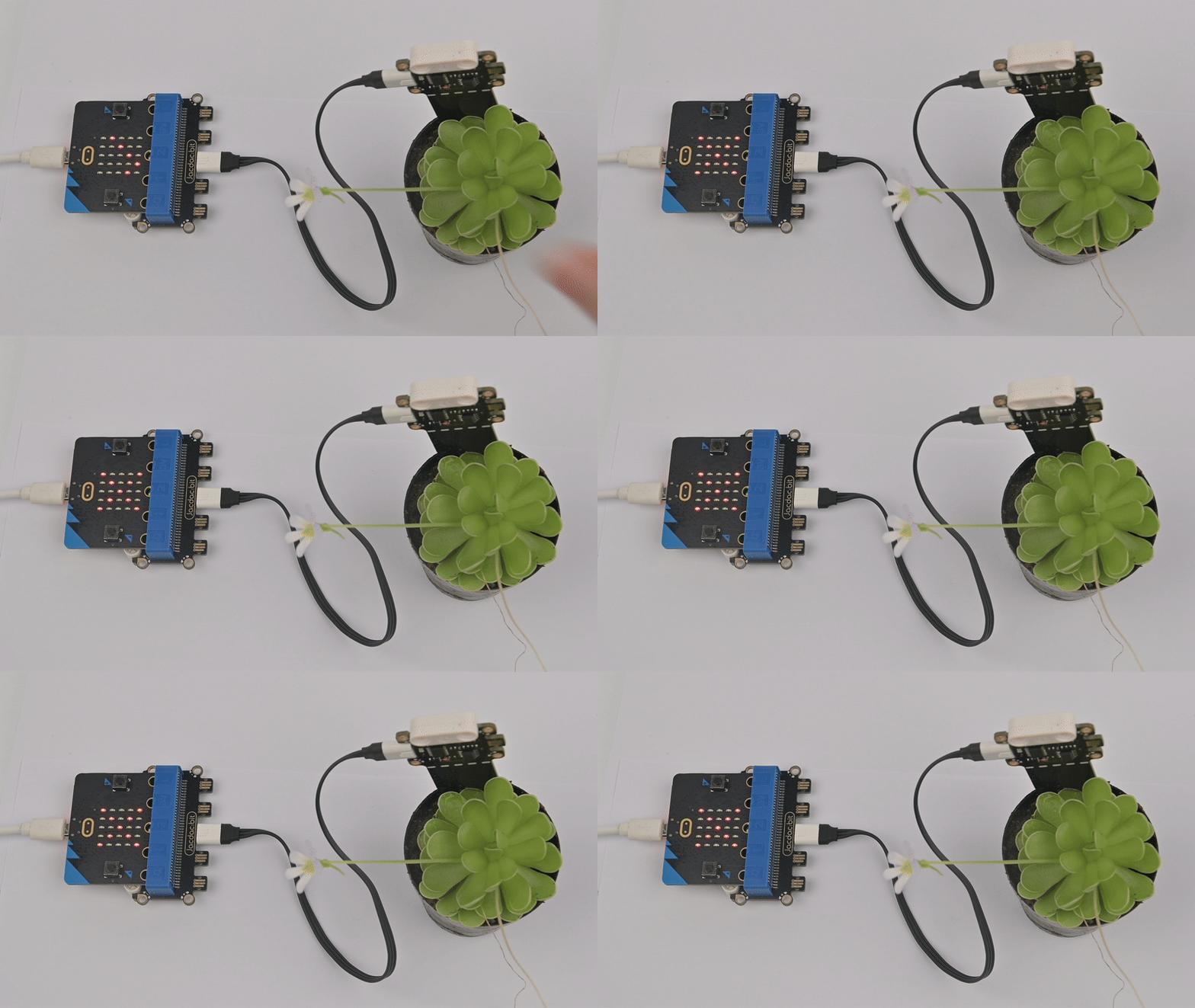
Soil Moisture Sensor
Introduction
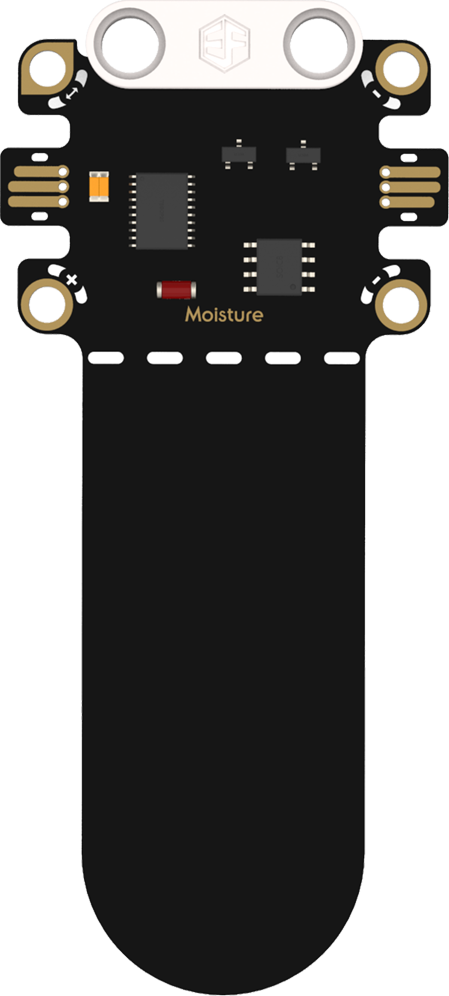
Features
Soil Moisture Sensor: Detects the moisture content of specific media, such as soil. In horticulture, it helps gardeners accurately assess soil dryness for scientific irrigation. In industrial processes requiring humidity control, it provides critical data to maintain optimal humidity levels and ensure smooth operations.
Specifications
| Item | Parameter |
|---|---|
| Name | Soil Moisture Sensor |
| SKU | EF16006 |
| Connection | Analog Output |
| Operating Voltage | 4.15V |
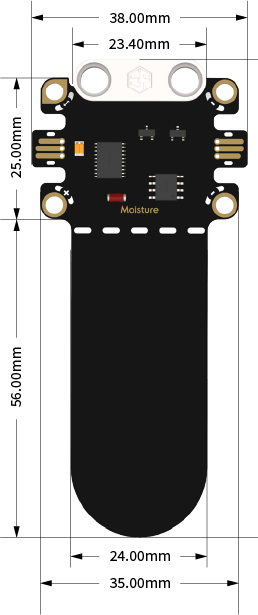
| Product Size | 38.00mm×81.00mm (W×L) |
Appearance and Dimensions
Product Links
None
Quick Start
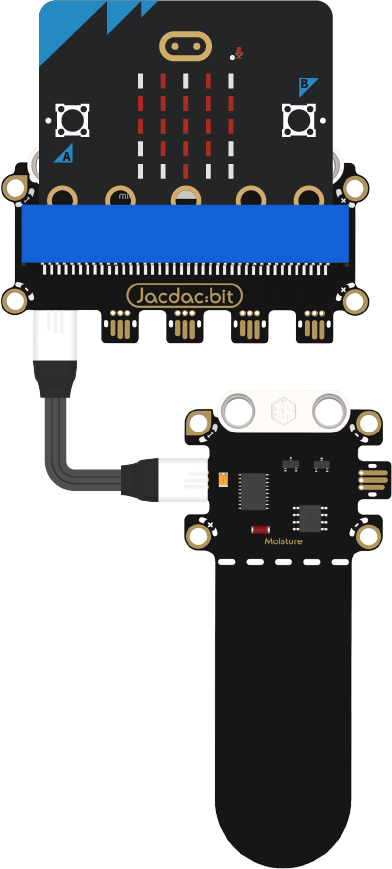
Hardware Connection Diagram
Usage Tutorials
Programming Software
MakeCode Programming
Step 1: Adding the Jacdac Extension
- Go to Microsoft MakeCode and click New Project.

- Enter a project name in the pop-up window and click Create.

- Click Extensions in the code drawer.

- Type "Jacdac" in the search bar, click the magnifying glass icon, and select the Jacdac software library as shown.

Step 2:
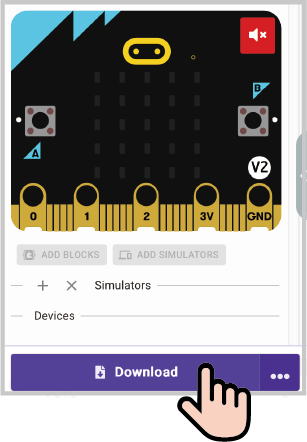
- Connect the micro:bit to your computer using a data cable. Note: If this is the first time running a Jacdac program on the micro:bit, preload a blank Jacdac program first. Skip this step if already done.
- Connect the sensor. MakeCode will automatically detect it and simulate the sensor status in the emulator.
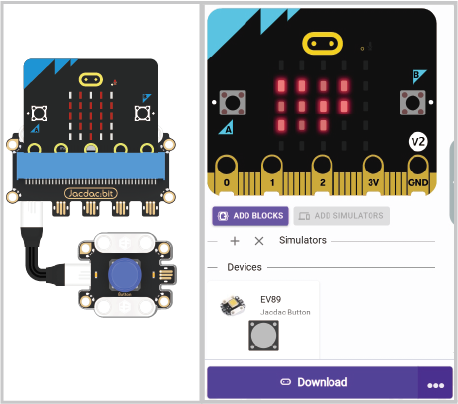
- Click ADD BLOCKS for the sensor extension module. Note: Repeat this step each time you connect a new sensor.

Program Code
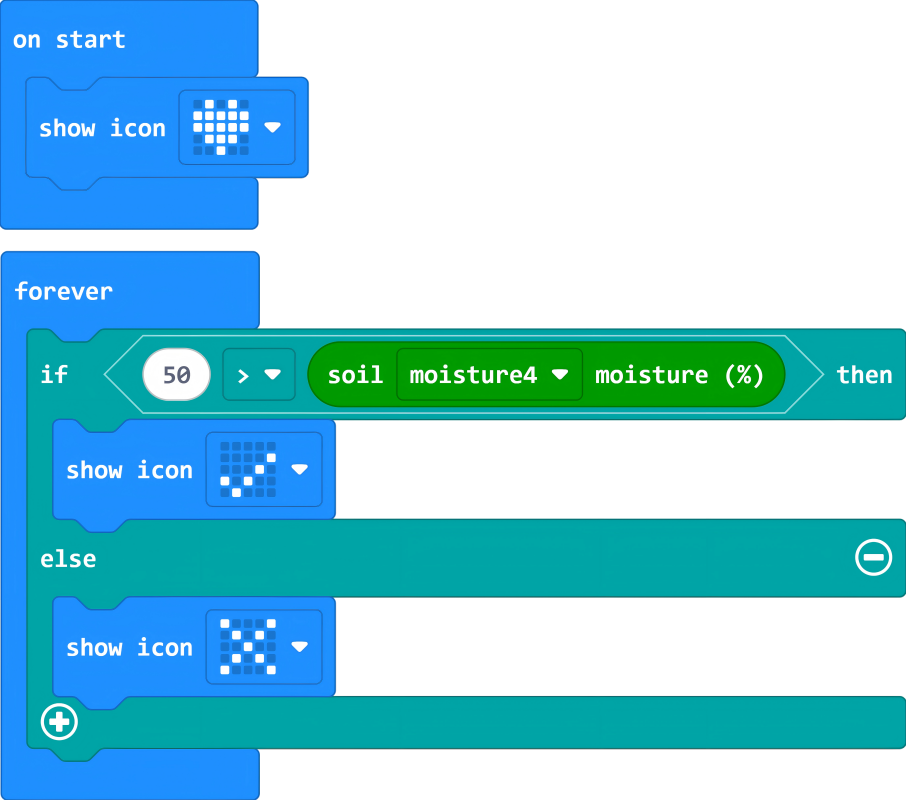
Reference Program
https://makecode.microbit.org/_AAALazD9MevC
You can also download it via the embedded link below:
Results
If the soil moisture sensor reading is <50%, the micro:bit displays "√"; otherwise, it displays "×".