Light Sensor
Introduction
Features
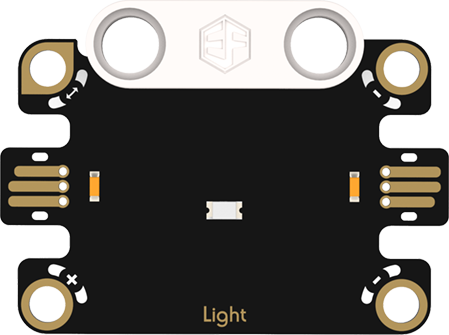
Light Sensor: Highly sensitive to light changes, it outputs corresponding signals based on ambient light intensity. In smart lighting systems, it automatically distinguishes between light and dark to turn lights on/off or adjust brightness; in outdoor devices, it can also adjust screen brightness according to light levels, saving energy and protecting eyes.
Specifications
| Item | Parameter |
|---|---|
| Name | Light Sensor |
| SKU | EF16005 |
| Connection | Analog Output |
| Input Voltage | 4.15V |
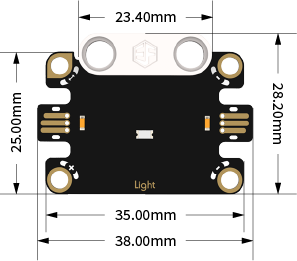
| Product Size | 38.00mm×28.20mm (L×W) |
Appearance and Dimensions
Product Links
None
Quick Start
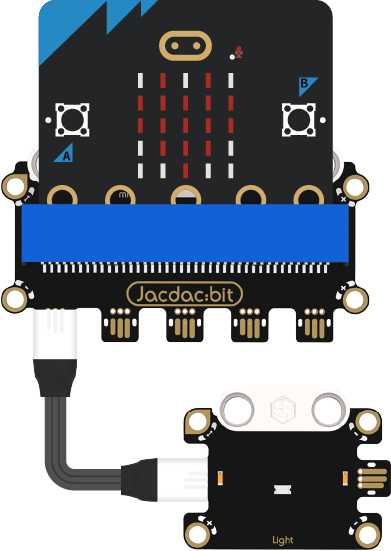
Hardware Connection Diagram
Usage Tutorials
Programming Software
MakeCode Programming
Step 1: Adding the Jacdac Extension
- Go to Microsoft MakeCode and click New Project.

- Enter a project name in the pop-up window and click Create.

- Click Extensions in the code drawer.

- Type "Jacdac" in the search bar, click the magnifying glass icon, and select the Jacdac software library as shown.

Step 2:
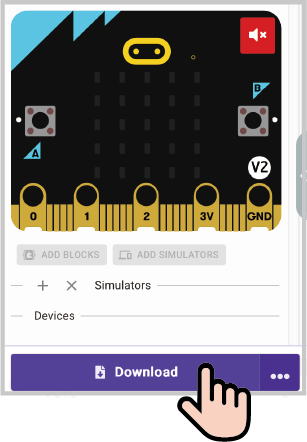
- Connect the micro:bit to your computer using a data cable. Note: If this is the first time running a Jacdac program on the micro:bit, preload a blank Jacdac program first. Skip this step if already done.
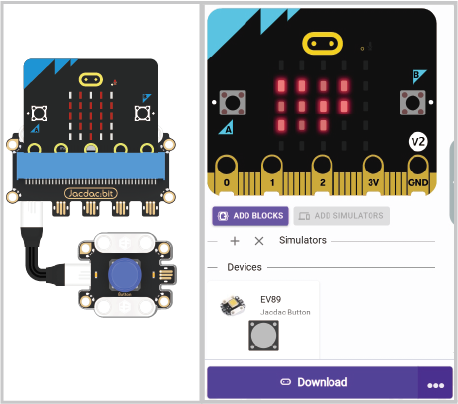
- Connect the sensor. MakeCode will automatically detect it and simulate the sensor status in the emulator.
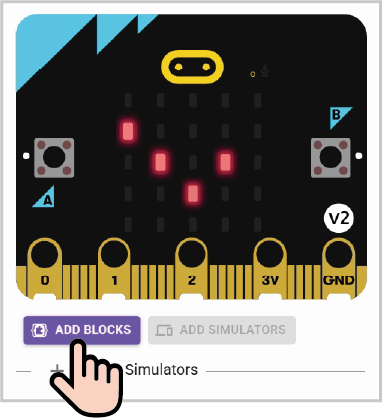
- Click ADD BLOCKS for the sensor extension module. Note: Repeat this step each time you connect a new sensor.
Program Code
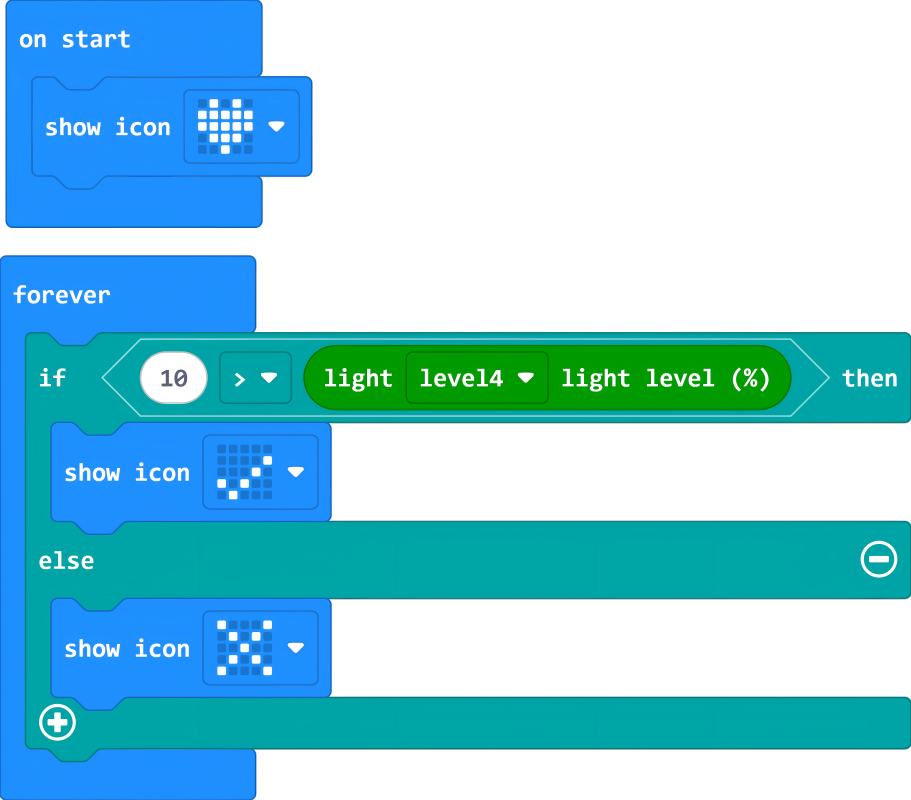
Reference Program
Link: https://makecode.microbit.org/_AAALazD9MevC
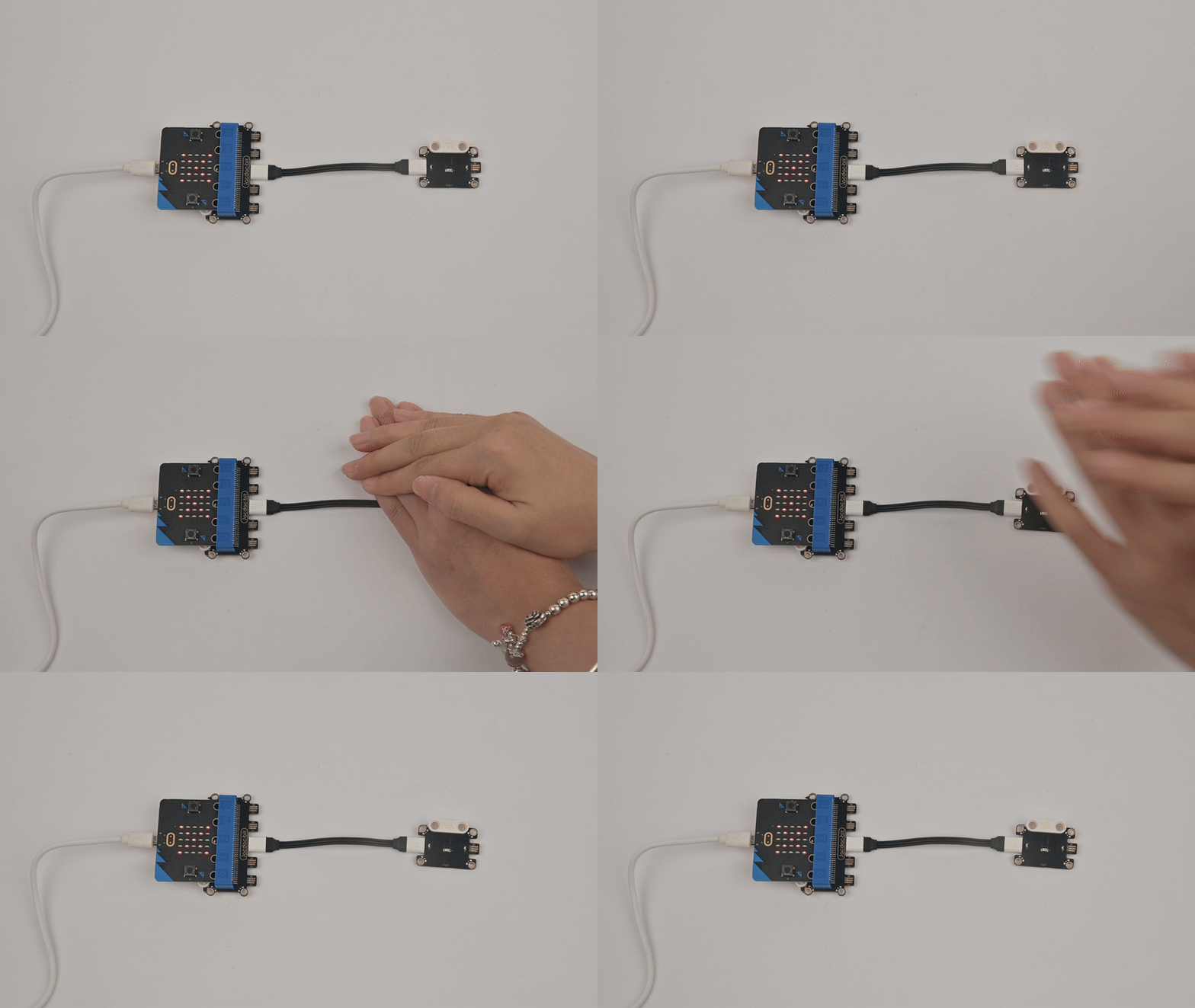
## ResultWhen the detected ambient light intensity is < 10, the micro:bit displays "√"; otherwise, it displays "×".