LED Ring
Introduction
Features
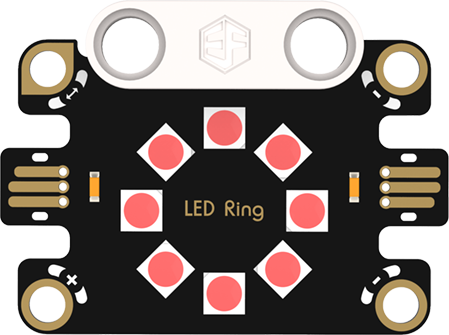
LED Ring: Composed of multiple independently controllable LEDs arranged in a circular light-emitting body, capable of displaying rich colors and dynamic lighting effects. It is used for decorative lighting to create a gorgeous atmosphere; in device status indication, it uses different lighting modes to feedback working status, combining aesthetics and practicality.
Specifications
| Item | Parameter |
|---|---|
| Name | LED Ring |
| SKU | EF16012 |
| Interface | Actuator |
| Operating Voltage | 4.15V |
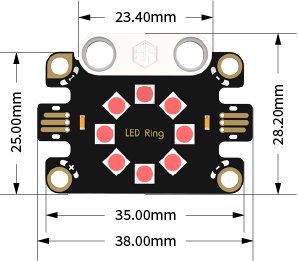
| Dimensions | 38.00mm×28.20mm (L×W) |
Appearance and Dimensions
Product Links
None
Quick Start
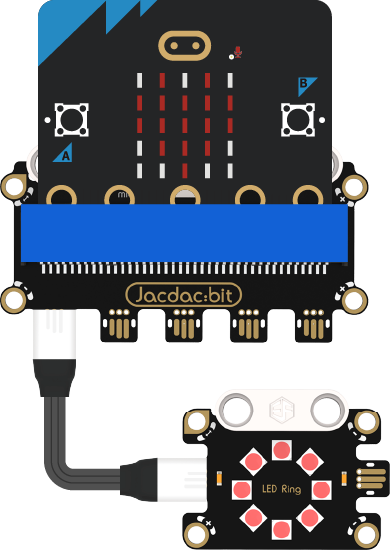
Hardware Connection
Usage Tutorial
Programming Software
MakeCode Programming
Step 1: How to Add Jacdac Extension
- Go to Microsoft MakeCode and click "New Project".

- Enter the project name in the pop-up window and click "Create".

- Click "Extensions" in the code drawer.

- Enter "Jacdac" in the pop-up interface, click the search icon, and select the Jacdac library as shown.

Step 2:
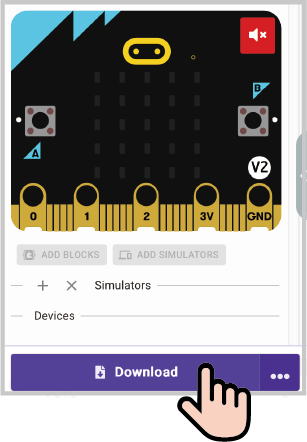
- Connect the micro:bit to the computer with a data cable. Note: If the micro:bit runs a Jacdac program for the first time, please pre-install a blank Jacdac program on the micro:bit first; otherwise, skip this step.
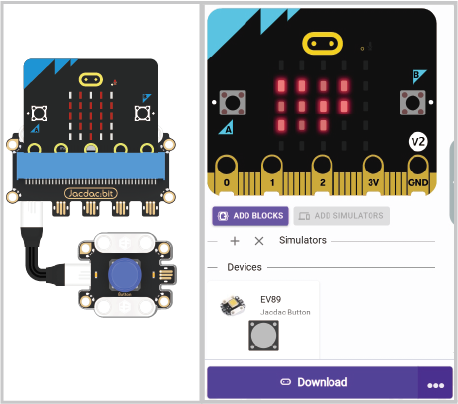
- Connect the sensor. MakeCode will automatically recognize it and simulate its status in real time in the simulation area.
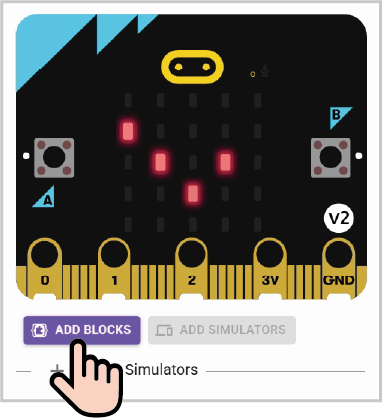
- Click "ADD BLOCKS" for the sensor extension module. Note: When connecting a new sensor, repeat the operation of clicking "ADD BLOCKS" for the sensor extension module.
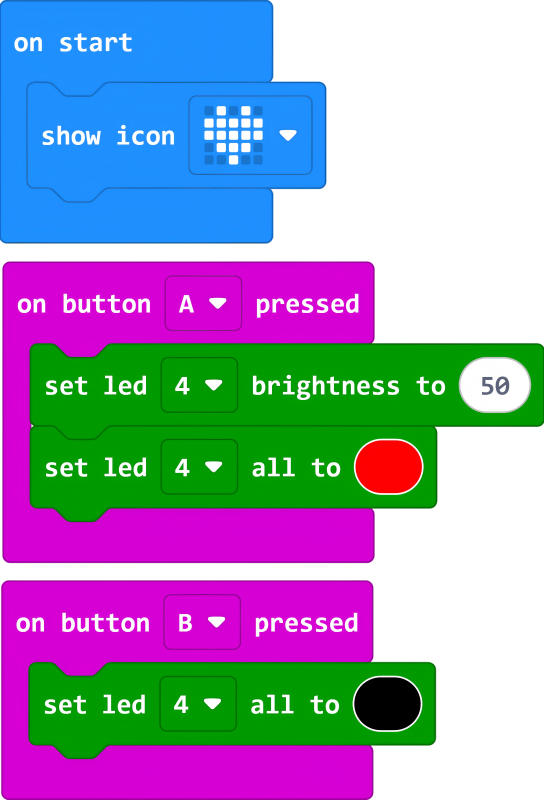
Program Code Example
Reference Program Link
https://makecode.microbit.org/_DdMYKefUdJ33
You can also download and run it via the embedded link:
Result
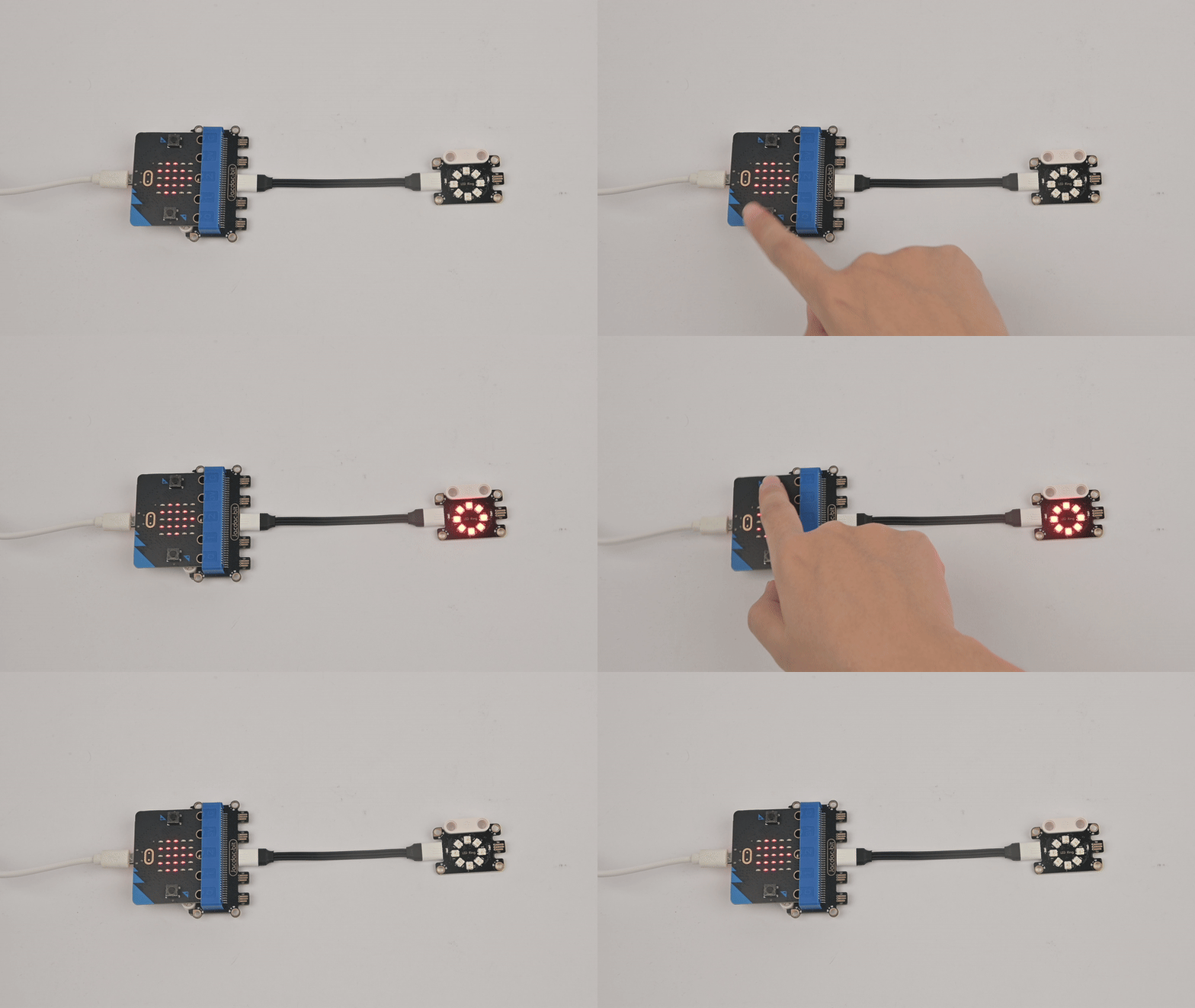
Press the A button on the micro:bit, and the LED ring lights up red; press the B button, and the LED ring turns off.