WIFI Module(EF05036)
Introduction
it is able to connect the micro:bit to the IoT platform and upload the data or control the micro:bit from the platform.

Products Link
ELECFREAKS PlanetX WiFi Sensor
Characteristics
Designed with RJ11 ports and easy to plug.
Specification
| Item | Parameter |
|---|---|
| SKU | EF05036 |
| Connection | RJ11 |
| Connection Type | Serial Communication |
| Core IC | BL602 |
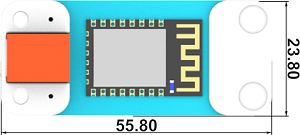
Outlook and Dimension
Quick to Start
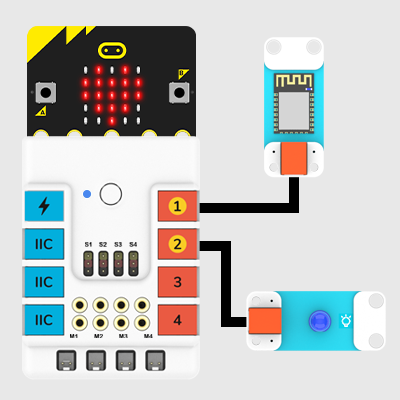
Materials required and connections diagram
Connect the WIFI module to the J1 port and the LED to J2 port on Nezha expansion board.
Smart IoT
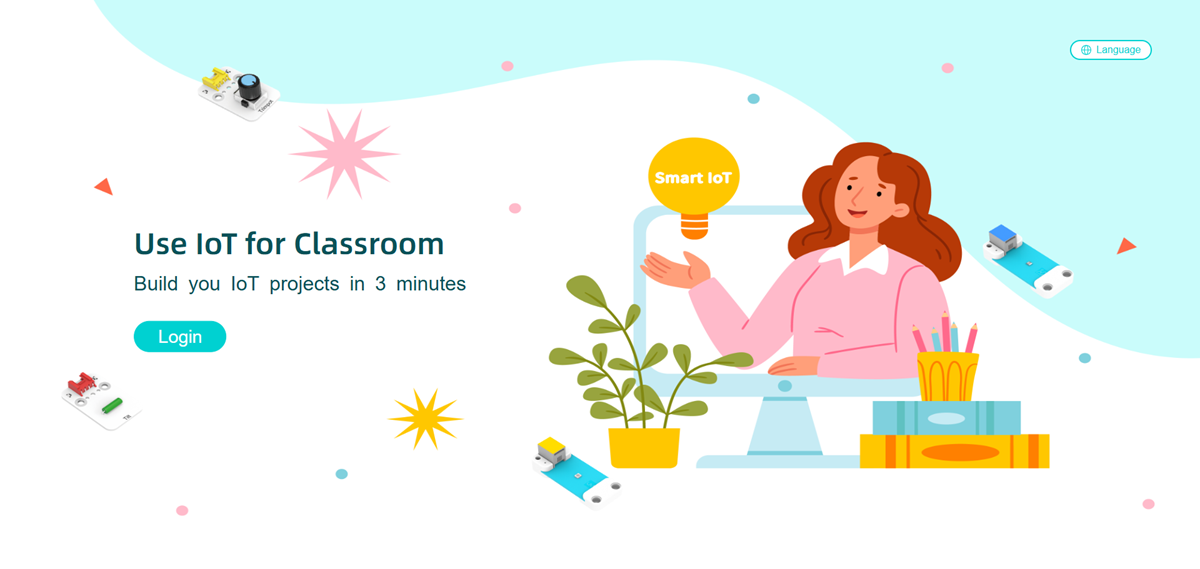
SmartIoT is a platform for IoT(Internet of Things) produced by ELECFREAKS with only three minutues to get connected, it can achieve a remote control to the micro:bit. (Currently in English version only) link: SmartIoT Cloud Platform: https://www.smartiot.space/
Language Switch
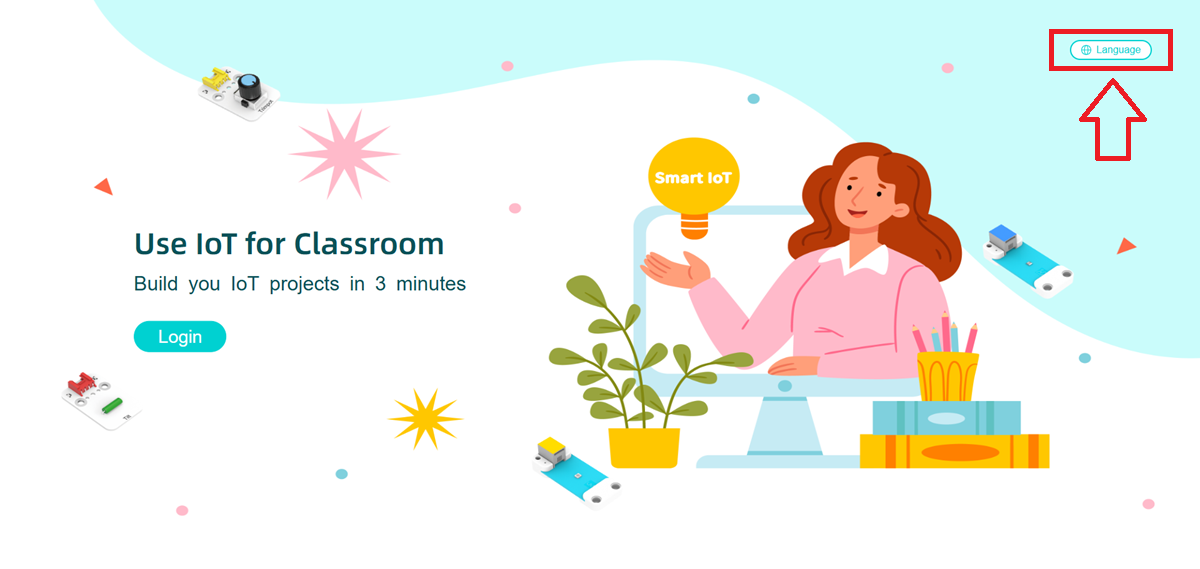
The SmartIoT platform supports multiple languages (machine translation), allowing users to select their preferred language.
Click the language switch button in the upper right corner.
Select the language you want to use.
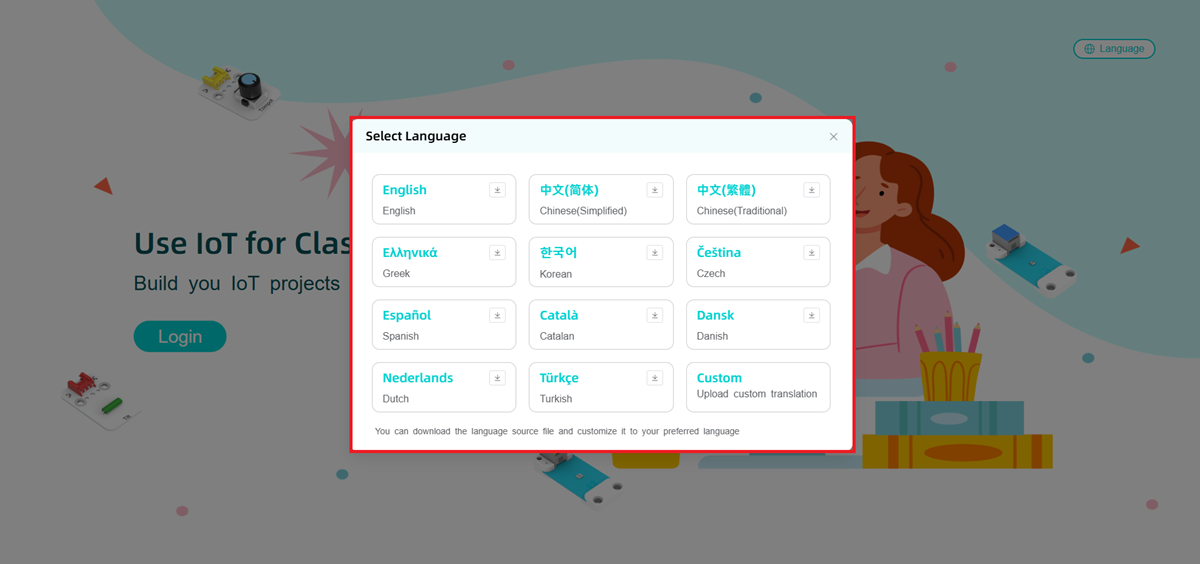
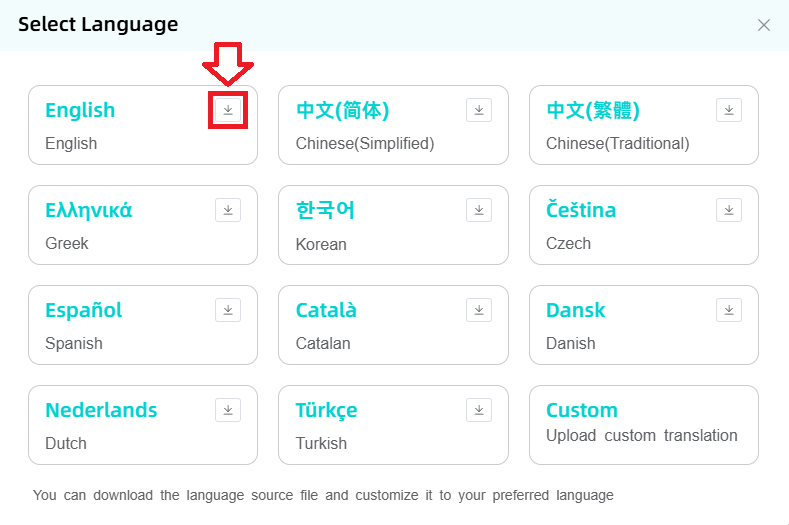
If the available languages do not meet your needs or the translation is incorrect, you can click Download Template to translate it by yourself.
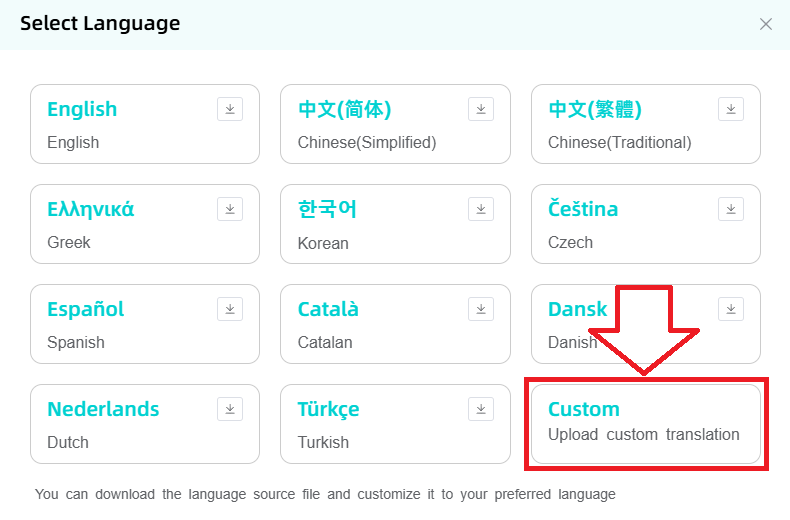
After the translation is completed, click Upload to upload the translation file yourself. This translation function can only be used on the local machine.
SmartIoT
For more information about SmartIoT, please visit this link:https://wiki.elecfreaks.com/en/smartiot/smartiot-quick-start/
Write Code
Programme
Modules Connection Diagram
Click "Advanced" in the drawer of the MakeCode to see more choices.
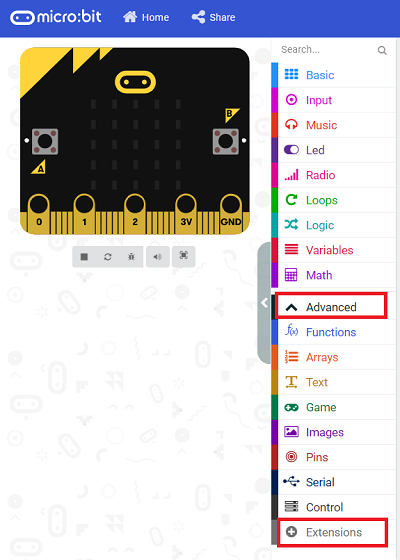
We need to add a package for programming. Click "Extensions" in the bottom of the drawer and search with "PlanetX" in the dialogue box to download it.
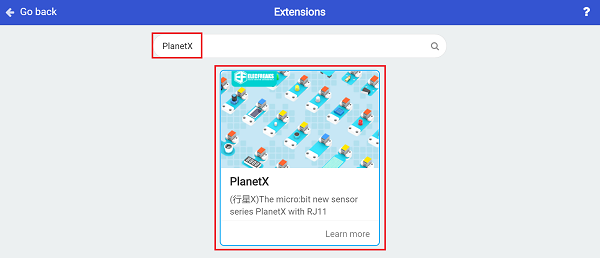
Note: If you met a tip indicating that the codebase will be deleted due to incompatibility, you may continue as the tips say or build a new project in the menu.
Link

Link: https://makecode.microbit.org/_RTzX5r2R46t3
You may also download it directly below:
Phenomenon
Connect WIFI after powering on In the forever brick, judge if WIFI is successfully connected, if yes, it displays a big heart icon; or it keeps trying. In the forever brick, judge if SmartIoT is successfully connected, if yes, it displays a small heart icon; or it keeps trying. If the smartIoT is successfully connected, a random value from 0~10 will be uploaded to the platform. Turn on the switch on the platform to turn on the LED. Turn off the switch on the platform to turn off the LED.