Case 8: Secret Messages to Friends
Introduction:
When a signal change is detected in the button sensor, data is sent to another micro:bit v2 through the Bluetooth communication of micro:bit and a sound is emitted, simulating a telegram.
Case Purpose:
Understand the Bluetooth programming building blocks.
Master the use of Bluetooth programming building blocks.
Required Materials:
| Item | Picture | Quantity |
|---|---|---|
| micro:bit V2 | .png) | 2 |
| Jacdac expansion board |  | 2 |
| Jacdac 10cm connection lines |  | 2 |
| Botton Sensor | 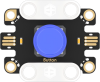 | 2 |
| USB Cable |  | 1 |
Sensor principle description:
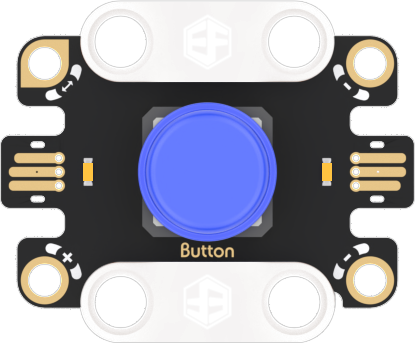
Principle description
Button sensor: A sensor used to detect the status of a button, which outputs signals carrying "0" and "1".
Connection diagram
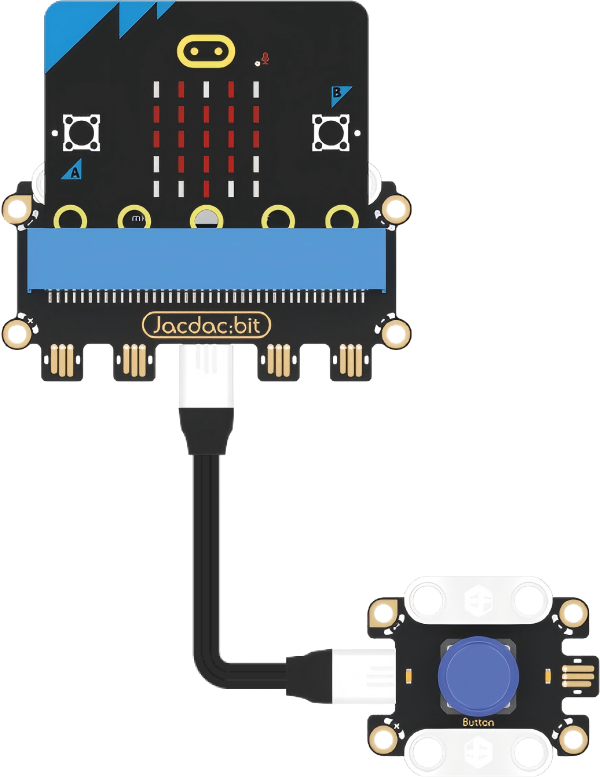
As shown in the figure below, insert the micro:bit into the Jacdac expansion board, and use a connecting wire to connect the button sensor to the gold finger interface of the Jacdac expansion board.
Programming software
Makecode programming
Step 1: How to add Jacdac extension
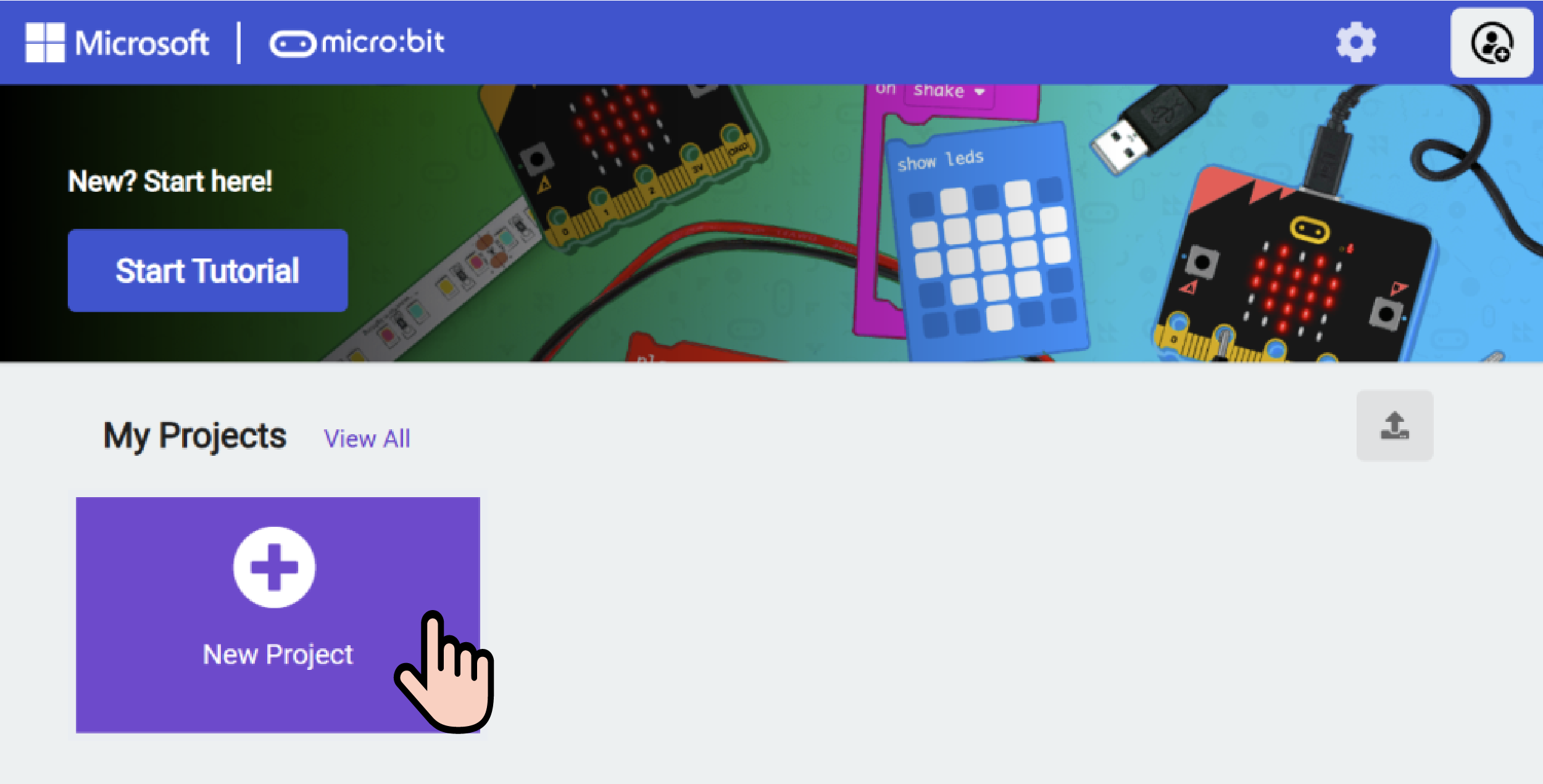
- Enter Microsoft Makecode and click "New Project".
- Enter a project name in the pop-up window and click Create.

- Enter a project name in the pop-up window and click Create.
- Click "Extend" in the code drawer.

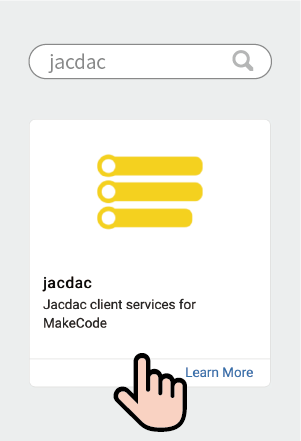
- In the pop-up interface, enter "Jacdac" and click the search icon, select the Jacdac software library, as shown in the figure.
Step 2:
- Connect micro:bit to the computer with a data cable.
Note: If the micro:bit is running the Jacdac program for the first time, please pre-install a blank Jacdac program on the motherboard, otherwise skip this step.
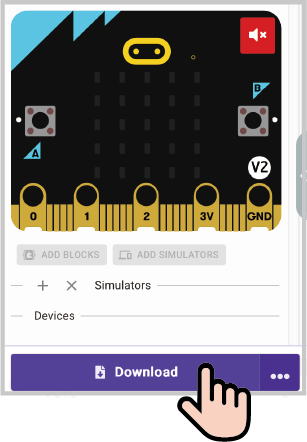
- Connect the sensor, MakeCode will automatically identify and simulate it, and the sensor will provide real-time feedback of the sensor status in the simulation area.
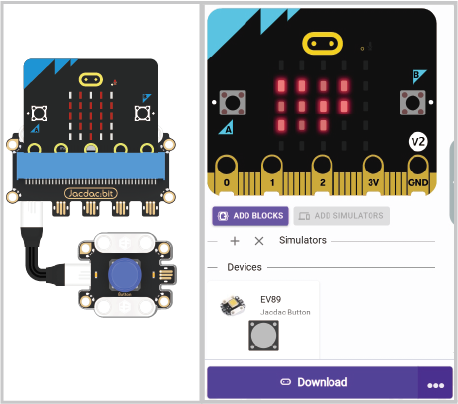
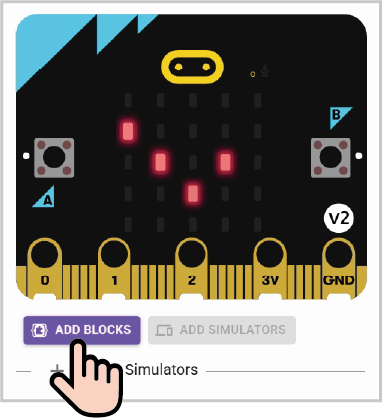
Click on "ADD BLOCKS" sensor expansion module.
Note: To connect a new sensor, repeat the "Click on "ADD BLOCKS" sensor expansion module" operation process.
Write the program as shown
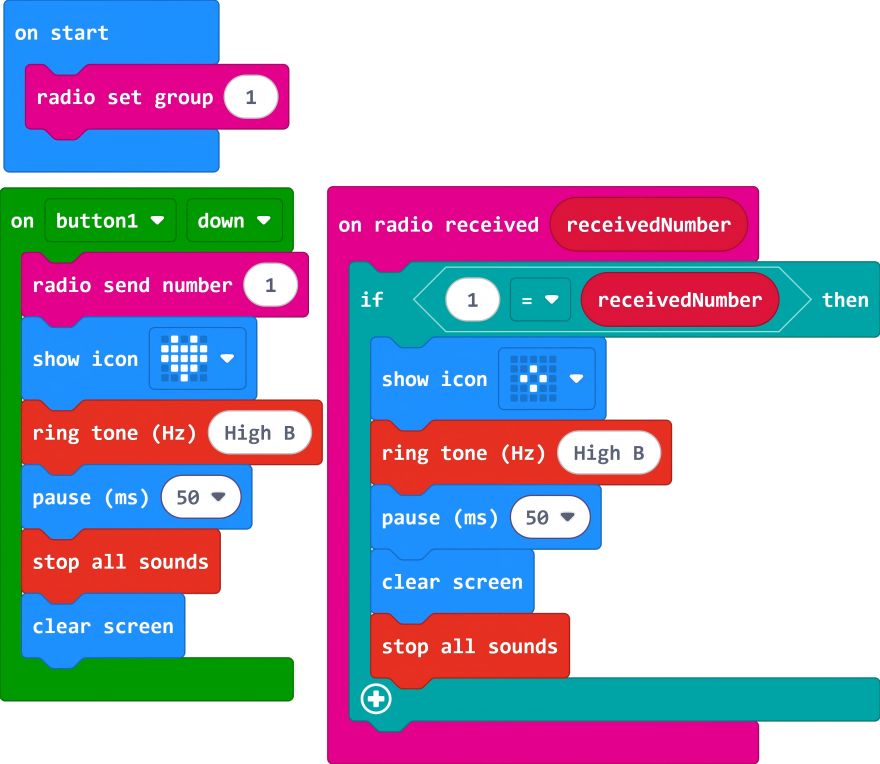
Reference program link:
https://makecode.microbit.org/S83743-98701-12336-57919
You can also download the program directly from the following webpage, and start running the program after downloading.
Result
When the button sensor is pressed, the micro:bit displays "heart" and plays a sound, and sends information to another micro:bit via Bluetooth communication. When the other board receives the information, it displays a pattern and plays a sound.
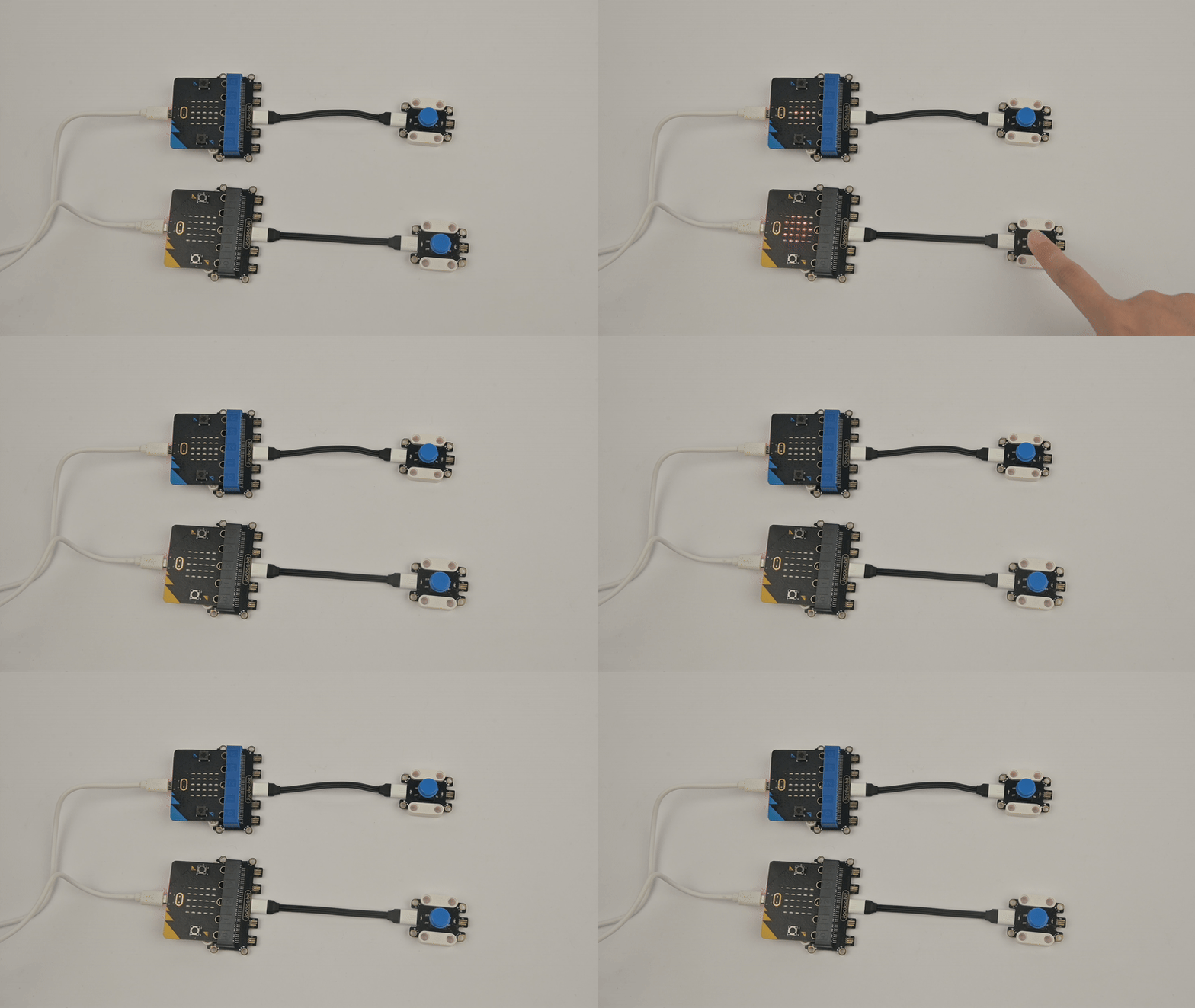
Thinking
If a button sensor is used to simulate sending Morse code, how should the program be set?