Case 7: Voice-controlled night light
Introduction:
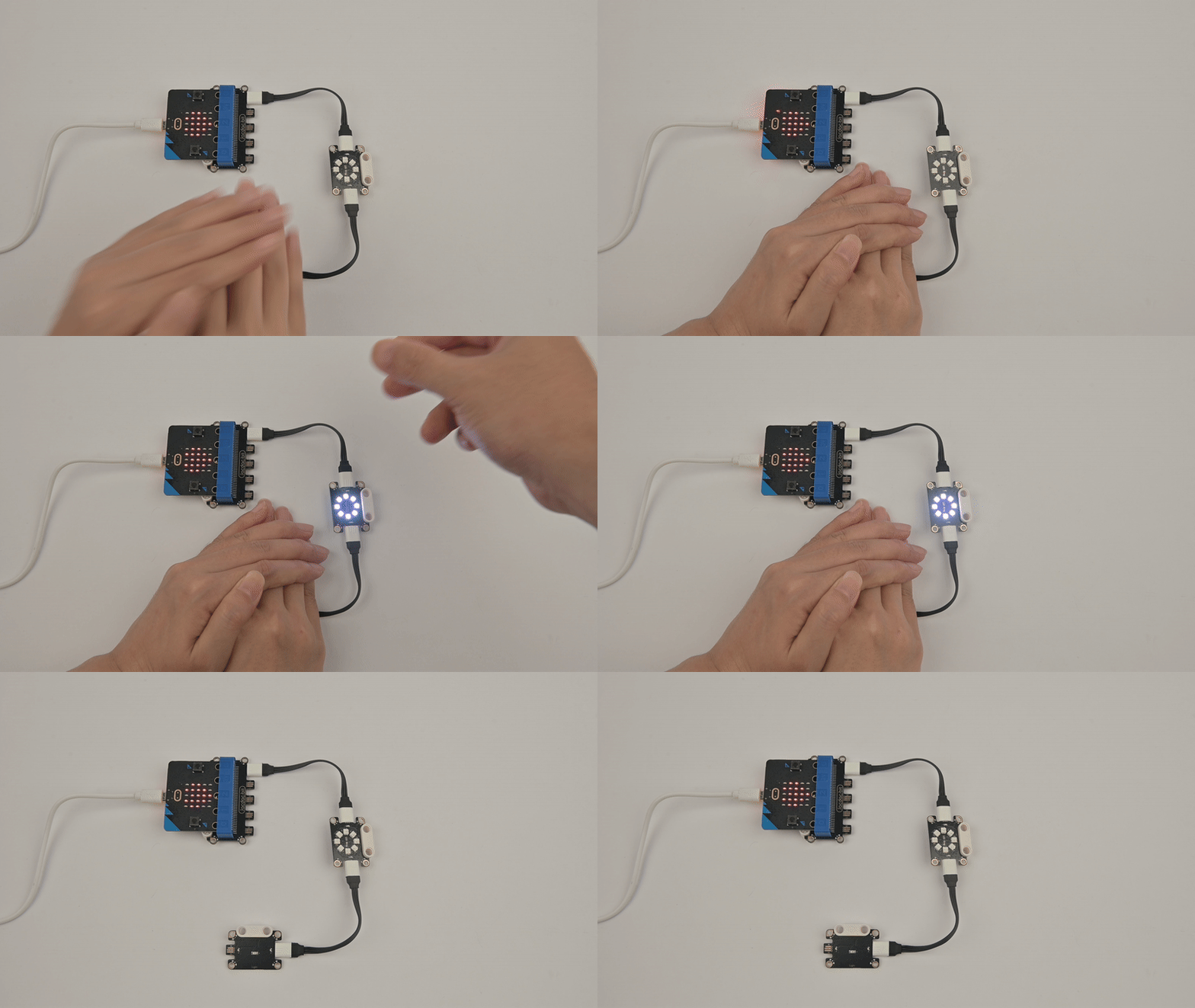
If the light sensor detects that the ambient light is less than 4%, and the microphone of the mciro:bit detects that the sound volume is greater than 100, the LED light ring will light up, otherwise, the LED light ring will turn off.
Case purpose:
Understand the light ring.
Understand the light sensor.
Understand the logic operation module in MakeCode.
Required materials:
| Item | Picture | Quantity |
|---|---|---|
| micro:bit V2 | .png) | 1 |
| Jacdac expansion board | 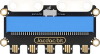 | 1 |
| Jacdac 10cm connection lines |  | 2 |
| Light Sensor | 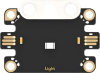 | 1 |
| Light Ring | 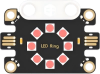 | 1 |
| USB Cable |  | 1 |
Sensor principle description:
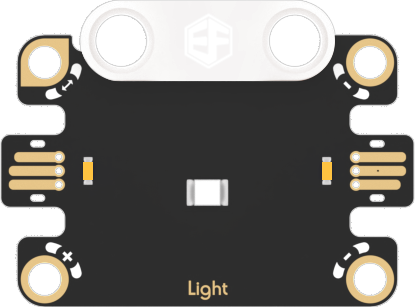
Principle description
Photosensitive sensor: a sensor used to detect the intensity of ambient light.
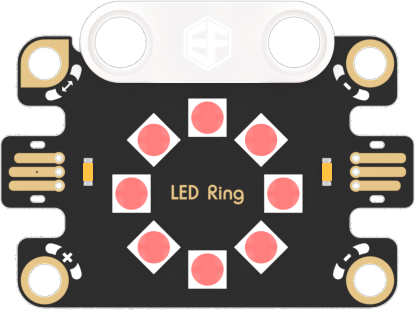
Principle description:
Light ring: a circular light ring composed of 8 RGB lights.
Connection diagram
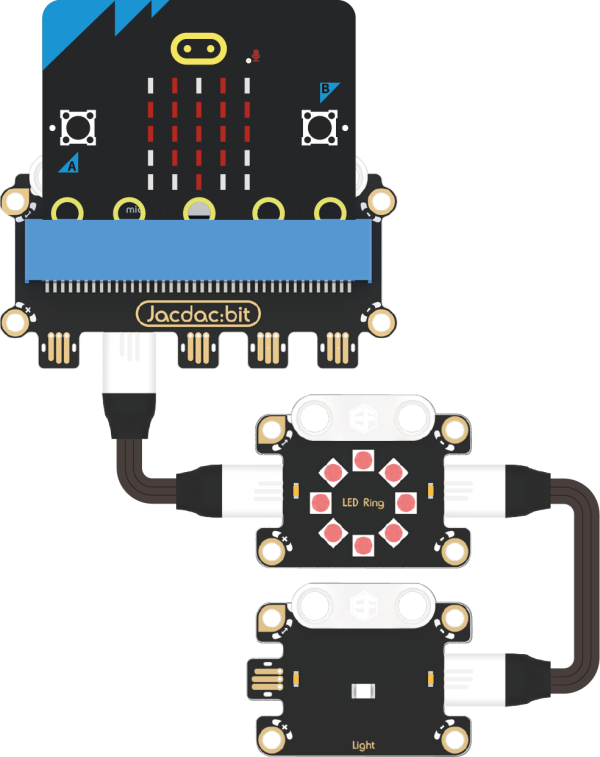
As shown in the figure below, insert the micro:bit into the Jacdac expansion board, and use the connecting wire to connect the light sensor and the light ring to the gold finger interface of the Jacdac expansion board in a daisy chain manner.
Programming software
Makecode programming
Step 1: How to add Jacdac extension
- Enter Microsoft Makecode and click "New Project".

- In the pop-up window, enter a project name and click Create.

- Click "Extend" in the code drawer.

- In the pop-up interface, enter "Jacdac" and click the search icon, select the Jacdac software library, as shown in the figure.

Step 2:
- Connect micro:bit to the computer with a data cable.
Note: If the micro:bit is running the Jacdac program for the first time, please pre-install a blank Jacdac program on the motherboard, otherwise skip this step.
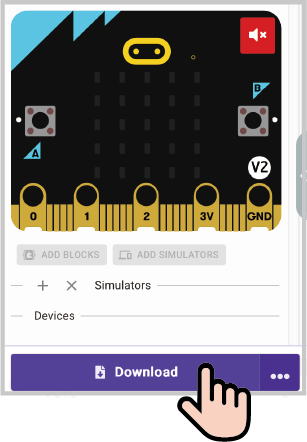
- Connect the sensor, MakeCode will automatically identify and simulate it, and the sensor will provide real-time feedback of the sensor status in the simulation area.
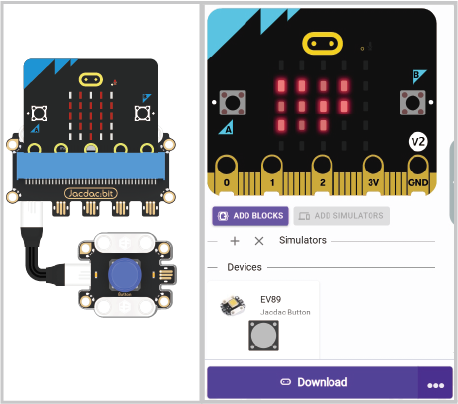
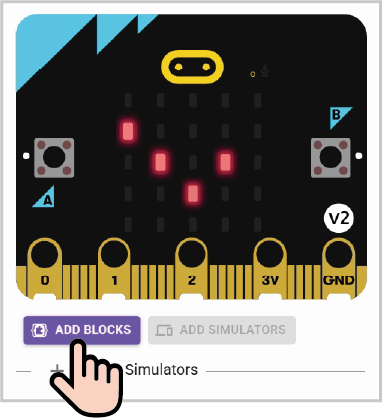
Click on "ADD BLOCKS" sensor expansion module.
Note: To connect a new sensor, repeat the "Click on "ADD BLOCKS" sensor expansion module" operation process.
Write the program as shown
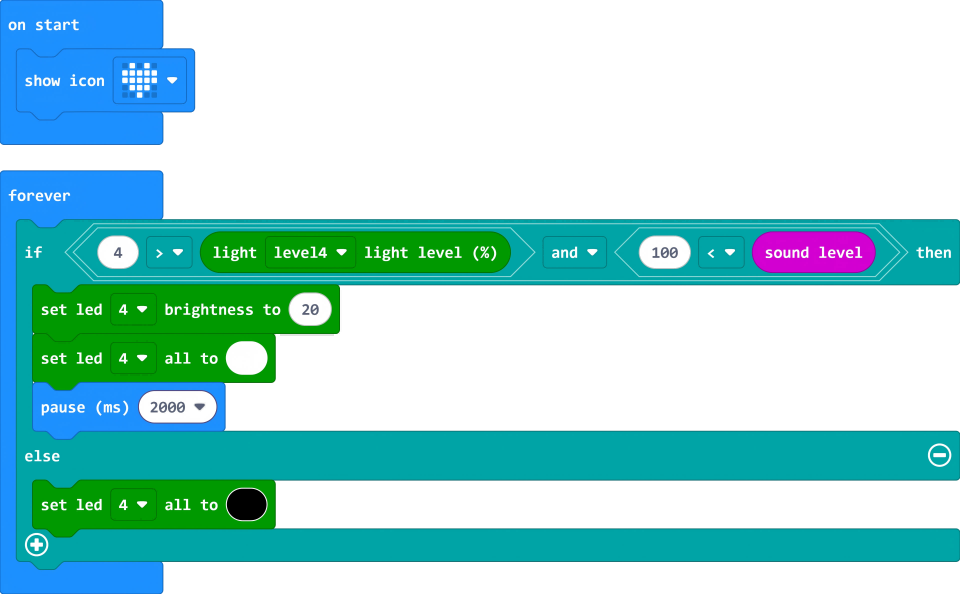
Reference program link:
https://makecode.microbit.org/S01236-99192-60732-04359
You can also download the program directly from the following webpage, and start running the program after downloading.
Result
When the light sensor detects that the ambient light is less than 4%, and the micro:bit microphone detects that the ambient sound volume is greater than 100%, the light ring lights up.
Thinking
What other scenarios can light sensors be used in life?