Programming Environment Preparation
Setting Up the Programming Environment
- We need to write programs in programming software, so first, we should download and install a programming tool. The software we recommend is: Thonny.

Install Thonny, select the language option as needed, and use the standard settings (set to "Standard").
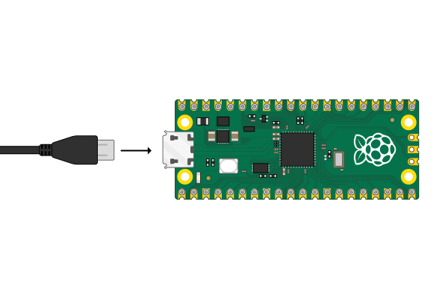
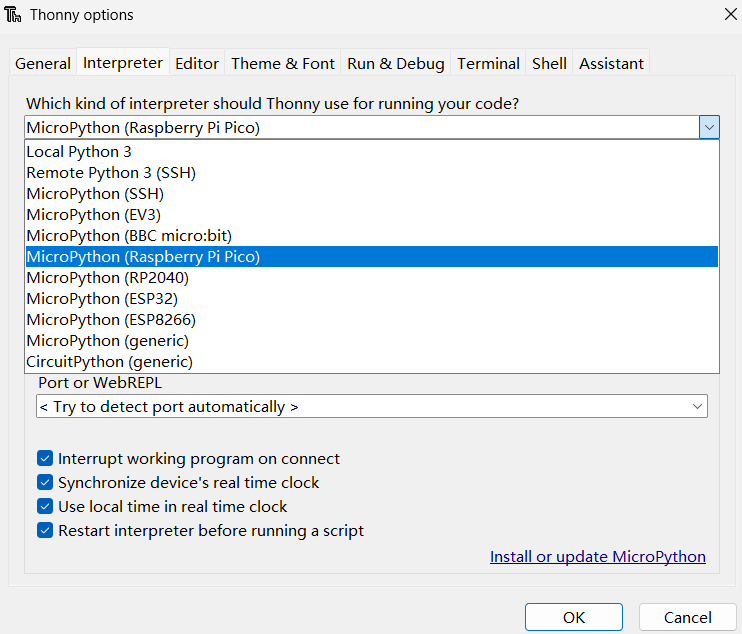
After connecting the development board to the computer via USB, select the
Tools→Optionscommand from the main menu. In the panel below, select the board type: MicroPython (Raspberry Pi Pico), then click to choose to install or update the firmware.
Connecting Pico to the Computer
Use a USB cable to connect Pico to the USB port of your computer.