TPBot Introduction
Introduction
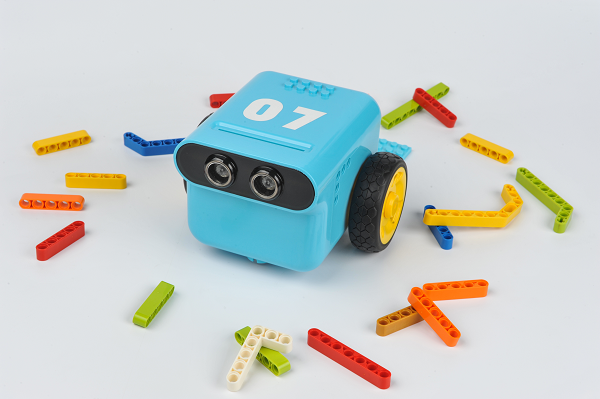
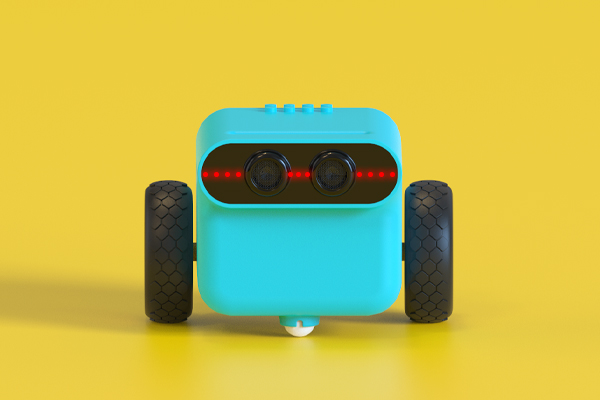
- TP Bot is a smart coding car for micro:bit. It can be regarded as a toy for its preset functions that do not need a micro:bit; it can also be used as a teaching aid at the same time, you can code it via the micro:bit or make extensions for the other modules and the Lego bricks to develop children’s imagination and creativity.
Picture
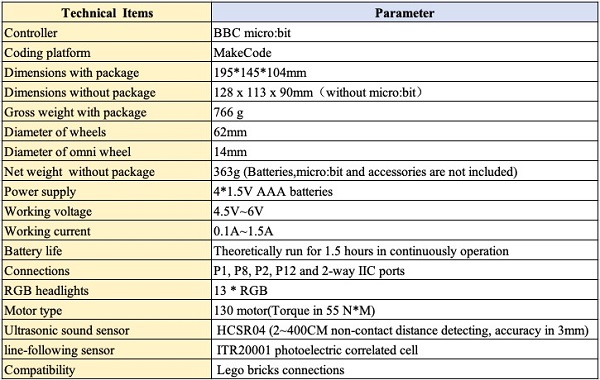
Parameter
Purchasing Link
- 1 x TPBot
Connections Diagram
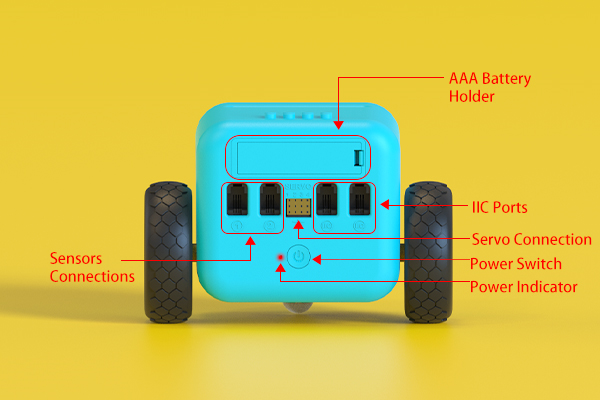
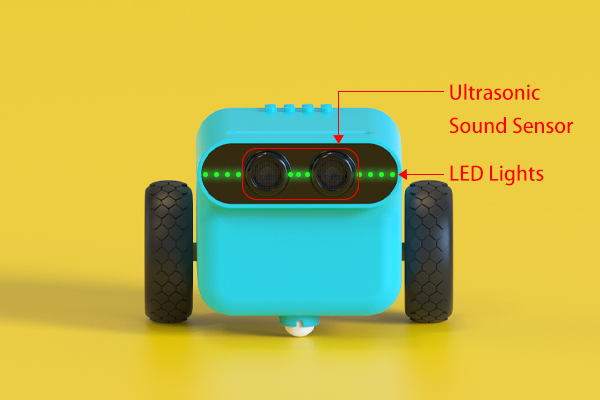
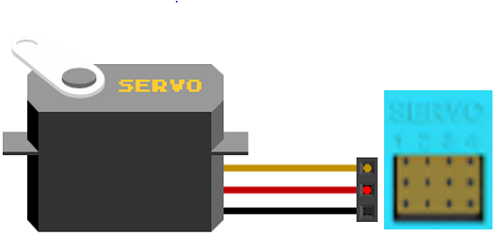
Note: The connection to servos shall be inserted vertically with the Ground wire in the bottom.
User Guide
- TPBot is available to operate even without the micro:bit, here are the instructions:
- Press the power button to enter into its standby mode, here lights on the power indicator and the LEDs in breathing green.
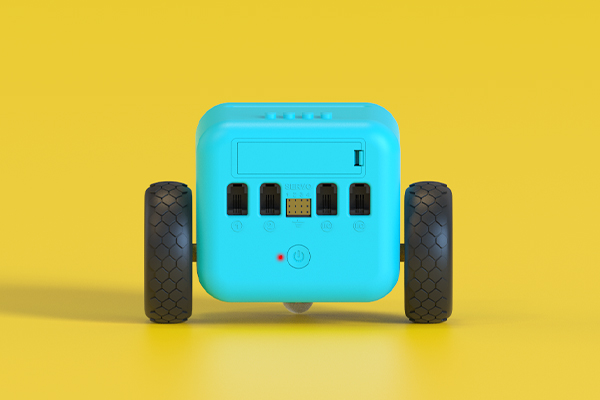
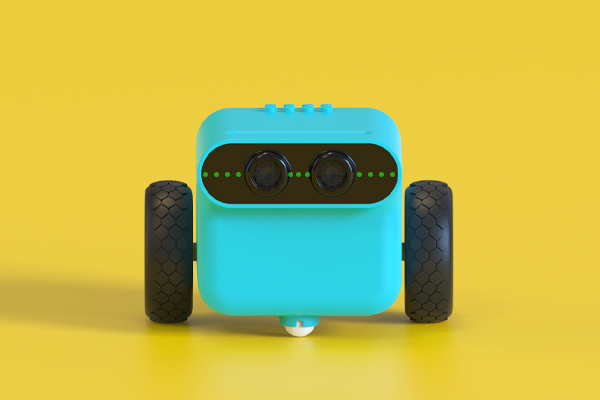
- While in its standby mode, press the power button to enter into the line-tracking & obstacles-avoidance mode, here lights on the LEDs in rainbow mode at the same time.
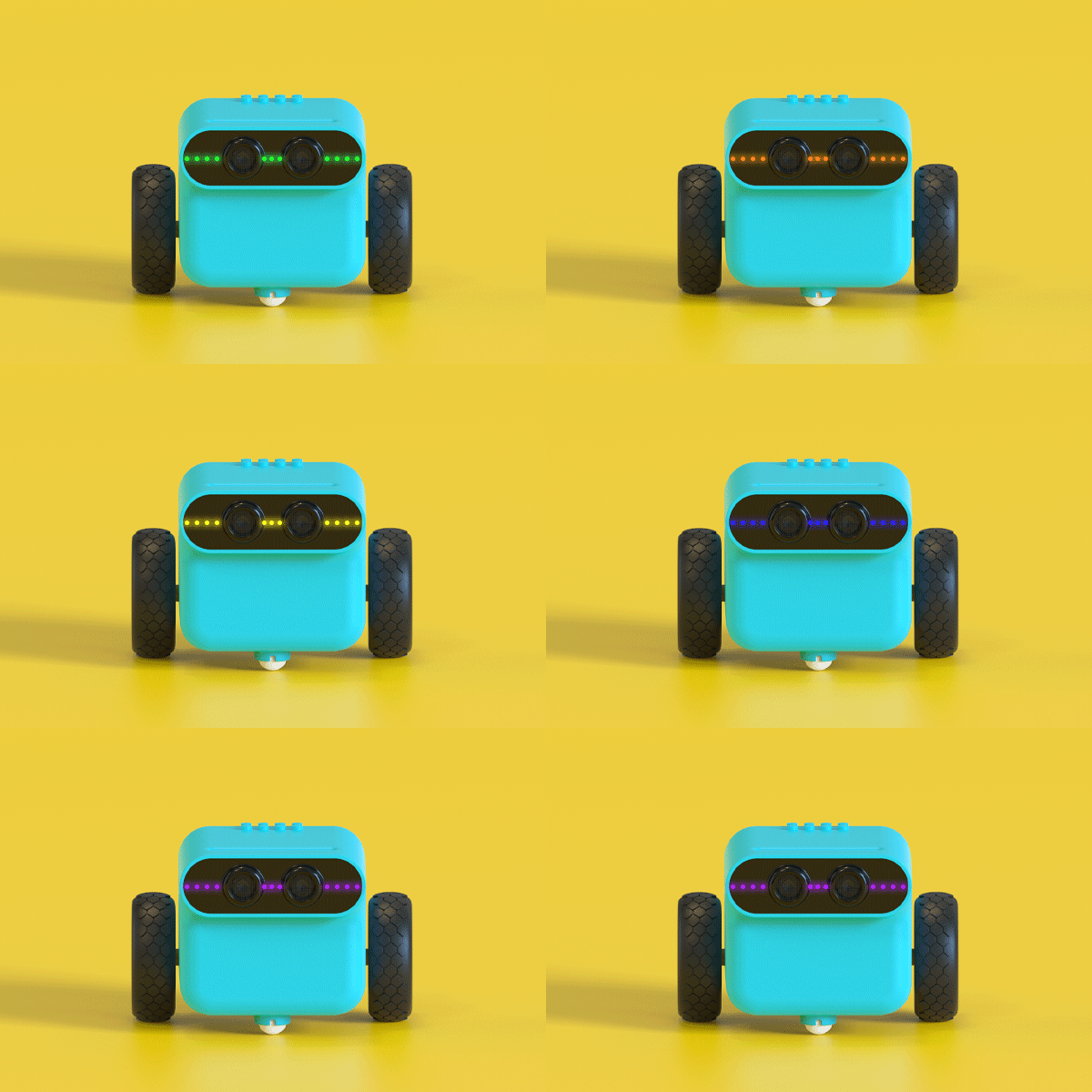
- While in its line-tracking & obstacles-avoidance mode, the headlights turn to red and it stops moving if an obstacle was detected.
- While in its line-tracking & obstacles-avoidance mode, press the power button to get back to the standby mode.
- No matter in its line-tracking & obstacles-avoidance mode or the standby mode, double click the power button to power off the TPBot.
Components
TPBot Smart Car * 1
Sticker(s) * 1
Map * 1
Manual book * 1
Batteries * 4