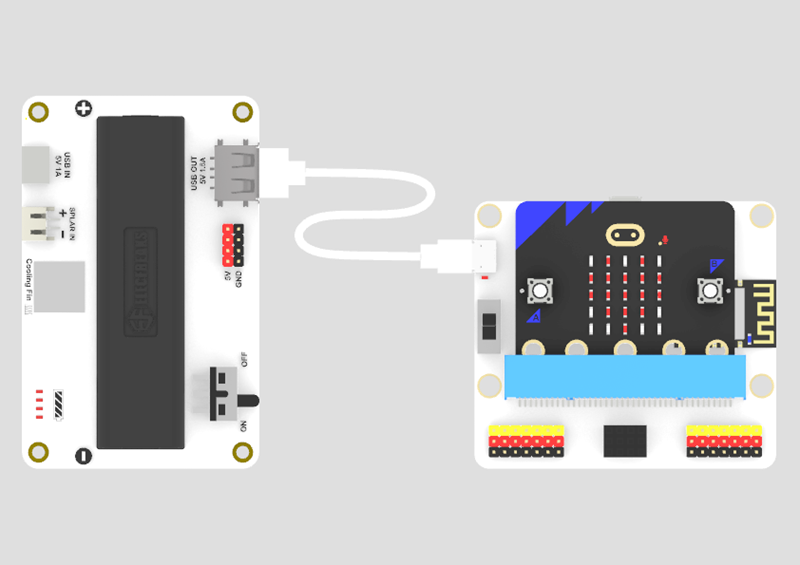
Solar Power Management Module
Introduction
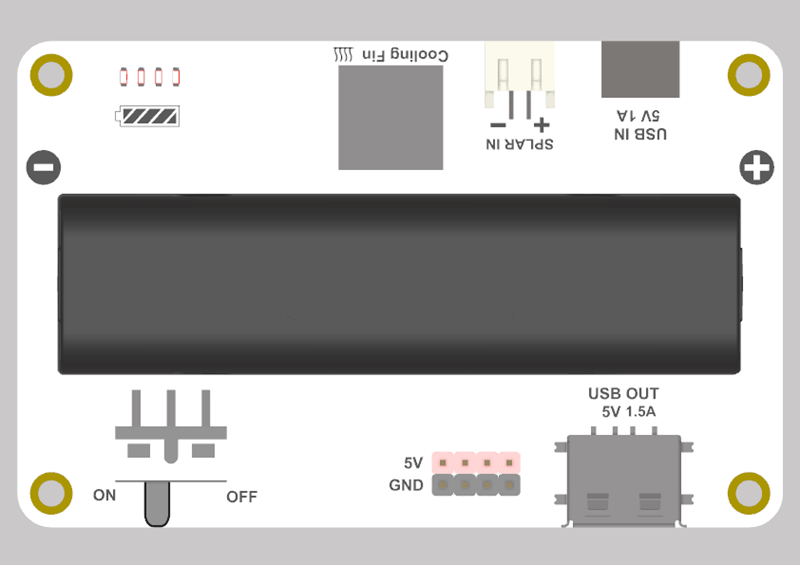
This solar power management module supports charging via solar panels and Type-C ports. It is equipped with a power output control switch and has a built-in battery compartment where 18650 batteries can be installed to expand the power storage capacity.
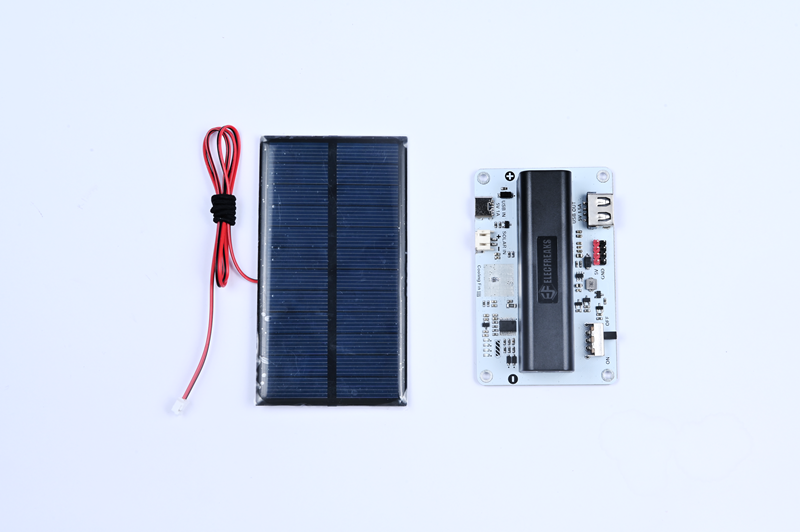
Product List
Features
- Support charging via solar energy or Type-C.
- Built-in battery compartment.
- Equipped with a power output control switch.
Technical Specifications
Solar Power Manager
| Project | Parameter |
|---|---|
| Product Name | Solar Power Manager V1.0.7 |
| SKU | EF03461 |
| Power Requirement | 3V - 5.5V |
| Interface Types | PH2.0 Type-C USB-A Pins |
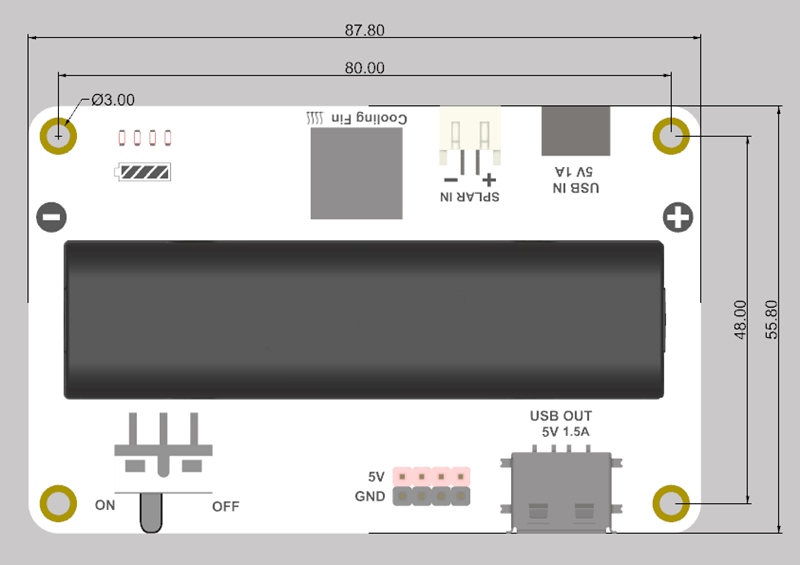
| Product Dimensions | 87.8 x 55.8 x 26mm |
| Product Weight | ? (excluding lithium battery) |
| Charging Voltage | 5V |
| Charging Current | 1A |
| Maximum Operating Voltage | 5V |
| Rated Operating Voltage | 5V |
| Minimum Operating Voltage | 4.3V |
| Standby Current | 0.03A |
| Maximum Load Output Current | 1.5A |
Solar Panel
| Project | Parameter |
|---|---|
| Product Name | Solar Panel |
| Operating Voltage (Vmp) | 6V ±3% |
| Operating Current (Imp) | 0.16A ±3% |
| Open Circuit Voltage (Voc) | 7.2V ±3% |
| Short Circuit Current (Isc) | 0.17A ±3% |
| Peak Power (Pmax) | 1W ±3% |
| Crystalline Silicon Wafer Efficiency | Over 20% |
| Power Output Operating Temperature | -20 °C to +60°C |
| Power Tolerance | ±3% |
| Dimensions | 110 × 60 × 2.2 - 2.5mm |
| Weight | 0.03kg ±0.01 |
Outline and Location Dimensions
Hardware Modules
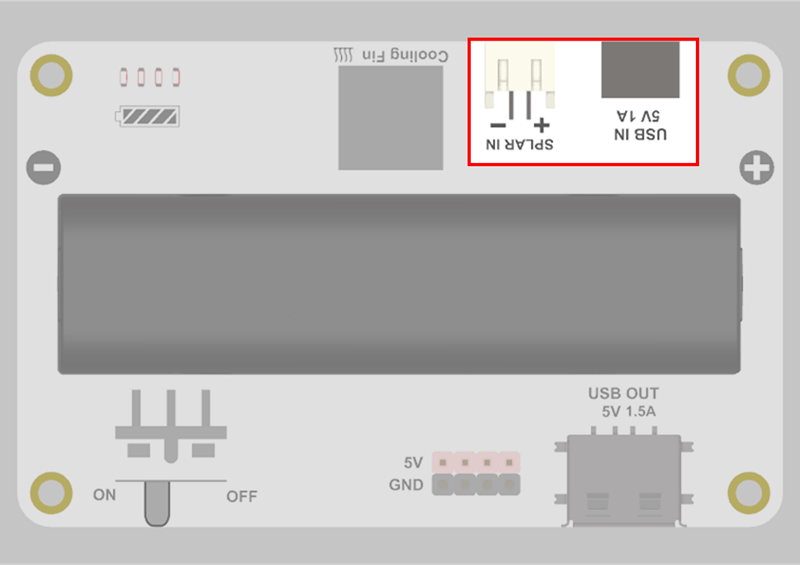
Power Input
It is compatible with the PH.0 port and Type-C interface, supporting 5V/1A input.
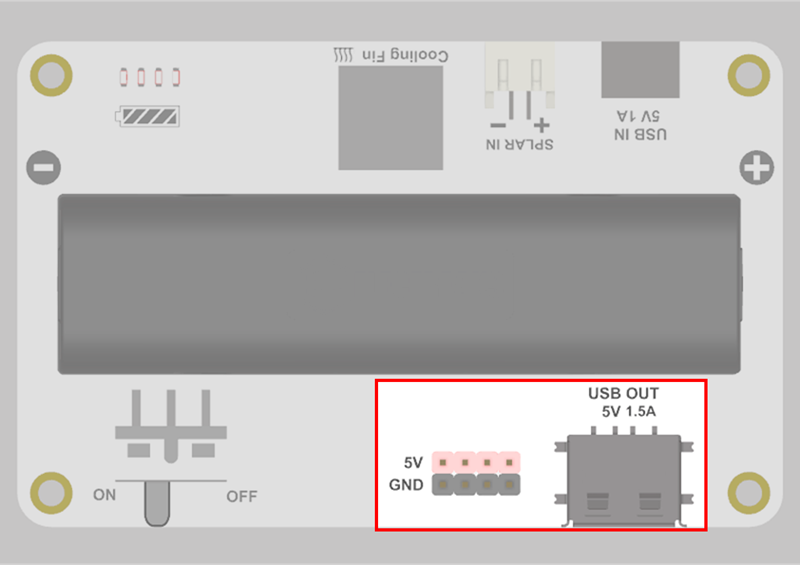
Power Output
It is compatible with pins and USB-A interface, supporting 5V/1.5A output.
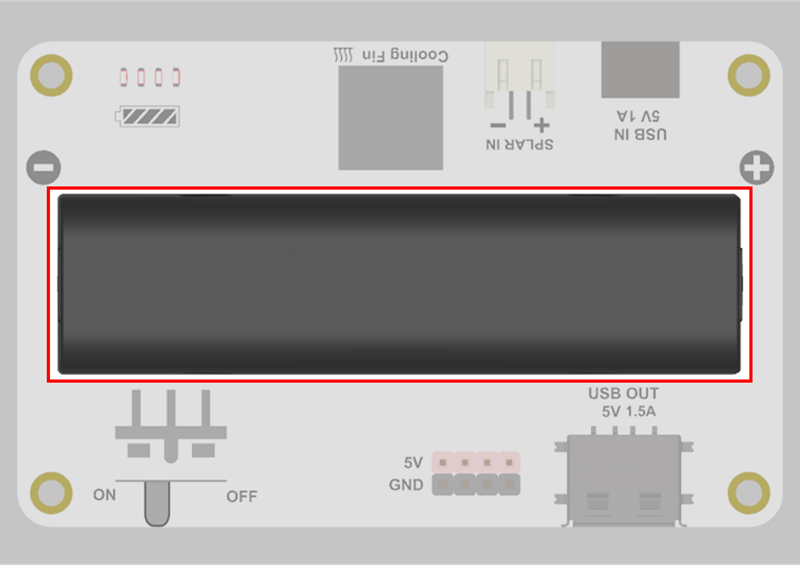
Battery Compartment
18650 lithium batteries can be installed to expand the power storage capacity.
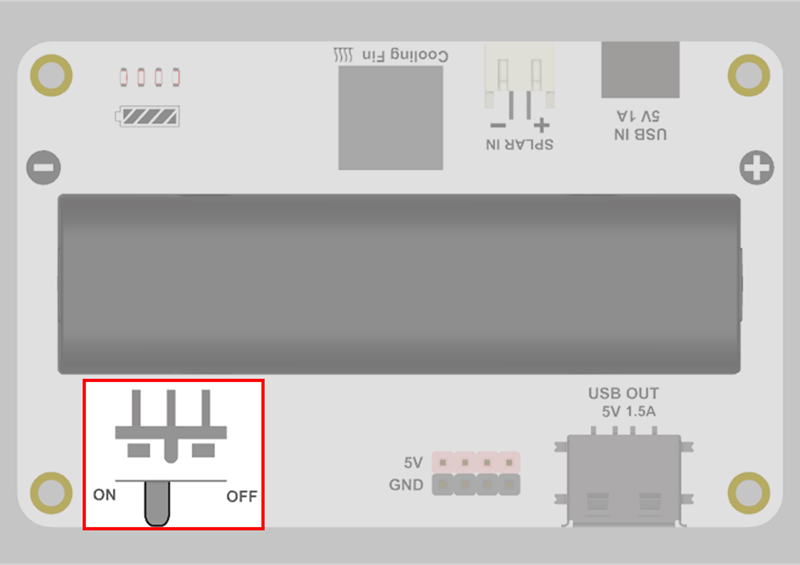
Power Switch
The power can be turned on or off by toggling the power switch.
Power Indicator
The power indicator is used to display the battery level.
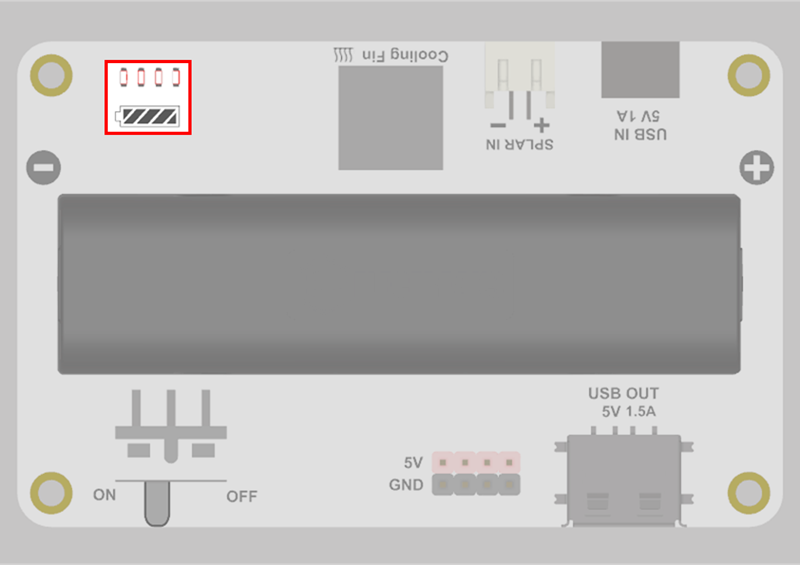
The definitions of the indicator icons are as follows:
 indicates that the LED light is constantly on.
 indicates that the LED light is off.
 indicates that the LED light is flashing.
Discharging
| Current State | LED 1 | LED 2 | LED 3 | LED 4 | Battery Level |
|---|---|---|---|---|---|
| Discharging | | | | | 76% - 100% |
| | | | 51% - 75% | |
| | | | 26% - 50% | |
| | | | 6% - 25% | |
| | | | 0% - 5% |
Charging
| Current State | LED 1 | LED 2 | LED 3 | LED 4 | Battery Level |
|---|---|---|---|---|---|
| Charging | | | | | 100% |
| | | | 75% - 99% | |
| | | | 50% - 74% | |
| | | | 26% - 49% | |
| | | | 0% - 25% |
- Connect the power supply when the power is off.
- The power indicator will show the current battery level and flash when charging.
- When fully charged, all power indicators will light up. Please disconnect the power supply to complete the charging.
Usage Instructions
If you do not install the 18650 lithium battery, you can connect an external power source (such as a solar charging panel) through the power input interface, turn on the power switch, then connect the solar power management module to the electrical appliance through the USB-A interface, and turn on the power switch.
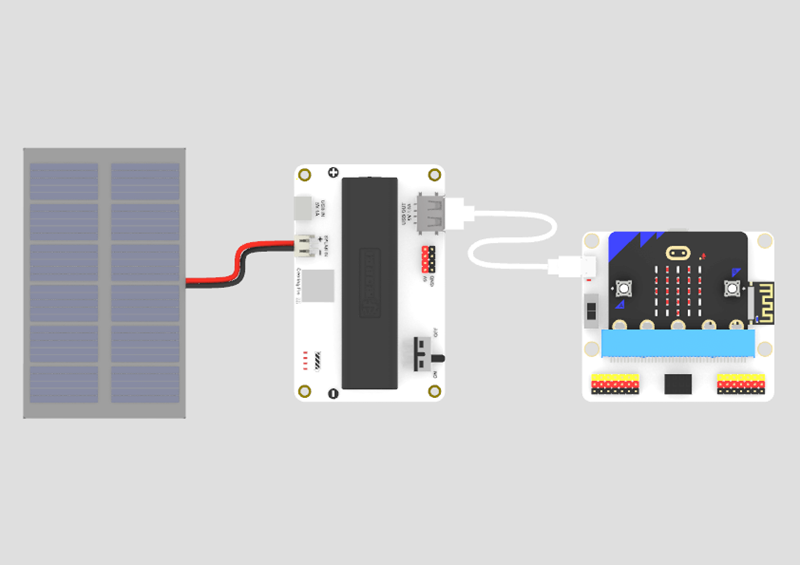
Note: The solar panel equipped with this product is small in size. It is only used to demonstrate the charging status of solar power. Its actual output power cannot drive electrical loads. If you need to power electrical devices, please equip a larger solar panel separately.
Note: When power is connected to both power input interfaces (PH2.0 interface/Type-C interface) simultaneously, the solar power management module will preferentially use the power from the Type-C interface.
Note: The charging power of the solar charging panel is related to the light intensity. When the light intensity is too low, the charging efficiency is too low to activate the power management chip of the solar power management module, and the charging state cannot be entered at this time.
If you install the 18650 lithium battery, you can power the device through the lithium battery, connect the solar power management module to the electrical appliance through the USB-A interface, and turn on the power switch.