Raspberry Pi Environment Development
Show Raspberry Pi Desktop
Using the supplied Micro HDMI cable, plug one end into the lower left port of the screen and the other end into the monitor, while plugging the Type-C USB Hub into the lower right port of the screen, plug the mouse and keyboard into the Hub to operate the Raspberry Pi desktop.
Remote the log-in
Login to the Raspberry Pi using any terminal SSH with the Raspberry Pi system default pi for both username and password.
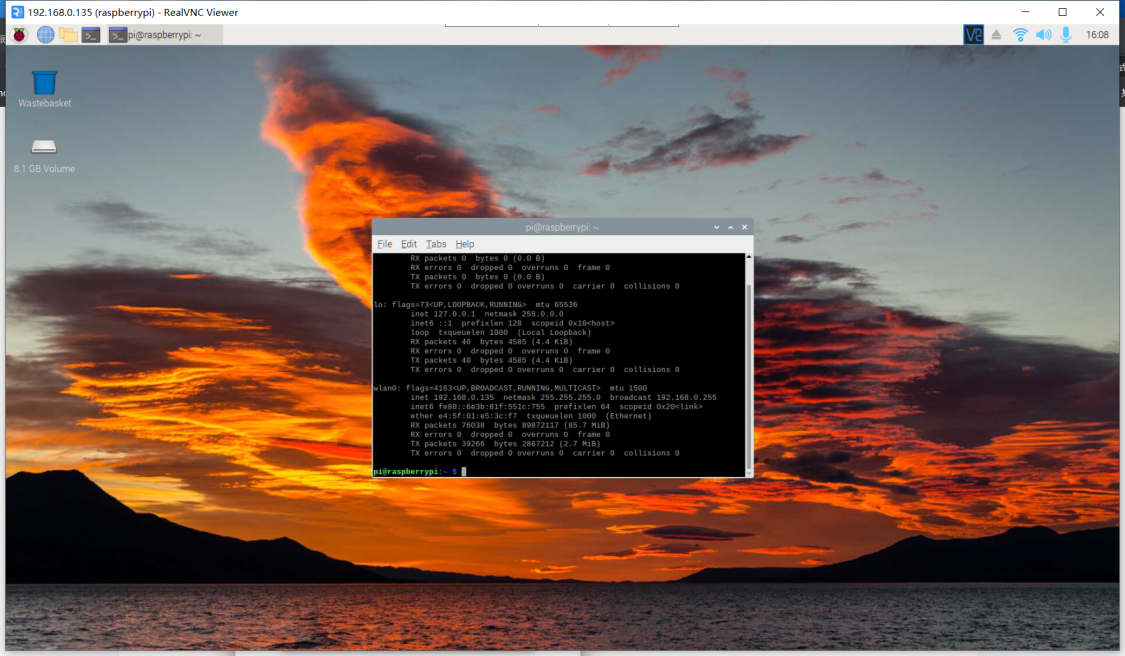
Download the VNC tool from the following download link: https://www.realvnc.com/en/connect/download/viewer/
Open the tool and enter the IP of the XGO dog