Petal Series Light Intensity Sensor
Product Overview
The light intensity sensor can detect the ambient light intensity.

Specifications
| Name | Illustration |
|---|---|
| Interface Type | HY2.0 4-pin Right-angle Header |
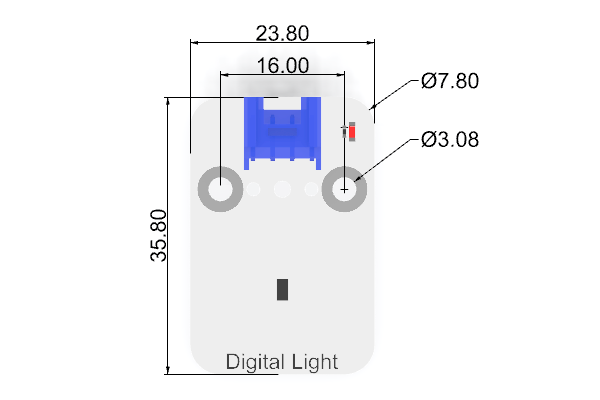
| Product Dimensions | 35.8mm (L) x 23.8mm (W) |
| Product Weight | 4.4g (excluding packaging and accessories) |
Dimension Drawing
Hardware Wiring
Connect the Petal Series Light Intensity Sensor to the IIC port of the Petal Base Expansion Board.

Software Programming
Create a New Project and Add Extensions
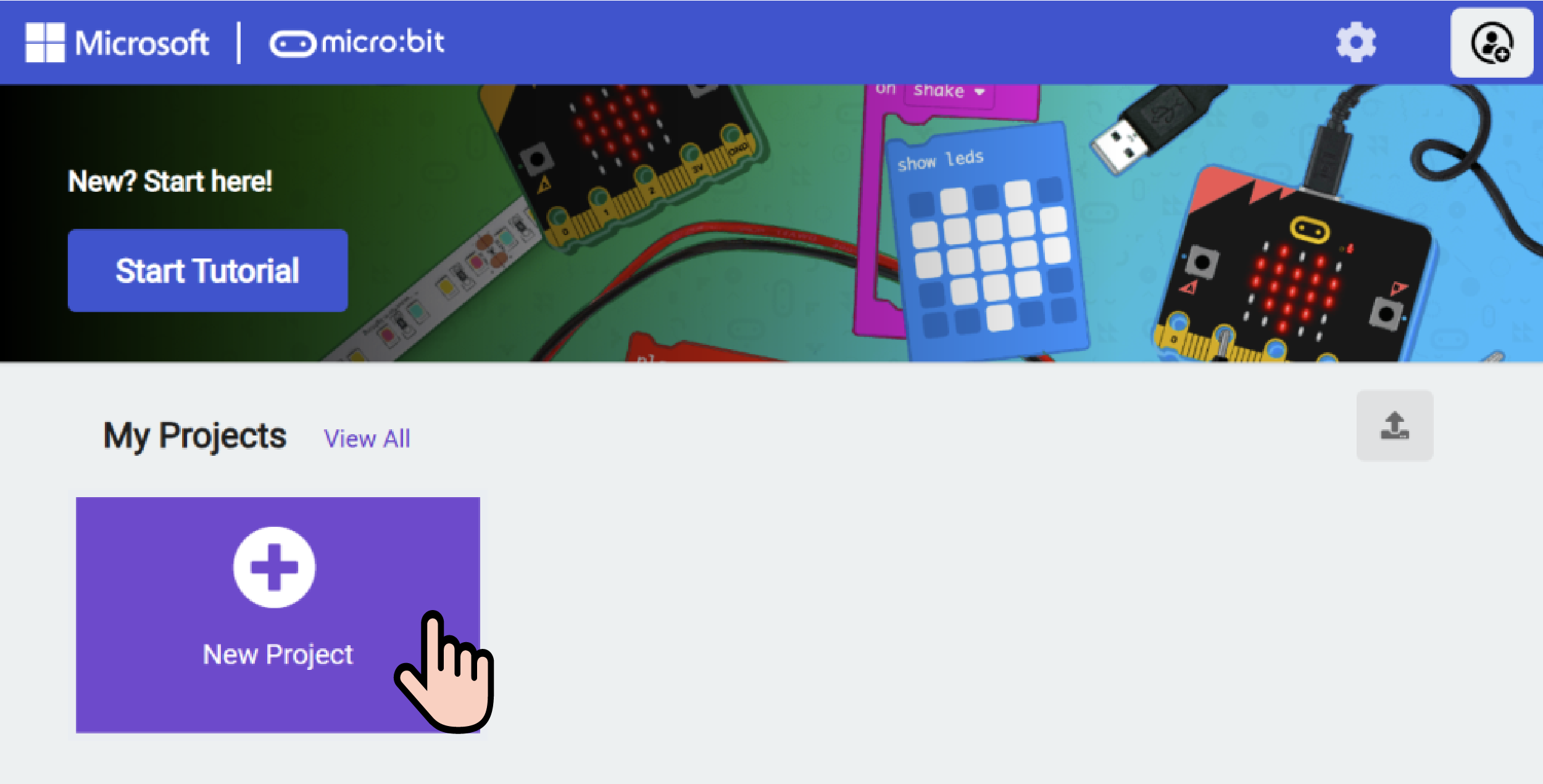
Go to makecode.microbit.org and click New Project.
Enter a project name in the pop-up window and click Create.

Click Extensions in the code drawer.

Enter petal in the pop-up interface and click the search icon. Click the petal software library when it appears in the search results.

Sample Program

Program Link: https://makecode.microbit.org/_2EU3wo70oiHJ
You can also download the program directly through the webpage below.
Download the Program
Connect your PC and micro:bit V2 with a USB cable.

After a successful connection, a drive named MICROBIT will be detected on your computer.

Click the icon in the bottom left corner , and select Connect Device.

Click .
.

Click .
.

Select BBC micro:bit CMSIS-DAP in the pop-up window, then click Connect. At this point, your micro:bit is successfully connected.

Click Download Program.

Result
The current ambient light intensity is displayed on the LED matrix of the micro:bit.